
The best gym lobby screen content answers the questions members ask at the front desk before they ask them: what is on next, what is new, and where do I go. Start with a live class schedule, add one current promotion and one human element such as a trainer spotlight, keep every message readable in seconds, and update it automatically so it never goes stale. The rest of this guide shows you what to put on the screen, how to lay it out, how to keep it current and how to tell whether it works.
TL;DR
- Lead with the next three sessions, then rotate a promotion, a trainer or member feature, a facility reminder and short brand video.
- Keep each message readable in 10 to 15 seconds, with sans-serif type, strong contrast and no rapid animation.
- Pull the schedule from your booking software so it updates itself, and review the promotional slides on a fixed rhythm.
- Mount screens at a comfortable viewing height and check wall-mounted displays against ADA protruding-object rules.
- Judge results by front-desk questions, class fill rates and promotion redemptions, not by how the screen looks.
Table of Contents
- Why the lobby screen matters more than the other screens
- The content that earns its place
- Balancing schedules, announcements and promotions
- Design rules that make messages readable
- Accessibility and U.S. requirements to check
- Keeping content current without extra work
- Coordinating the lobby with class rooms and audio
- How to tell whether the content is working
- Put your lobby content on one dashboard
- FAQ
- Sources
Why the lobby screen matters more than the other screens
The entrance and front desk are the highest-traffic, highest-attention zone in a gym, which makes them the place for class schedules, promotions and welcome content. Members arrive, scan the room, and decide in a few seconds whether they know where they are going. A lobby screen that answers that question shortens the line at the desk and sets the tone for the visit.
This is also the one screen that serves three audiences at once. Regulars want the schedule and any room changes. New members want to see what the gym offers. Guests and prospects want a reason to ask about a membership. Good lobby content gives each of them something in the first loop of the playlist.
If you are still planning the hardware and zones, our guide on setting up gym digital signage that works covers placement and rollout. This article focuses on what goes on the screen once it is on the wall.
The content that earns its place
A useful gym screen draws on a short list of content types: a schedule showing the next three sessions, a weekly trainer spotlight, a current promotion, a member feature or shoutout, a safety or facility reminder, and ambient brand video. Here is how to use each one.
The schedule: your anchor slide
Show the next three sessions, not the whole week. Each line needs the start time, class name, instructor and room. When a class is full, cancelled or moved, that status belongs on the same line. Members glance at this slide on the way past, so it should hold up to a two-second look.
For layout ideas, see our collection of studio class schedule display examples.
One promotion at a time
Show a single current offer: a trial pass, a referral reward, a seasonal challenge, a new class launch. Give it one headline, one line of detail and one action, such as "Ask at the desk" or a QR code. Three offers on one slide means none gets read. Retire promotions when they end, because an expired offer on a screen tells members nobody is watching it.
Trainer spotlights
A photo, a name, a specialty and one line about how to train with them. Rotate one trainer a week. This slide does quiet sales work: it gives a hesitant member a person to approach and gives instructors visibility they would not otherwise get in a busy lobby.

Member features and shoutouts
Milestones, challenge winners and class anniversaries build the community feeling members stay for. Always get permission before showing a member's name or photo. This content is also the cheapest to produce, since your phone and a template are enough.
Facility and safety reminders
Wipe down equipment, rack your weights, bring a towel, locker policy, quiet hours. Keep them short, friendly and rotating, so they read as part of the gym's culture rather than a list of rules. Anything urgent, such as a closed pool or a broken locker bank, should be an announcement that can go live immediately.
Ambient brand video
Short, silent loops of classes in action fill the gaps and keep the screen alive. Use footage of your own space and people. It should add atmosphere, never carry essential information, because a lobby screen is usually muted and glanced at rather than watched.
Balancing schedules, announcements and promotions
There is no official ratio, but a workable starting point for a lobby loop is to give the schedule the most screen time, then split the remainder between one promotion, one people-focused slide and one reminder or announcement. Think of it as a priority order:
- Time-sensitive information first: schedule changes, closures, urgent announcements.
- Navigation and operations second: what is on next, room locations, desk hours.
- Promotion third: one offer, clearly framed.
- Atmosphere last: brand video and community content.
Boutique studios have an advantage here. They are known for a tailored approach and a strong sense of community, and many larger clubs are working to match it. Your lobby screen is one of the cheapest places to show that community: named instructors, real members, local events. A small studio with a distinctive screen feels more personal than a big club running generic stock footage.
A sample playlist for a loop of about two minutes:
| Slide | Purpose | Approx. time on screen |
|---|---|---|
| Next three sessions | Wayfinding | 20 seconds |
| Current promotion | Revenue | 15 seconds |
| Trainer spotlight | Relationship | 15 seconds |
| Member or class feature | Community | 15 seconds |
| Facility reminder | Operations | 10 seconds |
| Brand video | Atmosphere | 20 seconds |
| Schedule again | Wayfinding | 20 seconds |
Repeating the schedule at the end of the loop matters. Someone who walks in halfway through the playlist should never wait more than a minute for it to come around.
For a deeper look at the front-desk side, read our piece on front desk signage essentials for gyms.

Design rules that make messages readable
Lobby viewers are standing, moving and often carrying a bag. Design for that.
- Type: Use simple sans-serif fonts and avoid decorative ones. Florida State University's digital accessibility team recommends at least 4.5:1 contrast for standard text and messages viewers can take in within 10 to 15 seconds.
- Motion: Skip rapid animation and anything that flashes. The same guidance warns that flashing or fast-moving content can trigger seizures, so keep transitions slow and simple.
- Height: Screens should sit at an accessible viewing height, typically 48 to 60 inches to the center.
- Words: One idea per slide. If you need more than about 20 words, split it in two.
- Color: Pick two or three brand colors and use the highest-contrast pair for text. Test on the actual screen in the actual lighting, since lobby windows can wash out a display that looked fine on a laptop.
If your members speak more than one language, see how to run bilingual screen messages without clutter. Alternating languages by slide usually works better than cramming two languages onto one.
Accessibility and U.S. requirements to check
A content screen is not a sign that the ADA requires, but the physical installation can still create problems. A wall-mounted display whose leading edge is between 27 and 80 inches above the floor should not protrude more than 4 inches from the wall along a circulation path, since people with vision impairments who use canes need to detect objects before bumping into them. If a screen must stick out further, a barrier or object below it can solve it. Ask your contractor or facility manager to confirm the final install before the screens go up.
On the content side, keep contrast high, avoid flashing and give members enough time to read each slide. If your screens also display permanent room-identification signs, that is a separate category with its own rules. Our standards-first ADA signage audit walks facility managers through it.
Two more practical points:
- Member images: Get written permission before showing identifiable members, and keep a record. Never show children's photos without a parent's consent.
- Security: A screen on your network is a device on your network. Lock down kiosk mode and credentials; our kiosk mode checklist and digital signage security checklist for gyms cover what your IT contact should confirm.
Keeping content current without extra work
Stale content is the most common way a lobby screen fails. A schedule that shows last month's classes teaches members to ignore the screen entirely.
The fix is to separate content by how fast it changes:
- Daily, automatic: the schedule. Wherever possible, update it automatically from your scheduling software rather than rebuilding slides by hand. Most modern platforms support automated calendar pulls.
- Weekly: the trainer spotlight and member feature. Batch-produce four at a time and schedule them.
- Monthly or per campaign: promotions, challenges and seasonal creative. Put the end date in your calendar the day you publish.
- Quarterly: a full review of every slide. Delete anything nobody has mentioned, and refresh the brand video.
- Instantly: urgent announcements, which should be pushable from a phone or laptop in under a minute.
Our gym signage upgrade checklist can help you audit what you have before changing the rhythm.
Coordinating the lobby with class rooms and audio
The lobby is the start of the member's journey, and the studio is where it ends. When the lobby says "Yoga, Room B, 6:00 pm", the screen in Room B should say the same thing, and the timer or workout display should be ready when the class begins. Mismatches between rooms create exactly the confusion the lobby screen is meant to prevent.
Three habits keep rooms in step:
- One source of truth. Build the schedule once and publish it to every screen, rather than editing each room separately.
- Room-based roles. The lobby shows the next sessions across the building. Each studio shows its own class, timer and demo videos.
- Matching audio. Music in the lobby should suit the brand and the hour, and class-room audio should switch cleanly at transitions. Keep the lobby quieter than the floor so conversation at the desk stays easy.
How screens affect the feel of a gym is a bigger topic; we cover it in how displays shape gym atmosphere and member experience. For several sites, the multi-location digital posters playbook shows how to share a core playlist and let each location add its own local slides.
How to tell whether the content is working
You do not need complicated analytics. Pick a few signals tied to what each slide is for, and check them monthly.
| Slide type | What to watch | Where to find it |
|---|---|---|
| Schedule | Fewer "what time is…" questions at the desk | Front-desk staff, a tally sheet for two weeks |
| Promotion | Redemptions mentioning the screen | Ask at sign-up or use a QR code or code word |
| Trainer spotlight | Requests for the featured trainer | Booking or personal training inquiries |
| Facility reminders | Fewer repeat issues (unracked weights, towels) | Floor staff notes |
| Announcements | Fewer missed room changes | Instructor feedback |
Two simple tests help. First, ask five members at random what they remember from the lobby screen; if nobody remembers anything, the loop is too long or too dense. Second, ask your front-desk team which question they answered most this week, then put that answer on the screen.
Change one thing at a time. If you swap the promotion and the layout in the same week, you will not know which one moved the numbers.
What we have learned about lobby screens
Most gyms do not have a content problem. They have a coordination problem. The schedule lives in one tool, the music in another, the class timers on a third device, and the promotions on a USB stick someone updates when they remember. The lobby screen ends up as the weakest link because nobody owns it.
We built Kingdom Signage around the idea that a gym should run its TVs, class displays, timers, music and announcements from one dashboard. When the schedule changes, every room can reflect it. When a promotion ends, it comes down everywhere. Because the platform is designed to work with the screens you already have, a small studio can get a consistent lobby without replacing hardware, and a multi-location operator can manage every site from one place.
Our view is simple: the lobby screen should be the front door of your communication system, not a separate project. If it shares a source of truth with your studios, it stays accurate with almost no daily effort, and that accuracy is what makes members trust it.
Kingdom
Put your lobby content on one dashboard
If you want the schedule, promotions, announcements, class timers and room-based music managed together, Kingdom Signage is built for exactly that. It is a subscription platform for gyms and fitness studios that supports multi-room and multi-location management from a single dashboard and works with the screens you already have.
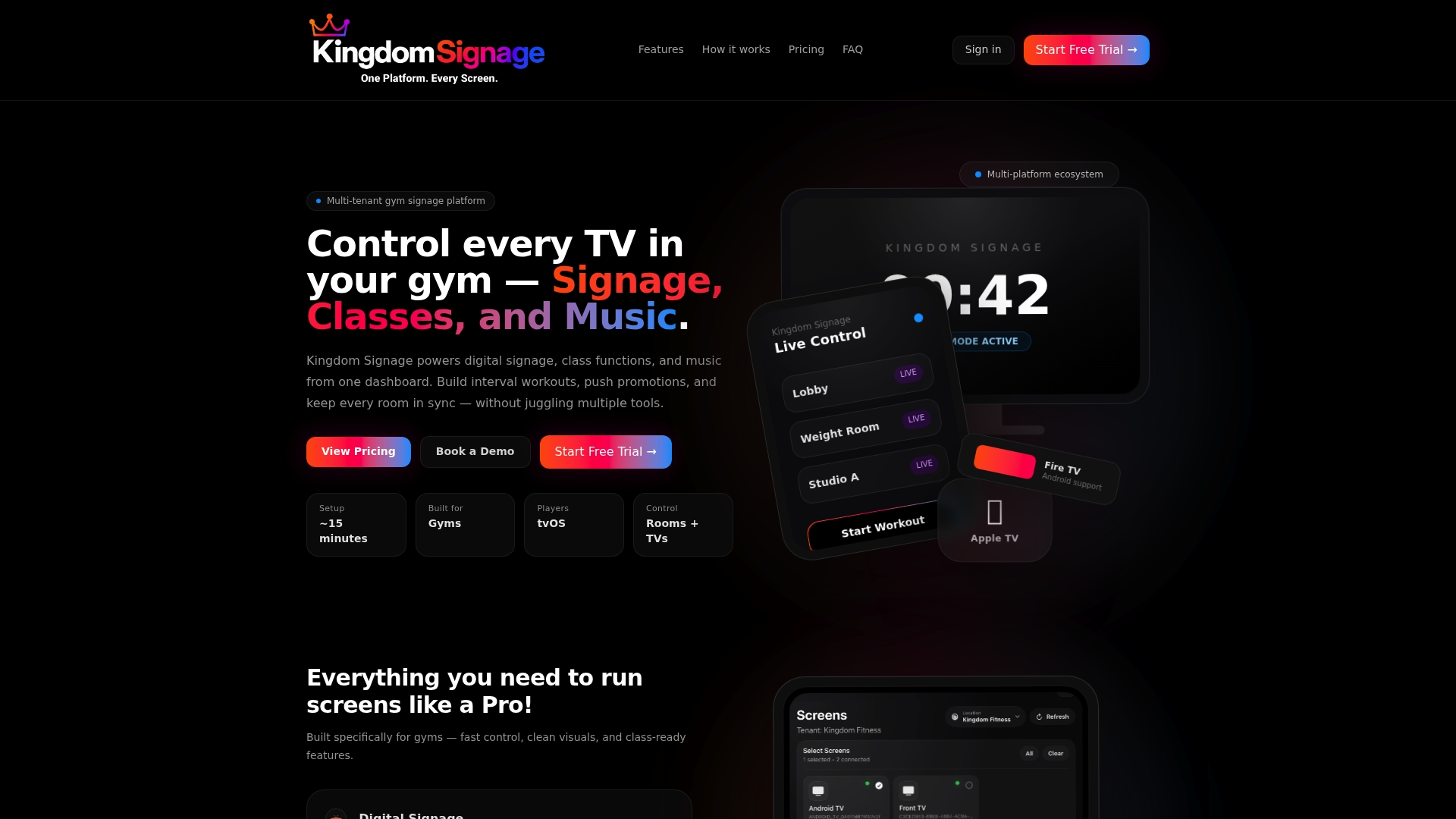
You can see how it would look in your own space by starting at kingdomsignage.com.
FAQ
How many slides should a gym lobby screen loop have?
Aim for five to seven slides in a loop of roughly two minutes, with the schedule appearing at least twice. A longer loop means people walking past catch only part of it. If you need more content, split it into time-of-day playlists rather than lengthening one loop.
How long should each lobby slide stay on screen?
Most messages should be readable in 10 to 15 seconds, which is the range accessibility guidance from Florida State University gives for signage. Schedules can run slightly longer because people need to find their own class. Brand video can run longer, since nothing on it needs to be read.
Should a lobby screen have sound?
Usually not. Lobbies are conversational spaces, and members need to hear the front desk. Design every slide to work silent, and keep any ambient music low and separate from the class-room audio.
Do lobby screens have to meet ADA rules?
The physical installation can. A wall-mounted display in a walkway should respect the protruding-object limits of 4 inches for objects between 27 and 80 inches above the floor. Content should also use high contrast and avoid flashing. Confirm details for your building with your contractor or an accessibility consultant.
How often should we update lobby content?
Let the schedule update itself daily from your booking system, rotate people-focused slides weekly, change promotions when the campaign changes, and review everything quarterly. Urgent notices should go live immediately.
Sources
- Digital Signage for Gyms: The Complete 2026 Guide
- Digital Signage | Digital Accessibility, Florida State University
- Boutique Studio Secrets for Big-Box Success, IDEA Health & Fitness
- Wall Mount ADA Guidelines: Kiosks and Digital Signs