
The best examples of studio class schedule displays share three things: a five-column layout (time, class name, instructor, room, status), color-coded status indicators that members read in under two seconds, and live data that updates without anyone touching a keyboard. Get those three right and your front desk stops fielding "is that class still on?" questions all morning.
Here is what every effective gym schedule display includes:
- Time and class name in the largest type on screen, readable from across the lobby
- Instructor name displayed prominently, because members pick classes by instructor as much as by format
- Room assignment so members walk to the right door without asking
- Status indicator using green for open, amber for filling, and red for cancelled or full
- Tomorrow's preview in a smaller block below today's schedule for planning ahead
Table of Contents
- 1. What do the best studio class schedule display examples look like?
- 2. Grid format displays for lobby entrance screens
- 3. "Now and next" panels for studio room doors
- 4. Carousel format for multi-class studios
- 5. Color-coded status indicators aligned with accessibility standards
- 6. Live API integration with booking platforms
- 7. High-contrast, minimal-motion design for fast scanning
- 8. Multi-day preview and promotional content positioning
- 9. Mobile and web schedule displays as a supplement
- 10. Font size, contrast, and accessibility for all members
- Key Takeaways
- Kingdomsignage keeps your class schedules current across every screen
1. What do the best studio class schedule display examples look like?
The gold standard layout dedicates the top half of the screen to today's classes in a five-column grid: time, class name, instructor, room, and status. The bottom half holds tomorrow's preview or a promotional banner. Brand colors anchor the header and footer, and cancellations render with a red "Cancelled" badge. Nothing rotates or scrolls in the schedule zone itself.
This structure works because a busy member walking in at 6:45 AM needs one glance, not a reading session.
2. Grid format displays for lobby entrance screens
A full-day grid is the right call for lobby entrance screens. It shows every class from open to close, organized by time slot, so members arriving at any hour can orient themselves immediately. Lobby screens showing the complete daily schedule serve a different purpose than room-level panels, and conflating the two is one of the most common setup mistakes gym operators make.
Keep the grid static or slow-fading. Auto-rotating tickers in the schedule area weaken readability and force members to wait for their class to cycle back into view.
3. "Now and next" panels for studio room doors
A smaller screen mounted outside each studio door needs only two pieces of information: what is happening right now and what starts next. A dedicated tablet or compact display in portrait orientation handles this perfectly. The format prevents wrong-room entries and removes the need for a staff member to stand outside redirecting traffic.
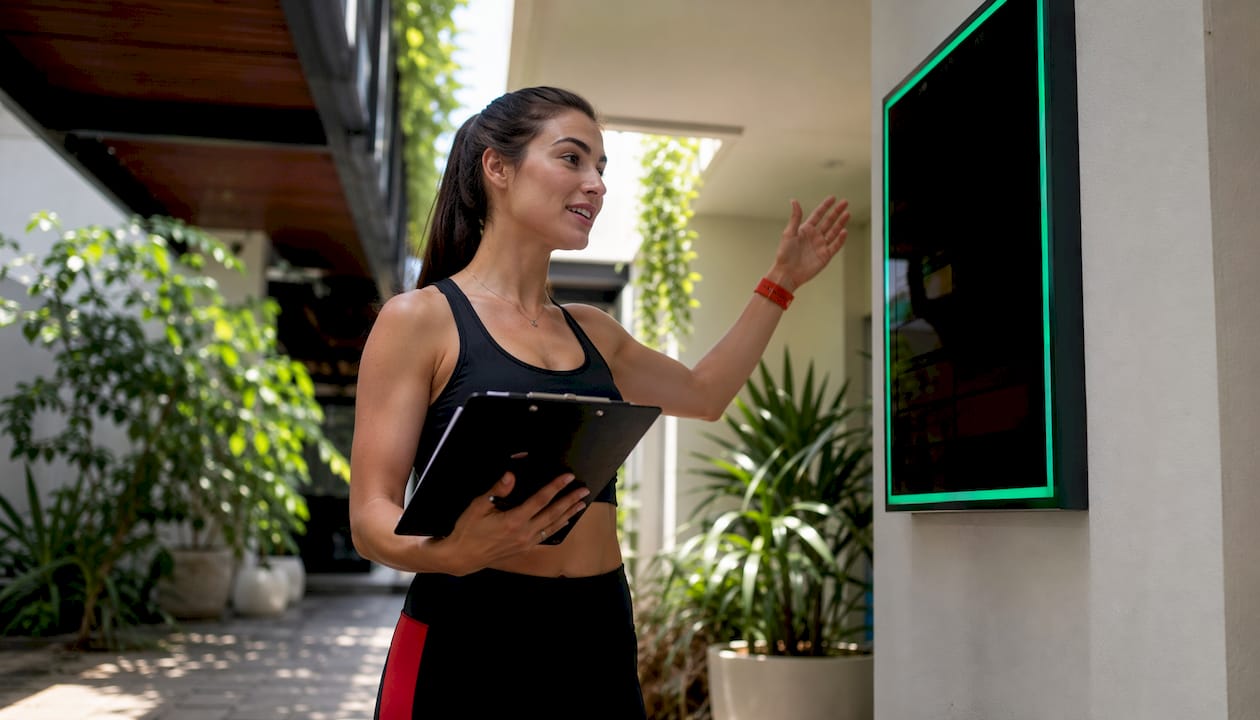
Pro Tip: Use a high-contrast background on room-level panels, dark background with white type, so the display reads clearly even when the hallway lighting is dim.
4. Carousel format for multi-class studios
When a gym runs six or more simultaneous class tracks, a carousel that rotates between room views every 8–10 seconds lets a single lobby screen cover the whole facility. Each slide shows one room's full-day schedule. The key constraint: keep the dwell time long enough that a member can actually read the slide before it advances. Carousels that flip too fast create the same problem as a paper schedule posted too high on the wall.
5. Color-coded status indicators aligned with accessibility standards
Color alone is not enough. Pair each status color with a text label ("Open," "Full," "Cancelled") so the display works for members with color vision differences. Green, amber, and red are the standard palette, but the text label carries the meaning for anyone who cannot distinguish the colors. This approach aligns with WCAG contrast guidelines and keeps your signage genuinely inclusive.
Icons help too. A dumbbell icon for strength classes, a lotus for yoga, and a bicycle for cycle instantly tell members what kind of class they are looking at before they read a single word.
6. Live API integration with booking platforms
Live API connections to platforms like Mindbody, ABC Fitness, and Mariana Tek push instructor swaps, cancellations, and room changes to screens within 30–60 seconds of the change being made in the booking system. Polling-based integrations refresh every 30–60 seconds, which is adequate for keeping the schedule current without overwhelming staff or technology. For most gyms, the live API route eliminates the manual update step entirely and removes the human error that comes with staff turnover.
7. High-contrast, minimal-motion design for fast scanning
Successful gym operators favor high-contrast, static or slow-fading displays over complex motion graphics. The reason is practical: a member scanning the board during a crowded 5:30 PM rush needs to find their class in two seconds, not wait for an animation to finish. Dark backgrounds with white or light-gray type, a single accent color for status badges, and a clean sans-serif font at 24pt minimum all contribute to that speed.
Avoid stacking too many content zones on one screen. A schedule area competing with a promotional video and a social media feed is a schedule area nobody reads.
8. Multi-day preview and promotional content positioning
Reserving the bottom quarter of the screen for tomorrow's schedule or a promotional message keeps the primary schedule zone uncluttered while still delivering forward-looking information. Promotions for workshops, new class launches, or membership offers belong in this zone, not overlaid on the schedule grid. Members who want to know about the Saturday HIIT workshop will notice it there; members who just want to find their 7 PM spin class are not interrupted.
For studios with a creative space or event programming, this lower zone is also where you can surface limited-availability workshops, similar to how hospitality-focused venues use lobby screens to highlight upcoming events without cluttering the main information display.
9. Mobile and web schedule displays as a supplement
A digital screen in the lobby covers members who are already at the gym. A mobile-friendly web schedule covers everyone else: members deciding whether to come in, members running late who want to check if their class is still on. The two formats should pull from the same data source so they never contradict each other. Embedding a booking platform's schedule widget on your website is the lowest-friction way to keep both in sync automatically.
10. Font size, contrast, and accessibility for all members
Minimum 24pt type for class names, 18pt for secondary details like instructor and room. A contrast ratio of at least 4.5:1 between text and background meets WCAG AA standards and ensures readability at a distance of 10 feet or more. For gym digital signage setup, these are not optional refinements. They are the baseline that makes every other design decision worth anything.
Key Takeaways
The most effective studio class schedule displays combine a five-column layout, live booking integration, and high-contrast design to cut front-desk inquiries and keep members moving confidently.
| Point | Details |
|---|---|
| Five-column layout | Time, class name, instructor, room, and status give members everything they need at a glance. |
| Live API updates | Booking platform integrations push changes to screens within 30–60 seconds, ensuring automated schedule updates that keep displays accurate for members. |
| Screen role matters | Lobby screens show the full day; room-level panels show only now and next. |
| Accessibility baseline | Minimum 24pt type and paired color-plus-text status labels keep displays readable for all members. |
| Kingdomsignage | Combines multi-room digital signage and audio control in one dashboard, with live booking integration for automated schedule updates. |
Kingdomsignage keeps your class schedules current across every screen
Running schedule updates across a multi-room gym from separate tools is where things break. Kingdomsignage solves that by putting TV displays, class schedule screens, and audio control on a single dashboard, so a cancellation in your booking platform shows up on every relevant screen within seconds, not after someone remembers to update it manually.

Gym operators using Kingdomsignage get multi-room display control that keeps lobby screens, studio door panels, and locker-area boards synchronized without separate logins or tools. The platform connects directly with major booking systems, so your schedule data flows automatically from the source. For operators who want to go further, Kingdomsignage also handles in-gym audio, letting you sync music and announcements to class transitions across rooms. Visit kingdomsignage.com to see how it fits your facility and get started.