
Gym screen content scheduling is the process of automating and timing digital content across gym displays to deliver relevant information and motivational media to members at the right moment. This practice, formally known as digital signage content management, sits at the center of modern fitness facility operations. Platforms like Kingdomsignage, SignPresenter, and FitViz have made it possible to control dozens of screens from a single dashboard, replacing manual TV updates with rule-based automation. Done well, scheduling gym screen content reduces front-desk interruptions, reinforces your brand, and keeps members informed without adding to your staff's workload.
Gym screen content scheduling explained: core system components
Every gym display content management system is built on four foundational elements: playlists, schedules, zones, and permissions. Understanding each one is the difference between a screen that informs and one that just plays random content on a loop.
Playlists are ordered content loops. A single playlist might combine a class schedule graphic, a promotional offer, a motivational video clip, and a sponsor message. The playlist cycles through these items in sequence, and you control how long each item displays.
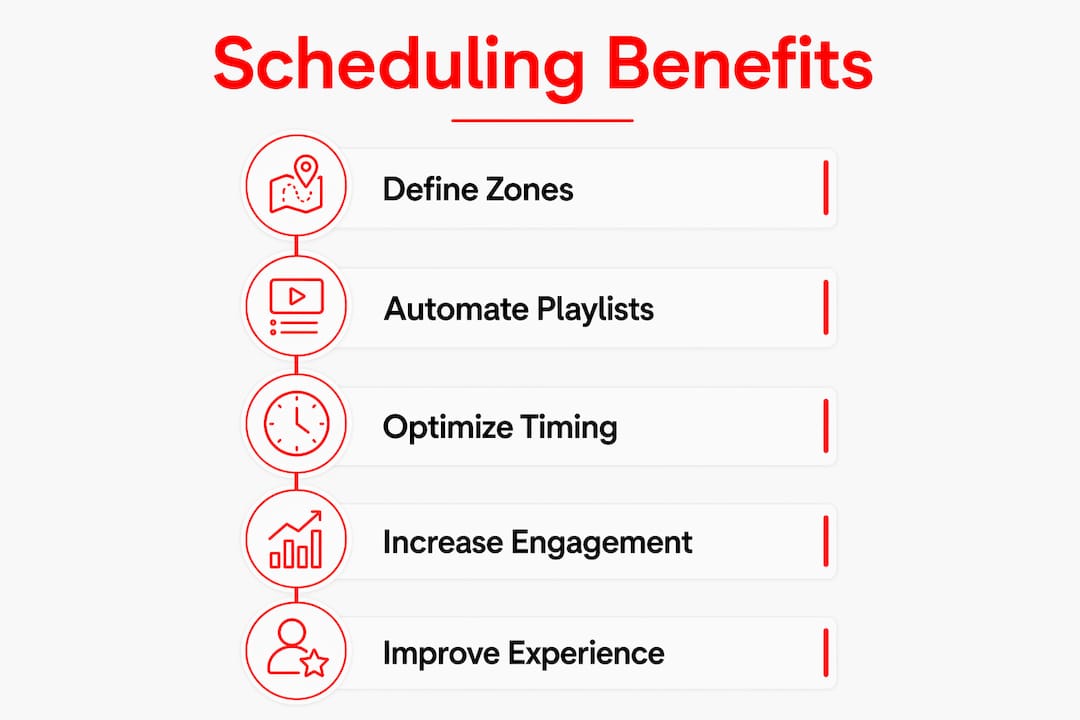
Schedules control when and where playlists play. Professional setups support multiple schedules per screen, using recurring rules, date ranges, and weighted playlists to automate content prioritization without manual intervention. That means your Monday morning spin class promotion runs automatically every Monday morning, and your weekend recovery content takes over on Saturday afternoons.
Zones define which screens receive which content. A gym with a cardio floor, two studios, and a lobby needs different content in each area. Multi-room scheduling allows studios to show workout timers, lobbies to display announcements, and cardio zones to play brand content, all at the same time.
Permissions determine who can change what. A strict permissions hierarchy keeps brand consistency intact while giving operational flexibility across locations and roles:
- Admins manage global content templates and brand assets
- Managers control location-specific playlists and schedules
- Staff can suggest content updates but cannot publish without approval
This structure prevents a front-desk employee from accidentally replacing a promotional campaign with an unbranded image. It also scales cleanly across multi-location gym groups.
How does zonal scheduling improve the member experience?
Zonal scheduling is not just a technical feature. It is a direct tool for shaping how members feel and behave in each part of your facility.
The cardio floor is where members spend the most time. Members spend 20–40 minutes on cardio equipment, which makes this zone ideal for long-form brand storytelling, member spotlights, and motivational content. A 90-second promotional video that would feel intrusive at a studio entrance fits perfectly on a treadmill-facing screen.
Studio entrances work differently. Members passing through have seconds, not minutes, to absorb information. The best practice for studio entrances is a high-brightness screen showing a countdown to the next class, the instructor's name, and the class format. This single change reduces the most common front-desk question: "What class is starting next?"
The lobby and front desk zone handles the widest variety of content. A well-managed lobby rotation covers welcome messages for new members, current promotions, event announcements, and social proof like member milestones. Rotating this content on a timed schedule keeps the lobby feeling active without requiring staff to update anything manually.
- Cardio floor: Long-form brand content, member stories, and motivational media timed to 20–40 minute dwell windows
- Studio entrances: Class countdown timers, instructor names, and format details on compact 10–22 inch screens
- Lobby and reception: Welcome messages, promotions, and announcements on a rotating schedule
- Weight floor: Exercise demonstrations, form tips, and equipment safety reminders
- Changing rooms and corridors: Upcoming events, referral offers, and community content
Pro Tip: Set a separate schedule for peak hours (6–9 a.m. and 5–8 p.m.) that pushes class enrollment content. Off-peak hours can run brand storytelling and recovery content. This keeps your messaging relevant to who is actually in the building.
What are the setup requirements and common pitfalls?
Getting the hardware and connectivity right prevents the most common gym screen failures. Most problems gym managers face with digital displays trace back to two decisions made at installation: the wrong device and the wrong network connection.
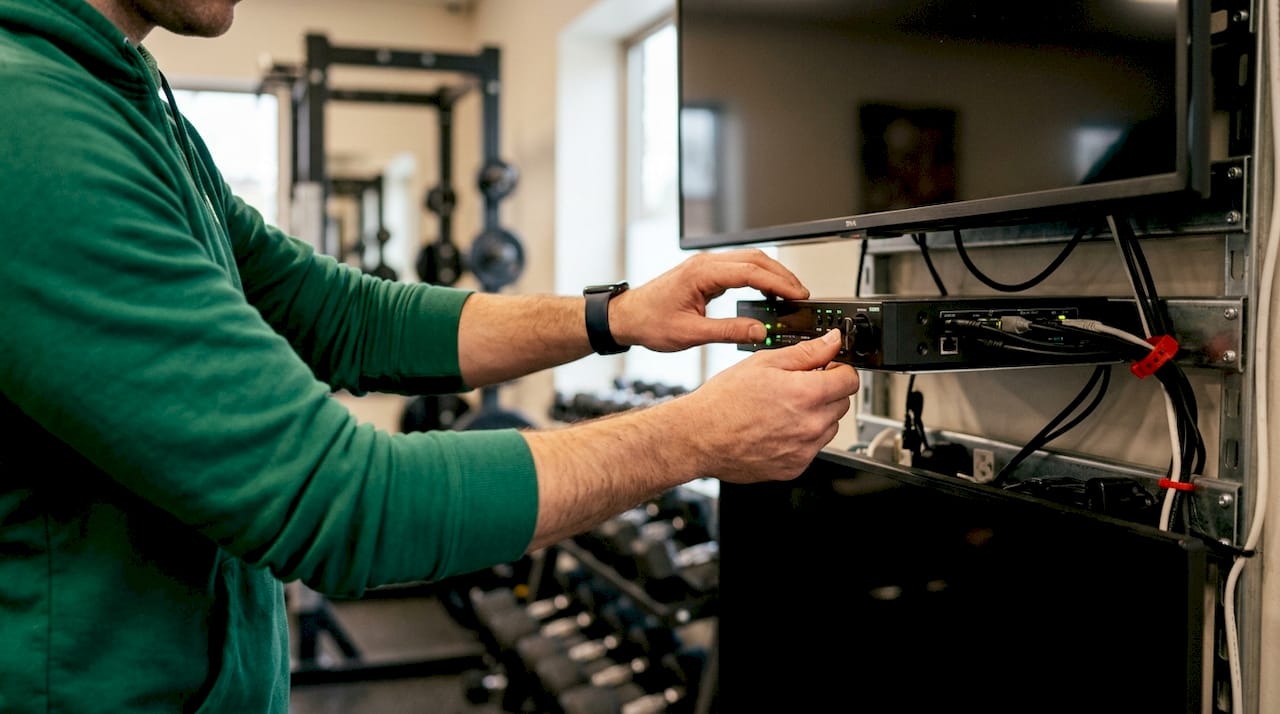
Commercial-grade media players built for continuous 16-hour operation outperform consumer Smart TVs in gym environments. Smart TVs are designed for limited daily home use. Running one continuously in a gym leads to premature hardware failure, software crashes, and screens that go blank mid-class. A dedicated commercial media player costs more upfront but avoids the replacement and downtime costs that follow.
Network connectivity is equally critical. Wi-Fi networks shared among hundreds of members cause screen freezes and blackouts on gym displays. Hardwired Ethernet or Power over Ethernet (PoE) connections deliver stable, uninterrupted content playback. PoE also simplifies installation by carrying both power and data through a single cable, which reduces the number of outlets and cable runs needed per screen.
Remote reboot capability is the most underrated feature in gym display content management. Without it, a frozen screen requires a staff member to physically unplug and restart the device. With it, your IT contact or signage provider can restore the screen in under a minute from anywhere. That difference matters most during a packed Saturday morning class.
Key setup requirements to address before going live:
- Use commercial media players rated for continuous operation, not consumer Smart TVs
- Run hardwired Ethernet or PoE to every display, avoiding shared gym Wi-Fi
- Confirm your content management system includes remote reboot and cloud-based control
- Integrate your signage platform with your gym management software for live class schedule updates
- Build playlists with enough content variety to avoid visible repetition within a single member's visit
Pro Tip: Integrate your digital signage platform with gym management software like Mindbody so class schedules update automatically on screens. Manual schedule updates are the single biggest source of outdated content on gym displays.
How do best practices in scheduling drive engagement and efficiency?
The gyms that get the most value from their screens treat content scheduling as an ongoing practice, not a one-time setup. Digital signage scheduling is about curating content loops that match member dwell times and zones to improve engagement and reduce staff interruptions. That requires a consistent content refresh cycle and a clear content hierarchy.
A weekly or biweekly content review keeps screens current. Stale content, like a January promotion running in march, signals to members that no one is paying attention. Assign one team member ownership of the content calendar. A digital content calendar built around your class enrollment campaigns, seasonal promotions, and member events gives that person a clear framework to work from.
Weighted playlists let you balance promotional and informational content automatically. A common setup runs 60% promotional content and 40% class schedule information during a given time window. Adjusting those weights for different times of day, without rebuilding the entire playlist, is one of the most practical tools in gym display content management.
The table below compares reactive versus scheduled content management approaches:
| Approach | Content updates | Staff time required | Member experience |
|---|---|---|---|
| Reactive (manual) | When someone remembers | High, unplanned | Inconsistent, often outdated |
| Scheduled (automated) | On a set calendar cycle | Low, planned in advance | Consistent, timely, on-brand |
| Integrated (live data) | Real-time via software sync | Minimal | Always current, highest impact |
Coordinating screen content with class enrollment drives produces measurable results. When a new class launches, screens in the lobby and cardio zone can promote it for two weeks before the first session. That kind of coordinated push does not require a marketing team. It requires a content schedule built in advance and a platform that executes it automatically.
Key Takeaways
Effective gym screen content scheduling combines the right hardware, a clear zone strategy, and automated scheduling rules to deliver consistent, timely content without adding to staff workload.
| Point | Details |
|---|---|
| Use commercial hardware | Dedicated media players rated for 16-hour use prevent the failures that consumer Smart TVs cause in gyms. |
| Wire every screen | Hardwired Ethernet or PoE eliminates the freezes and blackouts that shared Wi-Fi causes on gym displays. |
| Schedule by zone | Cardio floors need long-form content; studio entrances need fast, bright class countdowns. |
| Set a permissions structure | Admins, managers, and staff each need defined roles to keep brand content consistent across locations. |
| Refresh content on a cycle | Weekly or biweekly content reviews prevent stale promotions and keep member-facing screens relevant. |
What I've learned from watching gyms get this right and wrong
Gym managers often treat their screens as a set-it-and-forget-it installation. They spend real money on hardware, get everything running, and then leave the same playlist running for six months. The screens become wallpaper. Members stop reading them. The investment stops working.
The gyms that use their screens well treat content scheduling the same way they treat class programming. They plan it in advance, assign ownership, and review it regularly. They use zone-specific content instead of broadcasting the same loop everywhere. They connect their signage platform to their class management software so schedules are always accurate. The result is a facility that feels organized and professional, not just one that has screens on the wall.
The shift toward real-time data integration is where this is heading. Screens that pull live class capacity, member check-in data, and even wearable performance metrics are already in use at larger fitness chains. For most gym managers, the immediate priority is simpler: get the scheduling right, get the zones right, and stop updating screens manually. That alone changes how members experience the facility.
The gym screen layout design decisions you make now will shape what is possible when more advanced integrations become standard. Build the foundation correctly and adding real-time features later becomes straightforward.
— Kingdom
How Kingdomsignage handles gym screen scheduling end to end
Kingdomsignage is built specifically for the gym environment, which means it handles the scheduling complexity that generic signage platforms miss.

The platform's cloud-based dashboard gives gym managers control over every screen in every zone from one interface. You can set zone-specific playlists, configure weighted schedules for peak and off-peak hours, and push real-time updates without touching a single device on the floor. Kingdomsignage integrates with gym management software like Mindbody, so class schedules update automatically on your displays. Remote reboot is built in, which means frozen screens get fixed in seconds, not after a staff member walks the floor. If you manage multiple gym TVs across more than one location, the centralized dashboard makes that practical rather than painful. Visit Kingdomsignage to see how the platform fits your facility's scheduling needs.
FAQ
What is gym screen content scheduling?
Gym screen content scheduling is the process of automating when, where, and how digital content plays across gym displays using playlists, time-based rules, and zone assignments. It replaces manual TV updates with a rule-based system managed from a central dashboard.
How do I schedule gym displays by zone?
Assign each screen or group of screens to a defined zone, such as cardio floor, studio entrance, or lobby, then create separate playlists and schedules for each zone. Multi-room scheduling lets studios show workout timers while lobbies display promotions at the same time.
Why should gyms avoid using Smart TVs for digital signage?
Smart TVs are built for limited daily home use and are not rated for the continuous 16-hour operation gym environments require. Commercial media players are the reliable alternative for gyms running displays all day.
What is a weighted playlist in gym signage?
A weighted playlist assigns a percentage of screen time to each content type within a single loop. For example, a schedule might run 60% promotional content and 40% class schedule information during morning peak hours, adjusting automatically without manual changes.
How often should gym screen content be updated?
A weekly or biweekly content review cycle keeps screens current and prevents outdated promotions from running. Connecting your signage platform to gym management software like Mindbody automates class schedule updates and reduces the manual refresh workload significantly.