
Gym digital signage is defined as a cloud-connected display system that pulls live data from class management platforms and combines it with targeted promotional content to drive member engagement. Understanding how class promotions display on gym TVs starts with one core technology: a Content Management System (CMS) connected to booking platforms like Mindbody or ABC Fitness. Live class schedules update on gym TVs within 30 to 60 seconds via API integrations, meaning instructor swaps and cancellations appear on screen almost instantly. The 80/20 content rule governs what members see: 80% informational content, less than 20% promotional. Get that balance wrong, and members stop reading the screens entirely.
How do class promotions display on gym TVs in real time?
Class promotions display on gym TVs through a two-layer system: a digital signage CMS handles the visual output, while a booking platform integration supplies the live data. The CMS connects to platforms like Mindbody, ABC Fitness, or Mariana Tek via an API. When an instructor cancels or a room changes, the booking platform sends that update to the CMS, which pushes it to every connected screen.
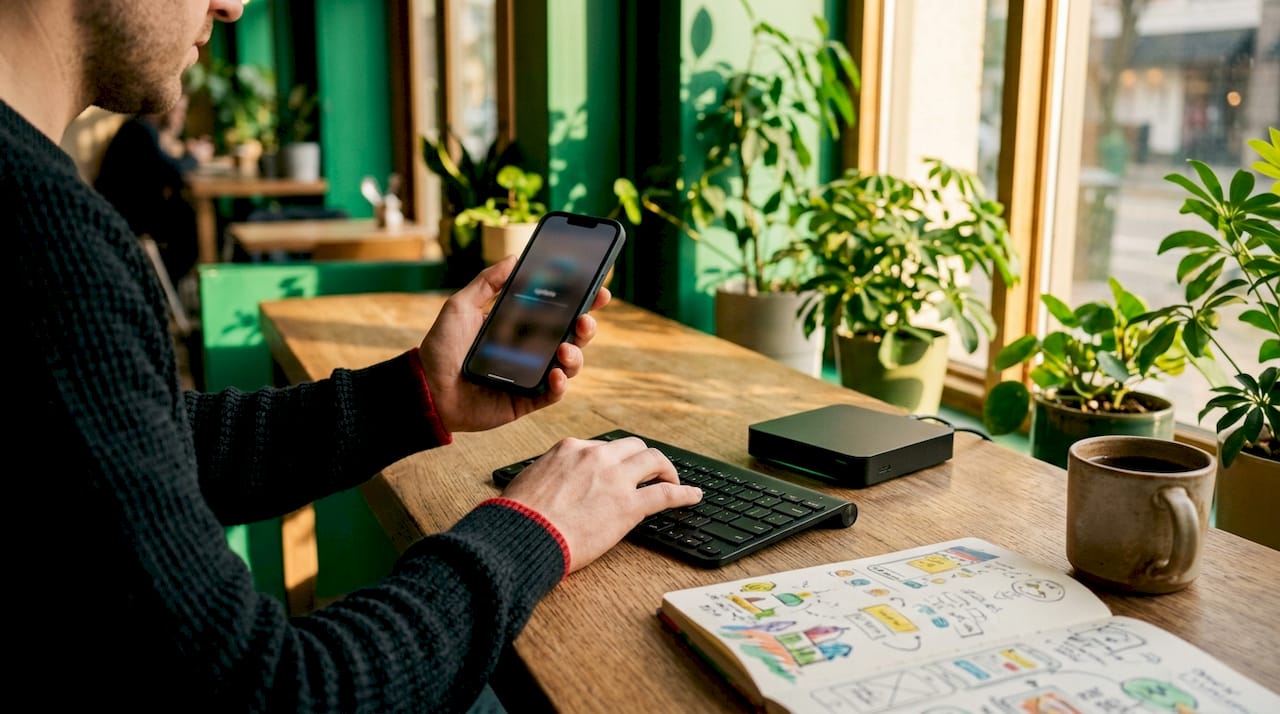
The speed of that update depends on the integration type. API-based connections refresh content within 30 to 60 seconds. Polling-based integrations, which check for changes on a set timer, carry a 5 to 15 minute lag. That gap matters in a busy gym where a class cancellation posted 10 minutes late sends members to a studio door that is already locked.
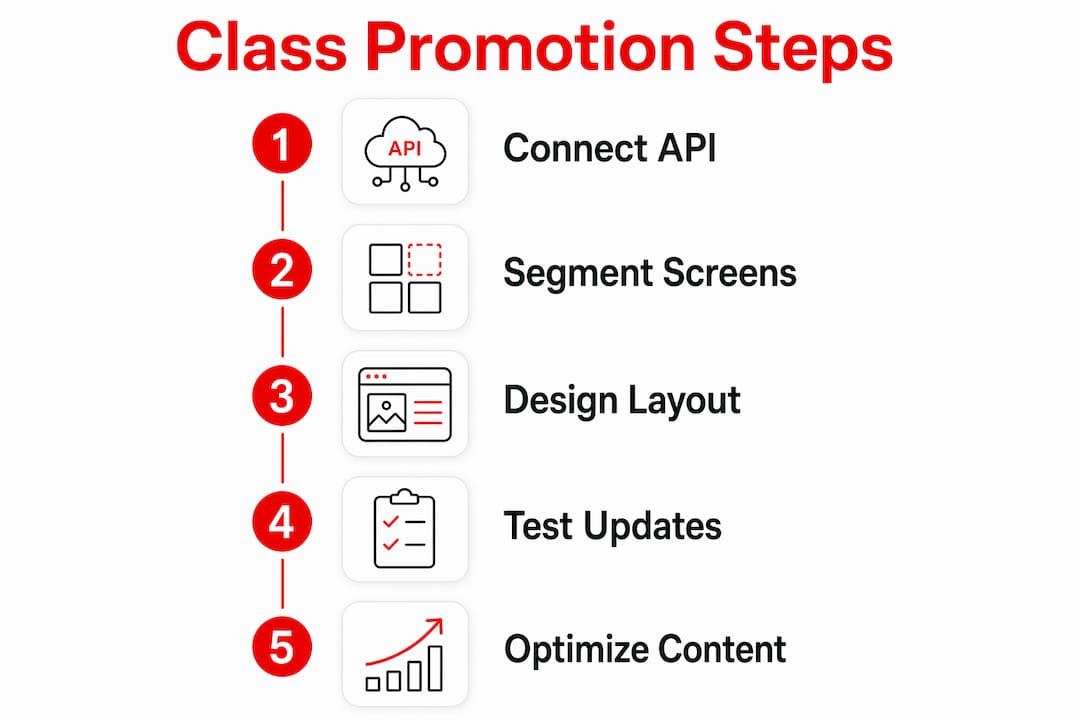
Setup for a single-location studio typically takes 30 to 60 minutes once the CMS and booking platform accounts are linked. Multi-location gyms require additional configuration for each site, but the core workflow stays the same. Here is how the process runs:
- Connect the digital signage CMS to the booking platform using the platform's API credentials.
- Map each class type, instructor field, and room to the corresponding display zone on your screen layout.
- Set the refresh interval to the shortest available option, ideally API-driven rather than polling.
- Configure alert rules so cancellations and instructor swaps trigger a visual badge or color change automatically.
- Test the full workflow by making a live change in the booking platform and confirming the screen updates within the expected window.
Pro Tip: Always run a test cancellation during setup before going live. A 30-second update window sounds fast, but confirming it with your own eyes prevents the embarrassing scenario of members waiting for a class that was canceled an hour ago.
What content design makes class promotions actually work?
Content design is where most gym operators lose members' attention. Screens packed with animated tickers, rotating banners, and promotional overlays create visual noise. Members stop reading them within weeks. Clear, static 5-column layouts showing time, class name, instructor, room, and status consistently outperform animated formats in legibility and member comprehension.
The 80/20 rule is the single most important content guideline for gym displays. Promotional overload triggers psychological ignoring, where members train themselves to tune out the screens completely. Once that habit forms, even urgent announcements go unread.
Best practices for gym displays include:
- Status badges: Use red badges for cancellations and green for open spots. Color coding communicates status faster than text alone.
- Font size: Keep class names and times at a minimum of 36pt for readability from 15 feet away.
- Promotional slots: Limit promotional content to dedicated time blocks or a secondary screen zone, not the primary schedule area.
- Member spotlights: Rotate member recognition content between schedule views to build community without crowding the schedule.
- Avoid auto-tickers: Scrolling text at the bottom of a schedule screen splits attention and reduces comprehension for both elements.
Rotating between class schedules and member recognition content keeps screens fresh without sacrificing the informational value members rely on. A promotional spot lands harder when it appears after three slides of genuinely useful content.
Pro Tip: Design your screen layout in a presentation tool first and photograph it from 15 feet away. If you cannot read the instructor name clearly in that photo, the font is too small.
Segmenting your screens by function also pays off. Communication signage in lobbies handles marketing and promotions, while workout zone displays focus on class timing and performance data. That separation keeps each screen relevant to where the member is standing.
| Layout element | Recommended approach |
|---|---|
| Primary schedule area | Static 5-column grid, no animation |
| Cancellation alerts | Red badge on affected row, auto-triggered |
| Promotional content | Dedicated zone or timed rotation slot |
| Member recognition | Alternating slide between schedule views |
| Background motion | None; solid color or subtle static brand graphic |
What hardware and placement decisions affect screen visibility?
Hardware is the foundation that every content decision rests on. Consumer TVs are rated for 4 to 6 hours of daily use. Commercial-grade gym screens are built for 18 to 24 hours of continuous operation and carry brightness ratings between 500 and 700 nits. That brightness range is what keeps a schedule readable under fluorescent gym lighting or near a window wall.
Placement decisions affect readability more than screen size. A 75-inch display mounted at scoreboard height is harder to read than a 55-inch screen at standing eye level. Mounting screens at standing eye level and testing sightlines from cardio machines, floor positions, and rowing stations before installation confirms the screen is actually visible during a workout.
Key hardware and placement guidelines:
- Use commercial-grade displays rated for continuous operation, not consumer TVs.
- Target 500 to 700 nits of brightness for gym environments with strong overhead lighting.
- Mount at standing eye level, roughly 5 to 6 feet from floor to screen center.
- Avoid single high-mounted screens; corner clustering creates 360-degree visibility for all members.
- Test sightlines from seated cardio, floor work, and rowing positions before finalizing mount locations.
Network reliability is equally critical. Hardwired Ethernet connections prevent "Black Screen" syndrome caused by Wi-Fi congestion. If Wi-Fi is the only option, place signage devices on a dedicated VLAN separate from guest and member networks. Wireless interference during peak hours is the leading cause of screens going blank mid-class.
Pro Tip: Before drilling a single mount bracket, walk the floor with a tablet showing your planned layout and hold it at the intended screen height. Ask three members if they can read it from their usual workout spot. Their answers will save you a remount.
Setting up your gym TV network correctly from the start prevents the most common hardware failures and reduces ongoing maintenance time significantly.
How do gym operators manage multiple screens across locations?
Managing multiple gym TVs without a centralized system creates inconsistency fast. One screen shows last week's schedule, another runs a promotion that ended two months ago, and staff spend time manually updating content instead of working with members. Centralized cloud-based CMS platforms solve this by giving operators a single dashboard to control every screen across every location.
The core workflow for multi-screen management runs like this:
- Build master templates at the brand level so every location shares consistent fonts, colors, and layout structure.
- Assign location-specific content zones within each template so individual studios can update their own class schedules without touching the brand layer.
- Use scheduled content rotation to swap between class schedules, promotions, and community content automatically throughout the day.
- Set staff permission levels so front desk teams can push urgent announcements without accessing the full CMS.
- Review Proof of Play (PoP) reporting monthly to confirm promotional content is displaying at the intended times and locations.
Cloud-based CMS with Proof of Play reporting converts digital signage from a cost center to a revenue generator. Local advertisers, personal trainers, and supplement partners will pay for confirmed screen time when you can show them exactly when and where their content ran.
Multi-zone configurations add another layer of precision. Lobby screens run membership promotions and class highlights. Studio entrance screens show the next three classes for that specific room. Cardio floor screens display performance motivation and upcoming challenges. Each zone serves a different member need without competing for the same attention.
Pro Tip: Assign one staff member per location as the "screen owner" with limited CMS access. They handle day-to-day updates like class changes and local announcements. You retain control of brand templates and promotional scheduling from the central dashboard.
Managing multiple gym TVs from a single dashboard is the operational shift that separates gyms running signage as a tool from those running it as a system.
Key Takeaways
Effective gym digital signage requires live API integration, the 80/20 content rule, commercial-grade hardware, and centralized multi-screen management to drive real member engagement.
| Point | Details |
|---|---|
| Use API integration | Connect your CMS to Mindbody or ABC Fitness for 30 to 60 second live updates. |
| Follow the 80/20 rule | Keep promotional content below 20% of screen time to prevent member disengagement. |
| Choose commercial hardware | Use 500 to 700 nit displays rated for 18 to 24 hours of daily operation. |
| Mount at eye level | Place screens at standing height and test sightlines from multiple workout positions. |
| Centralize management | Use a cloud-based CMS with Proof of Play reporting to control all screens from one dashboard. |
What I have learned from watching gym screens fail
Most gym operators invest in screens and then underinvest in everything that makes screens work. The hardware gets mounted, the CMS gets connected, and then the content strategy gets handed to whoever has five minutes. That is where the value disappears.
The operators I have seen get real results from digital signage share one habit: they treat screen placement as seriously as they treat equipment layout. A screen that nobody can read from the treadmill is not a signage asset. It is a power bill. Testing sightlines from actual workout positions before installation is the single highest-return action a gym operator can take before going live.
The 80/20 content rule sounds obvious until you watch a gym break it in real time. A new membership promotion launches, someone pushes it to every screen, and within two weeks the front desk starts hearing "I never see anything on those TVs anymore." Members do not consciously decide to ignore promotional overload. They just stop looking. Rebuilding that attention takes months of disciplined content rotation.
The trend worth watching in 2026 is community content on screens. Member spotlights, challenge leaderboards, and class attendance milestones generate more organic conversation than any promotional banner. When members see their name on a screen, they tell other members. That word-of-mouth effect costs nothing and compounds over time.
— Kingdom
Kingdomsignage for gym class promotion displays
Gym operators who want live class schedule integration, multi-screen control, and content management in one place have a direct path forward with Kingdomsignage.

Kingdomsignage's Gym Control + Digital Signage platform connects directly to booking platforms for real-time class schedule updates, manages content across every screen from a single dashboard, and supports the multi-zone configurations described in this guide. Operators can push urgent announcements, schedule promotional rotations, and maintain brand consistency across multiple locations without juggling separate tools. The platform is built specifically for gym environments, covering both digital signage and audio control in one place. For gym operators ready to put the best practices in this guide to work, Kingdomsignage is the starting point.
FAQ
How fast do class schedule changes appear on gym TVs?
API-based integrations update gym TV displays within 30 to 60 seconds of a change in the booking platform. Polling-based integrations carry a 5 to 15 minute lag.
What is the 80/20 rule for gym digital signage?
The 80/20 rule means 80% of screen time shows valuable content like schedules and member spotlights, while less than 20% is promotional. Exceeding the promotional threshold causes members to psychologically ignore the screens.
Do gym TVs need commercial-grade displays?
Yes. Consumer TVs are rated for 4 to 6 hours of daily use and fail prematurely under gym conditions. Commercial-grade screens rated for 18 to 24 hours of operation and 500 to 700 nits of brightness are the correct choice.
Where should gym digital signage screens be mounted?
Screens should be mounted at standing eye level, roughly 5 to 6 feet from floor to screen center. Corner clustering improves 360-degree visibility across the floor better than a single high-mounted display.
What network connection is best for gym digital signage?
Hardwired Ethernet is the most reliable connection for gym signage. If Wi-Fi is necessary, place signage devices on a dedicated VLAN separate from guest and member networks to prevent congestion and black screens.