
The best gym video wall content is a planned mix: live or recorded class visuals, what's running now and next, promotions, and motivation, matched to the room each screen sits in and updated from one place. The wall is the easy part to buy. The hard part is feeding it every week without anyone rebuilding slides by hand. Kingdom Signage is built for that job: one dashboard that controls TVs, class schedules, workout timers and room-based music across rooms and locations.
TL;DR
- Give every screen one job: entrance screens sell and inform, studio-door screens show what's on now and next, cardio screens motivate.
- Use big visuals, one headline and one supporting line per slide. Members in motion will not read paragraphs.
- Class and workout content works best when picture and sound switch together, so the wall and the room's music follow the same schedule.
- Automate what changes (schedules, offers, announcements) and set expiry dates so stale content never stays up.
- Manage every room and location from a single dashboard instead of juggling separate tools.
Table of Contents
- What a gym video wall can actually show
- Match the content to the room
- Class and workout content
- Promotional and member content
- Design rules that keep content readable
- Build a weekly content calendar
- Managing content across rooms and locations
- A quick content checklist before you go live
- Where Kingdom Signage fits
- Our perspective
- FAQ
- Sources
What a gym video wall can actually show
A video wall is a group of displays working as one large canvas. In a gym that canvas can take three forms, and most clubs use more than one.
The first is branding and entertainment. According to LG's guide to display technology in fitness clubs, content can take over an entire wall, or the wall can be divided so different video feeds appear in different sections. That split is useful: a third of the wall can run a looping brand film while the rest shows the day's class lineup.
The second is group fitness. The same LG guide describes walls showing an instructor, live or recorded, to a whole room, and streaming that lets members at different studios join the same instructor's class at the same time. LG also notes that life-size scale can make a room feel like everyone is together, and that even with an in-person instructor the wall gives a motivating backdrop.
The third is information and promotion. LG's fitness lookbook lists welcoming members, class schedules, events, health tips, announcements and special promotions as everyday uses for commercial displays in gyms.
Those three forms are the raw material. What separates a wall that earns attention from one that becomes wallpaper is how you assign them to spaces and how consistently you refresh them.
Match the content to the room
Members look at a screen differently depending on whether they are walking in, waiting for a class, or running at 7 mph. Plan content by zone first, then fill in the creative.
| Zone | Member state | Best content | Avoid |
|---|---|---|---|
| Entrance and front desk | Arriving, a few seconds to look | Welcome message, today's classes, one featured offer | Long terms and conditions |
| Studio door | Waiting, deciding | What's running now, when it ends, what's next | Unrelated promotions |
| Inside the studio | Mid-class | Workout timer, interval cues, exercise demos, cooldown visuals | Anything that competes with the instructor |
| Cardio floor | Moving, eyes up occasionally | Form demos with no sound needed, short motivational lines, music video or ambient footage | Dense text, anything needing a decision |
| Lounge or juice bar | Seated, relaxed | Longer-form content, member stories, event teasers | Rapid slide changes |
| Corridors and locker areas | Walking | Wayfinding, club rules, announcements | Video that needs sound |
This table is our own working guide, and you can adapt it to your floor plan. If you want a full walkthrough of choosing screen positions and getting a space online, our guide on setting up gym digital signage covers the sequence.
Class and workout content
Class content is where a wall does the most work, because it changes the experience in the room rather than just informing people about it.
Timers and interval cues
A workout timer on a big screen removes the need for the instructor to call out every transition. Rounds, rest periods and the next station are visible to everyone, including people at the back who cannot hear well over the music. Kingdom Signage includes workout timers with demo video support, so a timer can sit beside a short clip showing the movement coming next.
Exercise demos
Short silent loops showing correct form for the day's movements help new members who are shy about asking. Keep each clip to a single movement, shot from an angle that shows the position clearly, and caption it with two or three words. Silent loops also work on a cardio floor, where audio is already taken by music.

Virtual and recorded classes
LG's fitness lookbook describes ultra-narrow bezel video walls delivering virtual group fitness content such as yoga, cycling and core, and calls it a labor-reducing option that can improve return on investment. For a boutique studio, that means a room can run a class at hours when no instructor is scheduled. Group sessions have their own pull on people too: the benefits of group dance classes show why a shared, synchronized experience keeps people coming back, and a wall that fills the room is one way to reproduce it.
Picture and sound together
A class visual with the wrong music, or music that starts a beat after the visuals, feels sloppy. This is why we treat screens and audio as one system. Kingdom Signage syncs audio and visuals across rooms, so when a class block starts, the screen content and the room's music change together.
Promotional and member content
Gym promotions are most effective when they are specific, current and tied to what the member is doing right now. A personal training offer shown next to the free-weight area beats the same offer shown at the entrance.
Useful categories include:
- Membership offers and referral drives, shown at the entrance and front desk.
- Class promotions, shown near the studio doors and in the lounge. We cover the format in how class promotions display on gym TVs and the management side in class promotion screen strategies.
- Retail and smoothie bar specials, shown in the lounge.
- Events and challenges, shown everywhere, with a short countdown.
- Member recognition, such as a member of the month on the in-room screen during cooldown.
- Announcements about schedule changes, closures or new equipment.
For more examples sorted by goal, see our breakdown of types of gym promotional content. On the front desk screen specifically, three signage essentials can reduce the questions staff answer all day.
Offers that expire on their own
An expired promotion on screen is worse than no promotion. Build every offer with an end date from the start. Real-time updates let you change a price or pull an offer the moment it stops being valid, and our piece on real-time offer display explains why that matters for owners. For the wording and layout of digital membership offers, see how gym membership offers display digitally.
Design rules that keep content readable
Whatever you show, the same few rules apply.
- One message per slide. A headline, one supporting line and a single call to action. If a slide needs a second call to action, make it two slides.
- Big type, high contrast. Read it from the farthest point where a member will stand. If you cannot, the text is too small.
- Short rotations in busy areas. Cardio members glance up between sets, so a short loop of five to seven slides keeps each message returning often. Longer-form content belongs in the lounge, where people sit.
- Silent by default. Most screens on the floor have no audio, so any video must make sense muted.
- Consistent branding. The same fonts, colors and logo placement across every screen make the system feel intentional.
- Landscape for rooms, portrait for corridors. Pick the orientation that suits where people walk or stand.
If you are building a library of posters for several clubs, our multi-location digital poster playbook shows how to keep a shared look without making every location identical.
Build a weekly content calendar
A wall with great content that nobody updates looks neglected within a month. A simple calendar solves it.
Set the layers
Think in three layers. The always-on layer is your brand film, rules and wayfinding, and it changes a few times a year. The weekly layer is the class schedule, featured instructors and the current promotion. The daily layer is announcements, substitutions and the day's workout.
Assign owners
Decide who owns each layer. Usually the owner or marketing manager handles the always-on layer, the studio manager handles the weekly layer, and instructors or front desk staff handle the daily layer. Without named owners, nobody updates anything.
Schedule by time of day
Morning members want different content than the evening crowd. A 6 a.m. audience may respond to a short motivational loop and the day's class list, while the 5 p.m. rush benefits from the evening schedule and event reminders. Dayparting is covered in our content scheduling guide for managers.
Automate the repetitive parts
Class schedules are the content that goes stale fastest, because a substitute instructor or a cancelled class changes the plan. Schedules should come from one source of truth rather than being retyped on each screen. Our studio class schedule display examples show layouts that stay accurate when the schedule changes.
Managing content across rooms and locations
This is where most gyms run into trouble. Each added screen, room or location multiplies the number of places something can go wrong: one TV on last month's offer, one studio playing the wrong music, one club with a different logo.
The fix is central control. LG's fitness guide describes clubs using video walls and displays tied into other video platforms, and the same logic applies to your content: the more screens you add, the more a single control point matters. With Kingdom Signage, TVs, class schedules, workout timers, room-based music and announcements are managed from one dashboard, across multiple rooms or multiple locations. For a franchise or a growing studio group, that means a new offer can go out to every site at once, while a single location keeps the freedom to show its own class lineup.
It also works with the screens you already own. Kingdom Signage integrates with existing screens, so adding a video wall experience does not have to start with a hardware replacement.
Keep the network in mind
Technology coordinators should confirm that screens have a reliable connection and that signage traffic does not compete with member Wi-Fi. A short conversation with your IT contact before launch saves problems later.
A quick content checklist before you go live
- Does every screen have one clear purpose?
- Can a member understand each slide in three seconds?
- Does every promotion have a start and end date?
- Is the class schedule fed from one source?
- Do class visuals and room music change together?
- Is there a named owner for each content layer?
- Have you viewed every screen from where members actually stand?
Where Kingdom Signage fits
If you run a gym or studio and want your screens, schedules and music handled in one place, Kingdom Signage is a subscription platform priced per location, and it begins with a free trial or demo. It covers digital signage, TV screens, class scheduling, workout timers with demo video support, room-based music and real-time announcements, for single studios and multi-location operators alike. You can start at kingdomsignage.com.
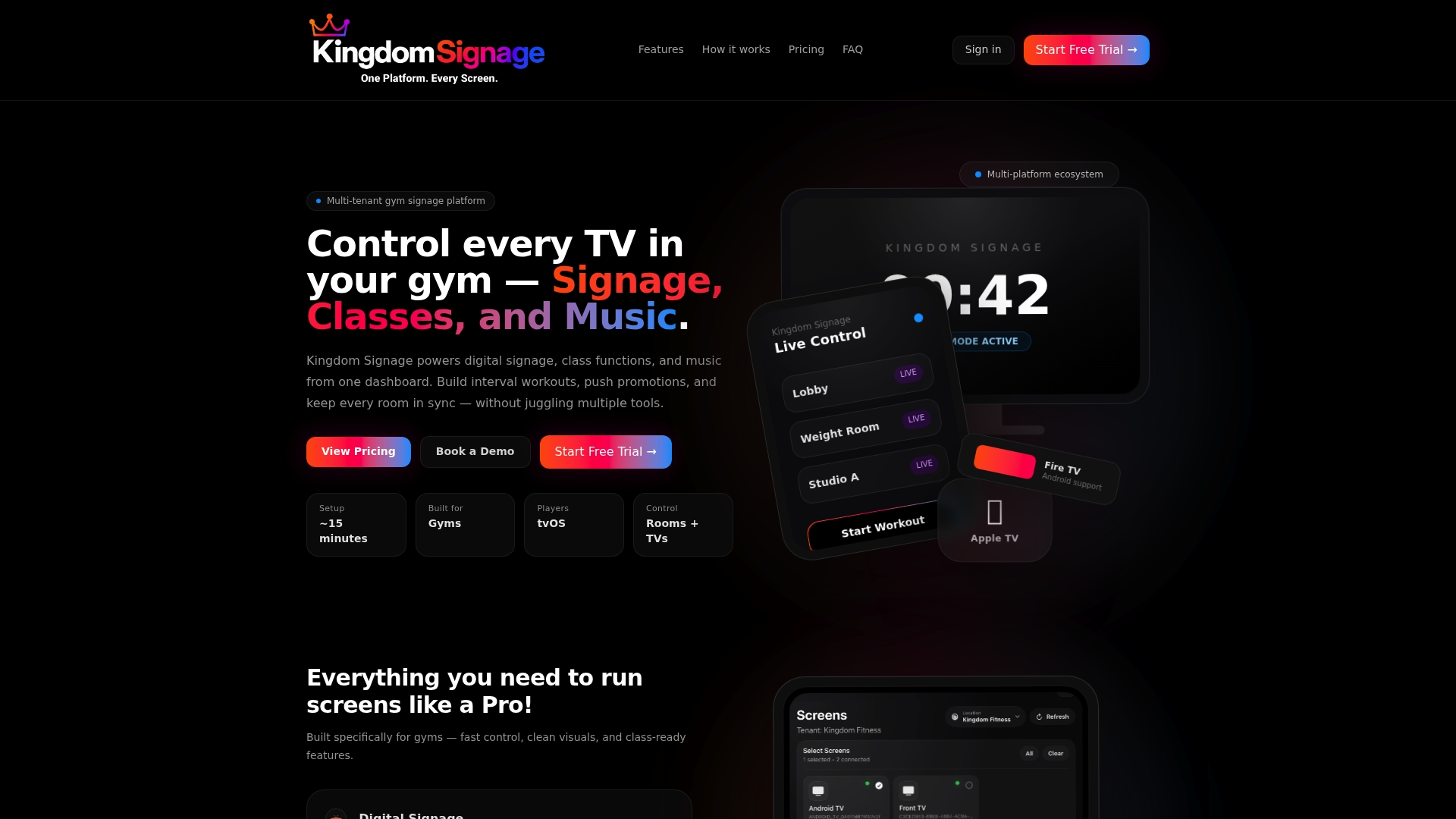
Small boutique studios can begin with a single room and add rooms or locations as they grow.
Our perspective
Most gyms do not have a content problem. They have a coordination problem. A manager can make one great slide, but a gym runs on a dozen small moments: a class ending, the next one starting, a promotion expiring, a different song for a different room.
That is why we built Kingdom Signage around a single dashboard. When screens, schedules and music are controlled separately, they drift apart, and members notice. When they are controlled together, class transitions feel smooth, promotions appear where they matter, and the whole club looks like it knows what it is doing.
We also believe good signage should not require new hardware. Gyms already own screens. The value is in unifying them, across rooms and across unlimited locations, so that a front desk, a studio and a cardio floor all tell the same story. Members who feel that consistency tend to feel more connected to the club, and that connection is what supports retention.
Kingdom
FAQ
What should I put on a gym video wall?
Start with what members need in the moment: today's classes, what's running now and next, and one current offer. Add motivation, form demos and brand video in the gaps. Give each zone of the gym its own purpose, so entrance screens inform and sell while cardio screens motivate.
How often should video wall content change?
The always-on layer such as brand film and rules can change a few times per year. The class schedule and promotions should be refreshed weekly, and announcements should change the moment something does. Fast-changing content works best when it updates from one dashboard instead of by hand.
Can a video wall show live or virtual classes?
Yes. According to LG's fitness display guide, walls can show an instructor live or from a recording to a whole room, and streaming lets members at different studios join the same class at once. Pairing the visuals with synced room music makes the experience feel complete.
Do I need new screens to run this content?
Not necessarily. Kingdom Signage integrates with the screens you already have, so you can manage TVs and video content from one platform without replacing hardware.