
Gym signage content scheduling is the process of planning, organizing, and automating what appears on your gym's digital screens, when it plays, and which members see it. Done well, it turns passive displays into active communication tools that drive class sign-ups, reinforce your brand, and keep members informed without any manual effort on game day. This guide covers the full workflow: hardware prerequisites, playlist structure, dayparting, and the pitfalls that quietly undermine even well-funded signage programs. Kingdomsignage builds its platform around exactly these principles, unifying screen control and audio across every zone from a single dashboard.
What are the prerequisites for gym signage content scheduling?
Effective scheduling starts before you touch a content management system. The physical setup determines what your software can actually deliver.
Screen placement and sizing
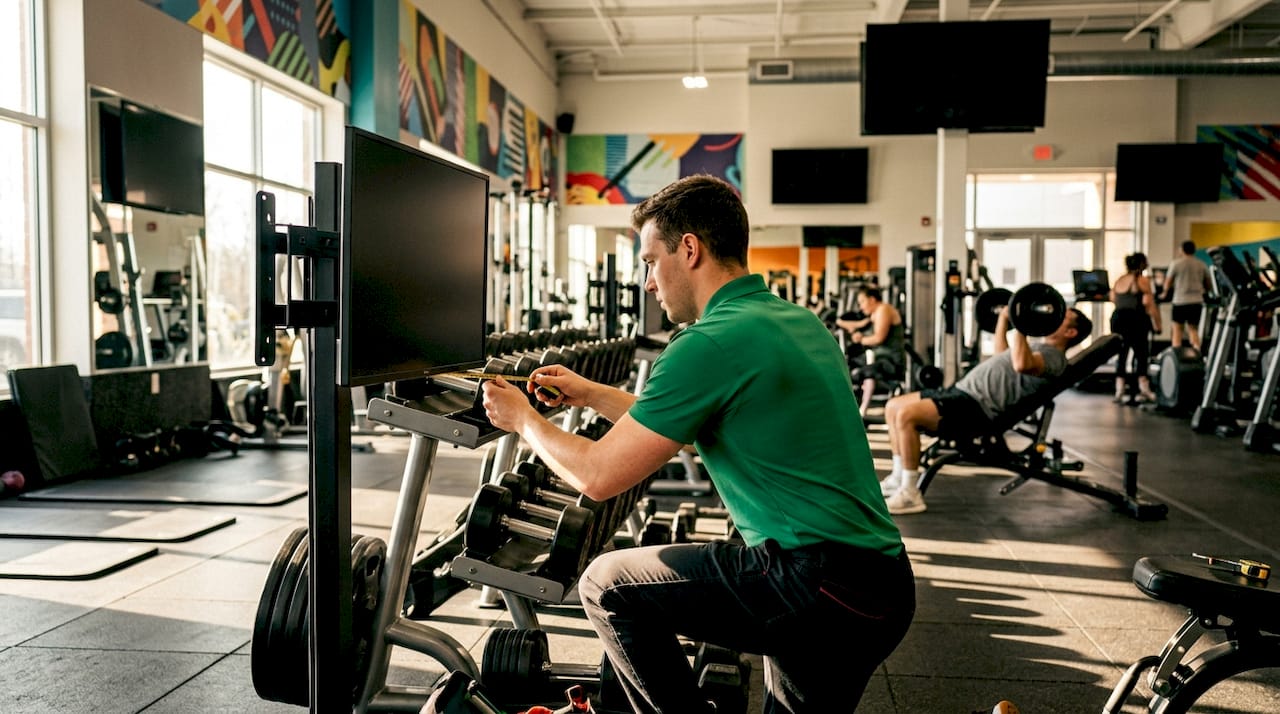
Screen placement follows member traffic patterns, not aesthetic preference. Entrance displays handle promotions and class schedules because members pause there. Workout floor screens need larger formats (55 inches or above) since members view them from 15 feet or more while moving. Locker rooms and reception areas suit smaller 32-inch or 43-inch screens with shorter content loops. Each zone has a different dwell time, and your content duration should match it.
Software and integration requirements
A cloud-based content management system is the non-negotiable foundation of any gym signage content scheduling best practices framework. Cloud-based CMS platforms integrated with gym management tools reduce manual workload and keep schedules current without staff intervention. Platforms that sync with gym management software like Mindbody or Zen Planner pull live class schedules directly into your displays. That eliminates the manual copy-paste cycle that causes outdated content to linger on screens.
Organizational roles
Static one-time setups fail. Ongoing content management with distinct roles, including a content creator, a scheduler, and a technical support contact, is the structure that prevents last-minute chaos. Without defined ownership, promotional campaigns expire without anyone noticing, and screens default to stale content.
Network requirements
| Connection Type | Reliability | Best Use Case |
|---|---|---|
| Hardwired Ethernet | High | 24/7 operational screens, entrance displays |
| Wi-Fi (5GHz) | Medium | Supplementary or low-priority zones |
| Wi-Fi (2.4GHz) | Low | Not recommended for primary signage |
Hardwired Ethernet connectivity prevents "black screen" errors that Wi-Fi cannot reliably avoid in a gym environment with dozens of competing wireless devices. Wired connections are the industry standard for 24/7 operational stability.
How to create and organize effective content playlists and calendars
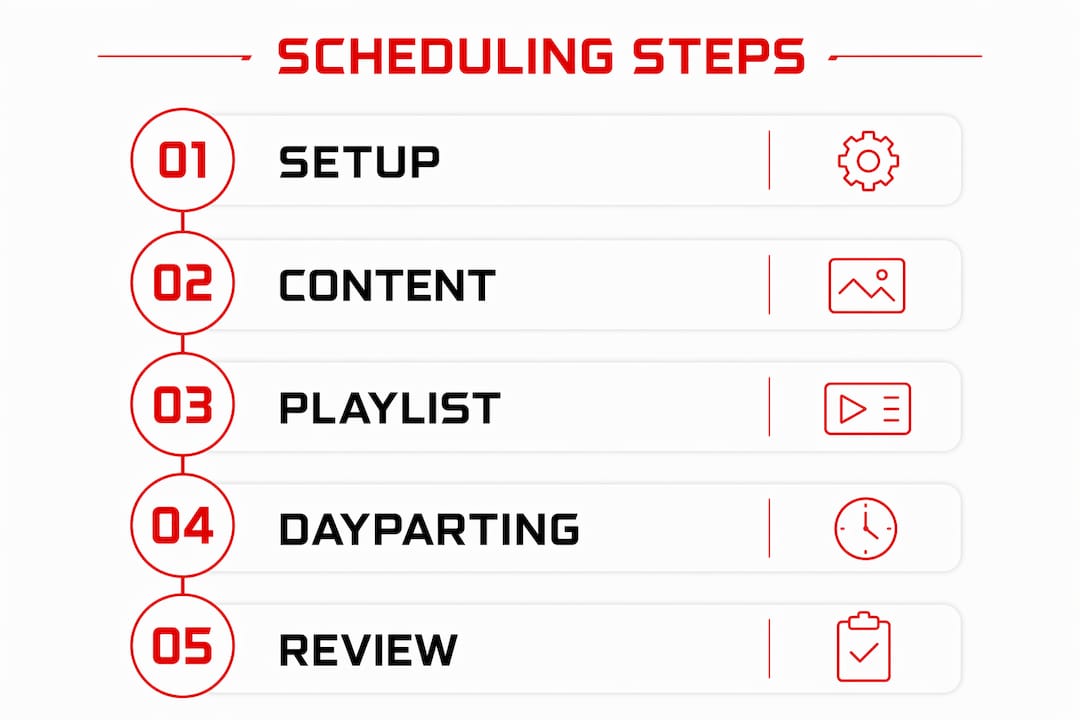
A playlist is an ordered sequence of content items that loops continuously on a screen. Think of it as a TV channel you program for a specific audience in a specific location.
Optimal content duration and loop length
Research establishes clear benchmarks for content duration. Optimal loop length is 3–10 minutes, with static images displayed for 8–15 seconds and videos running 15–30 seconds. That rhythm delivers information without overwhelming viewers who glance at screens mid-workout. A 10-minute loop on a cardio floor, for example, can comfortably hold six to eight content items before repeating.
Pro Tip: Keep your total playlist duration under 8 minutes for high-traffic zones. Members on treadmills typically complete 20-to-30-minute sessions, meaning they will see your loop two to three times. Fresh content every two weeks prevents recognition fatigue.
Content calendar planning
A content calendar is the gym marketing content plan that maps what plays on which screen, during which time window, across a full month or quarter. Weekly planning covers class schedule updates, instructor spotlights, and short-term promotions. Seasonal planning handles new-year membership drives, summer challenges, and holiday hour notices. The gym digital content calendar approach works best when you build templates for recurring content types, so your scheduler only swaps the variable details rather than rebuilding from scratch each week.
The one-key-message rule
Content clutter causes signage fatigue. Effective screens function like billboards: one clear message, readable in under five seconds. That means one promotion per slide, not three stacked announcements competing for attention. When you apply the one-key-message rule across your playlist, each content item lands cleanly and members retain the information.
How does dayparting improve gym signage targeting?
Dayparting is the practice of dividing your broadcast day into time segments and assigning different content to each segment based on who is in the gym at that hour. It is the single most effective technique for making your fitness center signage strategy feel relevant rather than generic.
Typical gym dayparts and content types
Dayparting divides gym signage into morning, midday, and evening segments, each targeting different member needs:
- 5:00 AM – 9:00 AM: Early risers and commuters. Show motivational content, today's class schedule, and personal training availability.
- 10:00 AM – 2:00 PM: Midday crowd, often older members and remote workers. Promote nutrition products, recovery services, and upcoming workshops.
- 4:00 PM – 8:00 PM: After-work peak. Highlight community events, next-day class highlights, and membership referral programs.
- 8:00 PM – close: Wind-down crowd. Feature recovery tips, spa or sauna promotions, and early-bird class reminders for the next morning.
Priority scheduling and automated triggers
Priority scheduling assigns a hierarchy to content so that urgent messages override standard playlists automatically. An emergency closure notice, for example, sits at priority level one and pushes every other content item off the screen the moment it activates. Below that, time-sensitive promotions sit at priority level two, and evergreen content fills the remaining slots. Rules-based triggers can also fire content based on external inputs: a class starting in 15 minutes can automatically push a "Join Now" slide to the lobby screen without any staff action.
Pro Tip: Automate your daypart switches inside your CMS rather than relying on staff to manually swap playlists. Gym managers typically spend 15–30 minutes weekly on signage after initial setup. Manual switching adds hours and introduces human error.
What are the most common pitfalls in gym signage scheduling?
Even well-designed content programs break down in predictable ways. Knowing the failure points lets you build safeguards before they become visible problems.
Missing expiration dates
Missing expiration dates on promotional campaigns cause outdated content to play indefinitely, which harms gym credibility. A "New Year Special" running in march signals to members that nobody is watching the screens. Every campaign item must have a start date, an end date, and a fallback content item that activates automatically when the campaign closes.
Overlapping schedules and blank screens
Overlapping schedule rules create conflicts where two content items compete for the same screen at the same time. Most CMS platforms resolve conflicts by priority level, but if you have not set priorities, the result is unpredictable. Blank screens are the worst outcome. Always configure a default fallback playlist, typically your evergreen brand content, so the screen never goes dark.
"A blank screen in a gym is not neutral. Members notice it, and it signals operational neglect. Your fallback content is your insurance policy against every scheduling error you have not anticipated yet."
Scheduling maintenance routines
Build a weekly review into your content calendar gym signage workflow. Every Monday, a designated scheduler should confirm that the week's campaigns are active, that no expired content remains in the queue, and that daypart rules are firing correctly. This review takes under 20 minutes with a well-organized CMS and prevents the compounding errors that accumulate when signage runs unattended for weeks.
Emergency override protocols
Every gym needs an emergency message override at the top of its priority hierarchy. Fire evacuation notices, facility closures, and safety alerts must push to every screen simultaneously with a single action. Test this override quarterly so staff know the process before they need it under pressure. The gym digital signage setup process should include emergency override configuration as a required step, not an afterthought.
Key Takeaways
Effective gym signage content scheduling requires defined roles, cloud-based automation, dayparting, and fallback content to maintain relevance and reliability across every screen in your facility.
| Point | Details |
|---|---|
| Use a cloud-based CMS | Integrate with gym management software to keep class schedules current automatically. |
| Apply the one-key-message rule | Limit each content slide to a single message so members absorb it in under five seconds. |
| Implement dayparting | Segment your day into morning, midday, and evening blocks with content matched to each audience. |
| Set expiration dates on every campaign | Always assign start and end dates to prevent outdated promotions from running indefinitely. |
| Configure fallback content | A default evergreen playlist prevents blank screens when scheduled content ends or conflicts arise. |
What I have learned from managing gym signage schedules
Most gym managers treat digital signage as a one-time installation project. They set it up, load some content, and assume it runs itself. That assumption is where most signage programs quietly fail.
The gyms I have seen get real engagement from their screens are the ones that treat content scheduling as an ongoing editorial operation. They assign a specific person to own the content calendar, not as a side task but as a defined weekly responsibility. That person reviews what is playing, pulls expired campaigns, and loads the next week's content before Monday morning. The result is screens that always feel current, and members who actually read them.
The balance between promotional and motivational content matters more than most managers realize. A screen that only pushes offers trains members to ignore it. A screen that mixes class highlights, member spotlights, motivational quotes, and the occasional promotion earns attention because it delivers value, not just advertising. I recommend a rough split of 60% informational or motivational content and 40% promotional content as a starting point, then adjusting based on what your members respond to.
The scheduling workflow for gym managers does not need to be complex. It needs to be consistent. Fifteen minutes of weekly review, clear role ownership, and a CMS that automates the time-based rules will outperform any elaborate content strategy that nobody maintains.
— Kingdom
How Kingdomsignage handles gym signage scheduling
Kingdomsignage is built specifically for the gym environment, where you need to control screens, audio, and class content from one place rather than juggling separate tools for each.

The platform's cloud-based dashboard lets you build daypart rules, set campaign expiration dates, and push emergency overrides to every screen in your facility without touching a single device on the floor. It integrates with gym management workflows so class schedules update automatically, and it supports multi-room and multi-location operations from a single login. Gym managers who want a scheduling system that runs reliably without constant manual attention can explore Kingdomsignage's platform and see how it fits their facility's specific layout and content needs.
FAQ
What is gym signage content scheduling?
Gym signage content scheduling is the process of planning, automating, and managing what content plays on digital screens in a gym, including when it plays and which zones it targets. It covers playlist creation, dayparting, campaign timing, and fallback content configuration.
How long does it take to manage gym signage each week?
Gym managers typically spend 15–30 minutes weekly on signage content after the initial setup is complete. A cloud-based CMS with automated scheduling rules reduces that time significantly by handling daypart switches and campaign expirations without manual input.
What is dayparting in gym digital signage?
Dayparting divides the broadcast day into time segments, such as morning, midday, and evening, and assigns different content to each segment based on which members are present. It makes signage feel relevant rather than generic by matching content to audience behavior at each hour.
How do I prevent blank screens on my gym displays?
Configure a default fallback playlist in your CMS that activates automatically whenever a scheduled campaign ends or a scheduling conflict occurs. Hardwired Ethernet connections also prevent the connectivity drops that cause screens to go dark in Wi-Fi-heavy gym environments.
How often should gym signage content be updated?
Update promotional content at least every two weeks to prevent recognition fatigue, and review your full content calendar every Monday to confirm that no expired campaigns are still running. Seasonal content, such as new-year promotions or summer challenges, should be planned and loaded at least one week before the campaign start date.