
Gym promo screen management means running every TV and display in your facility from one place: deciding what plays on each screen, when it plays, who can change it and when it expires. Done well, your screens show the right class timer in the studio, the right offer at the front desk and the right message in the hallway, without anyone walking around with a USB stick. This guide covers placement, content, workflows, audio and the practical setup questions owners ask first.
TL;DR
- Start with two or three communication goals (for example class fill, personal training sales and renewals), then choose screen locations and tools to serve them.
- Run every screen from one dashboard, with content assigned by room and by schedule, so a studio can show a workout timer while the lobby shows an offer.
- Name one source of truth for the class timetable, two editors (a primary and a backup) and an expiry date on every promotion.
- If screens and music live in separate systems, expect more points of failure. Unifying them reduces both the hardware and the daily work.
- If you play music in classes or on the floor, confirm your public performance licensing before you add audio to the plan.
Table of Contents
- What promo screen management actually covers
- Choose screen locations by member path
- What to put on promo screens
- Build a workflow that keeps screens accurate
- Coordinate screens and audio across rooms
- Setup, connectivity and maintenance
- What affects the cost
- See it in your own gym
- FAQ
- Sources
What promo screen management actually covers
Most gyms begin with a TV and a slideshow. Management starts when that stops working: the slideshow still shows last month's challenge, the studio TV needs a different file than the lobby, and nobody remembers who has the login.
A managed setup handles five jobs:
- Content: images, video, class demos, announcements and offers.
- Scheduling: what plays on which screen, on which days and at which hours.
- Targeting: different content for the lobby, the cardio floor, the studio and the locker-room entry.
- Governance: who may edit, who approves and when content retires.
- Health: knowing a screen is online and showing what you think it is showing.
When these five live in one dashboard, small teams can run a facility with several rooms, or several locations, without an IT person. That is the problem we built Kingdom Signage to solve.
Choose screen locations by member path
Before buying anything, walk the building the way a member does: parking, door, front desk, locker room, floor, studio, exit. Screens earn their keep where members already pause or slow down.
| Area | What members are doing | Best content |
|---|---|---|
| Entrance and front desk | Arriving, checking in, waiting | Current offers, today's classes, announcements |
| Cardio and weights floor | Training, glancing between sets | Short motivational content, PT availability, challenges |
| Group fitness studio | Following a class | Workout timers, exercise demos, music cues |
| Hallways and locker-room entries | Passing through | Schedule highlights, new class launches |
| Smoothie bar or lounge | Resting, socializing | Retail promotions, events, community news |
Hardware choices follow the space. A fitness equipment retailer's guide notes that wall-mounted units suit tight spots such as hallways, while freestanding units work in lobbies or secondary rooms with room to spare, and that high-traffic areas call for commercial-grade housing. Our own addition: if you already own decent TVs, check whether your management platform works with them before you replace anything. Our platform is designed to integrate with existing screens, so hardware replacement is not the starting point.
For a deeper walkthrough of the physical side, see our guide on how to set up gym digital signage that works.
What to put on promo screens
The mistake we see most is treating every screen as a billboard. Members read screens in two-second glances, so each screen should have a job.
Class schedules and timers
A live class schedule is the content members actually look for, and it earns attention that your offers can borrow. In the studio, a workout timer with demo videos keeps instructors from fiddling with a laptop and keeps transitions smooth. Our guide to how class promotions display on gym TVs shows how to promote upcoming classes without cluttering the screen.
Offers and renewals
Membership offers, referral rewards, personal training packages and retail specials belong near the front desk and on the floor, where the decision to say yes can be made quickly. Keep one offer per slide, one clear action and a visible end date. If you are deciding what to charge or how to frame a discount, this piece on membership pricing strategy is a good companion. For the display side, read how gym membership offers display digitally and the owner's guide to real-time offer display.
Announcements
A closed pool, a substitute instructor, a holiday schedule: these are the messages that justify real-time updates. A screen that can be changed in a minute from a phone or laptop prevents front-desk question loops.
Motivation and community
Member milestones, challenge leaderboards and short motivational clips shape atmosphere. Used in moderation, they make the offers around them feel part of the club rather than an interruption. We explore this in how displays shape gym atmosphere and member experience.
A simple content mix
There is no official ratio, so treat this as a starting point to test against your own results:
- Lobby and front desk: mostly offers and schedule, a little community content.
- Training floor: mostly motivation and PT, one offer slide in the loop.
- Studio: timers and demos only during class, schedule and next-class promotion between sessions.
Build a workflow that keeps screens accurate
Wrong content costs more than no content. A promo that ended last week or a class listed at the wrong time teaches members to ignore the screens. Four habits prevent most of it.
Pick one source of truth for the timetable
Decide whether your booking system or your signage dashboard owns class times, and make the other follow it. Two places to edit means two places to be wrong.
Name a primary and a backup editor
One person owns updates, a second can step in during vacations and sick days. Everyone else sends requests rather than editing. This is the governance approach recommended by a signage vendor's placement guide, and it matches what we see work in practice.
Put an expiry date on every promotion
Schedule the end when you create the slide. Temporary offers that retire themselves cannot go stale. Our content scheduling guide for managers walks through dayparting and recurring schedules.
Hold a short monthly review
Ten minutes: walk the floor, check each screen, retire what no longer matters, confirm the next month's campaigns are queued. If you run several locations, add a brand check so every site looks like the same company; see our guide to gym brand consistency on digital screens.
Coordinate screens and audio across rooms
The hardest part of promo screen management is not the lobby. It is keeping a busy building coherent: the spin studio running its own playlist and timer, the floor playing something different, and the front desk announcing a flash offer that should reach every room at once.
Industry coverage describes the common problem. AV integrators point to AV convergence as a way to address complex hardware setups with multiple points of failure, where signage and audio systems are disconnected. In a gym, that disconnection looks like three remotes, two apps and one staff member who knows how it all works.
A room-based approach solves it by treating each room as a zone. Each zone gets its own screen content and its own music, and global messages can override all zones when needed. Our guide to how multi-room gym displays work explains the zone logic, and the article on how gym AV infrastructure is designed covers the cabling and network side.

Plan for music licensing
If audio is part of your setup, licensing belongs in the plan. In the U.S., performing rights organizations such as ASCAP and BMI hold specific catalogs, so a single license may not cover everything a venue plays. Businesses often either license several organizations or use a B2B music service that handles the complexity. Check the current requirements for your facility with the organizations themselves or a licensing professional before you launch audio.

Setup, connectivity and maintenance
A realistic checklist before you go live:
- Network: confirm Wi-Fi or wired coverage reaches every screen location, including studios and corridors.
- Power and mounting: plan outlets and mounts per screen so cables are not visible on the floor.
- Screen inventory: list each screen, its room and its size, so content can be formatted correctly.
- Access: set up named user accounts, with a primary and backup editor.
- Test: play a full day's schedule before opening the doors to members.
- Monitor: check weekly that each screen is online and showing the current schedule.
The ongoing workload is small if the system is unified. Most of the time goes to content, not to troubleshooting.
What affects the cost
Costs vary by gym, so we do not offer a generic number. These are the factors that move the total:
- Number of screens and rooms: more zones mean more licenses or more hardware.
- Hardware: reusing existing TVs versus buying commercial displays and media players.
- Software subscription: typically priced per location, with some features, such as music integration or additional screens, priced separately.
- Music licensing: separate from the software, as described above.
- Content creation: in-house with templates versus an outside designer.
- Installation: mounting, cabling and network work.
Ask any provider what is included per location, what counts as an add-on, and whether you must replace screens you already own.
Our perspective
We built Kingdom Signage around a simple observation: gyms do not have a screen problem, they have a coordination problem. The TVs are already on the walls. The music is already playing. What is missing is one place to run them together.
That is why our platform unifies digital signage, class timers with demo video support, room-based music and real-time announcements in a single dashboard. A manager can change an offer for every location, while an instructor can still run a studio timer, without either one touching the other's work.
We designed it to work with the screens you already own, across as many locations as you operate, so growth does not mean starting over or stacking up more tools. We believe that a gym that spends less time managing its screens spends more time on members, and that consistent, current screens support the experience that keeps members coming back.
Kingdom
See it in your own gym
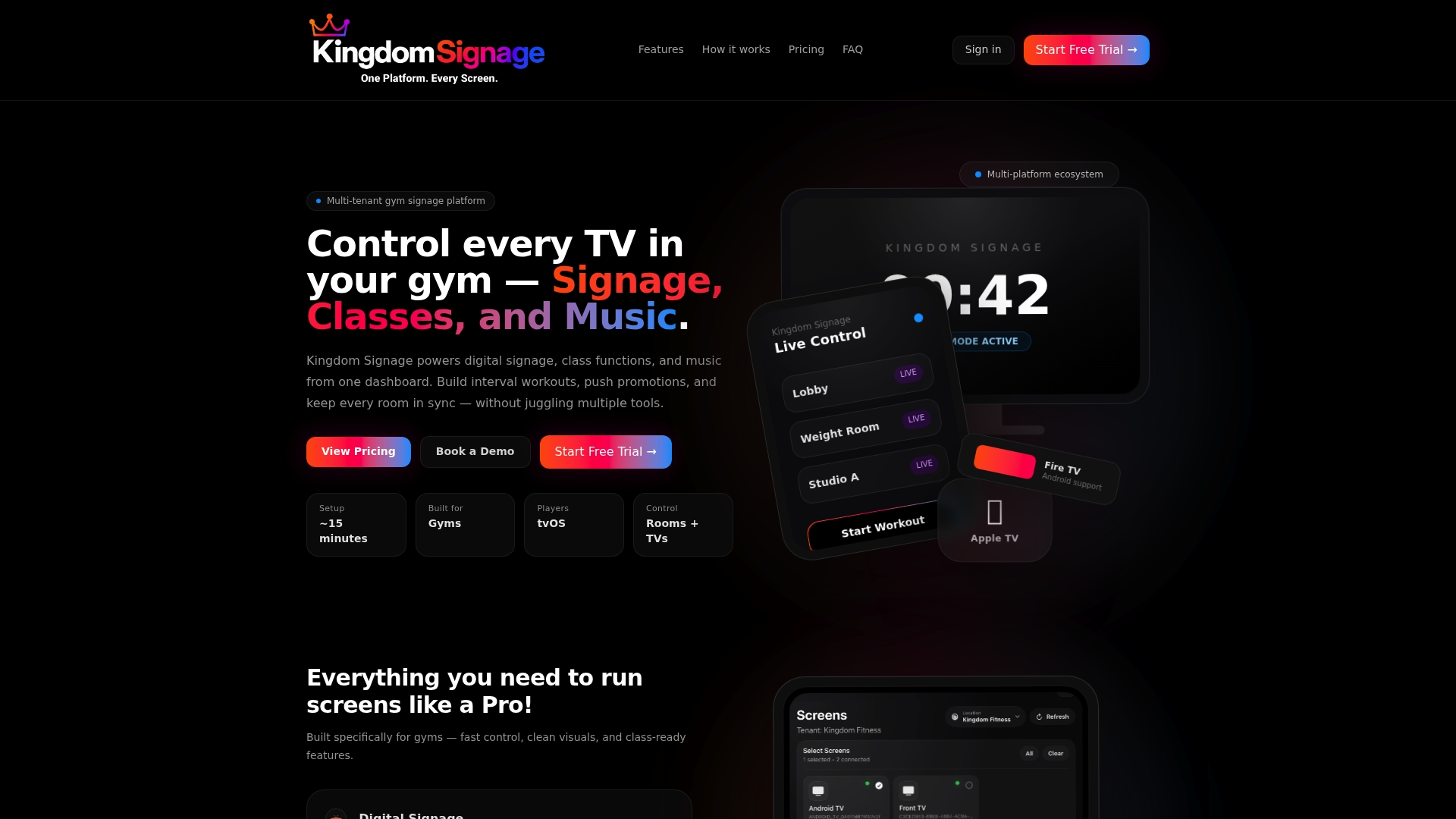
If you are comparing options, the quickest test is to map your rooms against what you need. Kingdom Signage is a subscription platform for gyms and fitness studios that brings TV screens, class scheduling, workout timers, room-based music and announcements into one dashboard, with multi-room and multi-location management. You can start with a free trial or demo and see how your own rooms would be set up on kingdomsignage.com.
Billing is per gym location, monthly or annually. Check the site for current plans and which features are included.
FAQ
How many screens does a gym need?
There is no fixed number. Start with the places members pause: the entrance or front desk, the training floor and each studio. Then add hallway screens only if they support one of your two or three main goals. Start small and expand once you see which screens members actually watch.
Who should be allowed to edit promo content?
Keep editing rights narrow: a primary editor and a backup. Instructors and department heads can send requests instead of changing slides themselves. This keeps branding consistent and stops outdated content from slipping in.
Can I show different content on different screens?
Yes, if your system supports room-based assignment. Each screen or group of screens is assigned its own playlist and schedule, while global announcements can still be pushed everywhere. This is what lets a studio show a timer while the lobby shows an offer.
Do I need a music license if I add audio to my screens?
If music plays publicly in your gym, you generally need licensing from the relevant U.S. performing rights organizations, and one license may not cover every catalog. Confirm what applies to your facility with the organizations or a licensing professional before you launch.
How often should promotional content change?
Change time-sensitive content, such as offers, announcements and class changes, as soon as the facts change, and review everything monthly. Evergreen content such as motivation can run longer, but retire anything with an end date on that date.
Sources
- How to Pick the Right Workout Display for Your Gym
- Digital Signage for Gyms: Screen Placement and Content Guide
- Better Background Sound, AVNetwork
- ASCAP & BMI Music Licensing Guide for Businesses, Soundsuit