
IPTV and cable TV deliver video channels to screens. Digital signage controls what your own content, such as class schedules, timers, promotions and announcements, shows on those screens, and when. For a gym, the two are not really rivals: IPTV or cable answers "what live channel is on?", while signage answers "what does this room need to show right now?" Most gyms need both jobs done, and the cleanest setup manages them from one place.
TL;DR
- Cable TV and IPTV carry channels: live sports, news and recorded video, sent over coax or your IP network.
- Digital signage carries your messages: schedules, workout timers, offers, member announcements, controlled per screen and per room.
- Cable and IPTV need headend gear, set-top boxes or servers and licensing. Signage software can run on the screens you already own.
- A gym with several rooms usually wants live TV on the cardio floor and scheduled, room-specific content everywhere else.
- Kingdom Signage is built to put screens, class content and room music under one dashboard.
Table of Contents
- What each technology actually does
- IPTV vs digital signage vs cable: side by side
- What it takes to install each one
- Consumer TV or commercial display?
- What each one costs to run
- Can one gym use live TV and signage together?
- How to choose for your gym
- Our perspective
- See it on your own floor
- FAQ
- Sources
What each technology actually does
Cable TV
Cable TV is the familiar model: a provider sends channels over coax (or satellite) to a box, and the box feeds a screen. You pick a package, and every screen on a given feed shows the channel its box is tuned to. Control is limited to changing the channel, and what you can show is whatever the broadcaster sends.
If you show cable in a gym, a business package matters. One cable-provider comparison site notes that residential TV does not include public performance rights, while business packages let you legally show content in lobbies, bars and gyms. The business TV packages overview is a good place to see how that distinction is described. Check the terms of your own agreement before you plug a home plan into a gym floor.
IPTV
IPTV sends video over an IP network instead of a dedicated coax run. According to a PSNI overview of business IPTV, it uses an existing IP network to deliver video across an organization, including live streams, recorded training, digital signage and emergency alerts, and it centralizes distribution in a single web-based platform so teams control what plays where and when.
That last point is why IPTV and signage get confused. Many IPTV platforms include a signage layer, and many signage platforms can display a live stream. The difference is where the product puts its weight: IPTV is built around distributing video streams; signage is built around scheduling and designing the content you own.
Digital signage
Digital signage is software that decides what each screen shows and when. A gym's version might include:
- A class schedule on the studio door screen that updates when an instructor swaps.
- A workout timer with a demo video on the wall of the training room.
- A membership offer in the lobby that changes on Monday morning.
- A real-time announcement, such as a room closure, pushed to every screen at once.
None of that depends on a channel lineup. It depends on the screen, a player or app, an internet connection and a place to manage content.
IPTV vs digital signage vs cable: side by side
| Question | Cable TV | IPTV | Digital signage |
|---|---|---|---|
| Main job | Live channels | Live and recorded video over IP | Your own scheduled content and messages |
| Typical content | Sports, news, entertainment | Channels, streams, training video | Class schedules, timers, promos, alerts |
| Per-room control | Channel per box | Platform-controlled, depends on system | Screen, room or location level |
| Hardware | Coax runs, boxes, sometimes a headend | Set-top boxes or apps, sometimes servers | Existing screens plus a player or app |
| Best for | Cardio floor entertainment | Larger sites with IT support | Communication, promotion, class flow |
| Licensing to watch | Business account with public performance rights | Content licensing from the channel source | Rights to the media you upload |
What it takes to install each one
The real difference shows up at install time.
Fitness equipment makers publish their own requirements for built-in live TV. Matrix Fitness's facility preparation guidelines state that coax or ethernet cabling must be run to each machine and that one set-top box must be installed for each piece of cardio equipment. A head-end system works with a rack in a separate closet, where set-top boxes are each set to a specific channel. That is a physical build, and it is worth planning before the walls are finished.

Bandwidth is the other consideration for anything streamed. The Netpulse Gateway installation guide calls for a dedicated 250 Kbps per Netpulse-enabled screen and gives a rule of thumb: divide the number of enabled machines by 4 to get the Mbps you need. A facility with 20 machines would need 5 Mbps. That figure is specific to that product, but it shows how to think: count screens, multiply by the stream rate, and leave headroom. For a broader planning method, our AV system bandwidth guide walks through the same math for signage and audio.
Signage content is lighter on the network than continuous live video, because schedules, images and short clips are downloaded and played locally. Our gym TV network setup steps cover the order we recommend: wired where you can, a separate network for screens, then rollout room by room.
Consumer TV or commercial display?
Both IPTV and signage run on a display, and the display choice affects cost for years. The ENERGY STAR signage displays page says consumer-grade signage displays have a lifespan of around 50,000 hours and use the same panel type as a consumer television, with added features such as front panel and IR remote locking, portrait orientation, PC compatibility and expanded connectivity. Commercial-grade signage displays are designed for 24/7 use and may last up to 100,000 hours.
What does this mean for a gym?
- Screens that run all day in a lobby or on a cardio floor benefit from a display rated for long hours.
- Screens in a studio that runs a few hours a day can often do the job on a quality consumer TV with the right player.
- Portrait screens for door schedules or posters need a display that can be mounted that way.
With Kingdom Signage you can integrate with existing screens, so a move to signage does not have to start with a hardware replacement. See our guide to managing multiple gym TVs from one dashboard for how that looks across rooms.
What each one costs to run
Costs depend on scale, but the shape is consistent.
One published estimate for US business IPTV, from an IPTV setup guide, lists $5 to $25 per screen per month for the platform, plus $10 to $60 per screen monthly for content licensing. Add $50 to $200 per set-top box, $2,000 to $20,000 for on-site servers, $500 to $10,000 for network upgrades and $1,000 to $15,000 for installation, with yearly support at 10% to 20% of install cost. Treat those as a planning range and get quotes for your own building.

The point for a gym owner is where the money goes. With IPTV and cable, much of it goes to hardware, wiring and content rights. With a signage subscription, the cost is a recurring software fee per location, and the screens and network you have may already be most of what you need. Our gym digital signage pricing breakdown walks through first-year costs in detail, so you can compare a signage budget against the figures above.
Can one gym use live TV and signage together?
Yes, and it is the most common answer for a gym with more than one room. A practical split looks like this:
| Area | What to show | Why |
|---|---|---|
| Cardio floor | Live channels, with a rotating promo or announcement | Members expect a channel to watch |
| Group studios | Class timers, demo videos, schedule | Instructors need synchronized, timed content |
| Lobby and front desk | Offers, events, wayfinding | Signage drives sales and answers questions |
| Locker rooms and cafe | Muted promos, music zone | Keeps ambience consistent without extra gear |
Two things make that mix work. First, decide which screens carry a channel and which carry your content, so no one has to guess. Second, use a single place to schedule everything so a promotion on Friday does not depend on someone walking around with a remote. We cover the front desk piece in three front desk signage essentials, and the channel side in our look at why channel blocking breaks down across 12 screens.
How to choose for your gym
Use these questions in order.
- What is the main job of each screen? Entertainment, instruction or promotion. Write it down per room.
- Who changes the content, and how often? If staff change something weekly or daily, you want a scheduler, not a remote.
- How many rooms and locations? The more you have, the more a central dashboard pays off.
- What does your network look like? Count screens and streams before you commit to anything that streams continuously.
- What do you already own? Reusing screens lowers the entry cost of signage.
- Do you need audio by room? If music differs between a spin studio and a lobby, pick a system that treats audio as part of the same plan.
For small boutique studios the answer is often simple: signage first, because class schedules, timers and offers are what members see most, and a live channel is optional. For franchise operators, a short pilot before rollout keeps surprises small; our 60 to 90 day franchise pilot plan shows how to run one.
Our perspective
Gyms rarely suffer from too little video. They suffer from too many tools: one remote for the cardio TVs, an app for music, a spreadsheet for the class schedule, a USB stick for the lobby promo.
We built Kingdom Signage around the idea that a gym is a set of rooms, each with its own job, and that the person running the gym should not have to operate each one separately. Screens, workout timers with demo videos, class scheduling, real-time announcements and room-based music sit in one dashboard, across one location or many.
Our approach is designed to work with the screens you already have, so you can improve what members see without a hardware replacement project. When a class moves, an offer ends or a room closes, the change goes out once and every relevant screen follows.
The result we aim for is simple: smoother class transitions, promotions members actually see, and a floor that feels organized. That is what supports engagement and, over time, retention.
Kingdom
See it on your own floor
If you are weighing channels against your own content, we can show you how Kingdom Signage handles the second half of that job: class and timer content, promotions, announcements and room music from one dashboard, billed per location. A free trial or demo lets you try it on a few of your screens first.
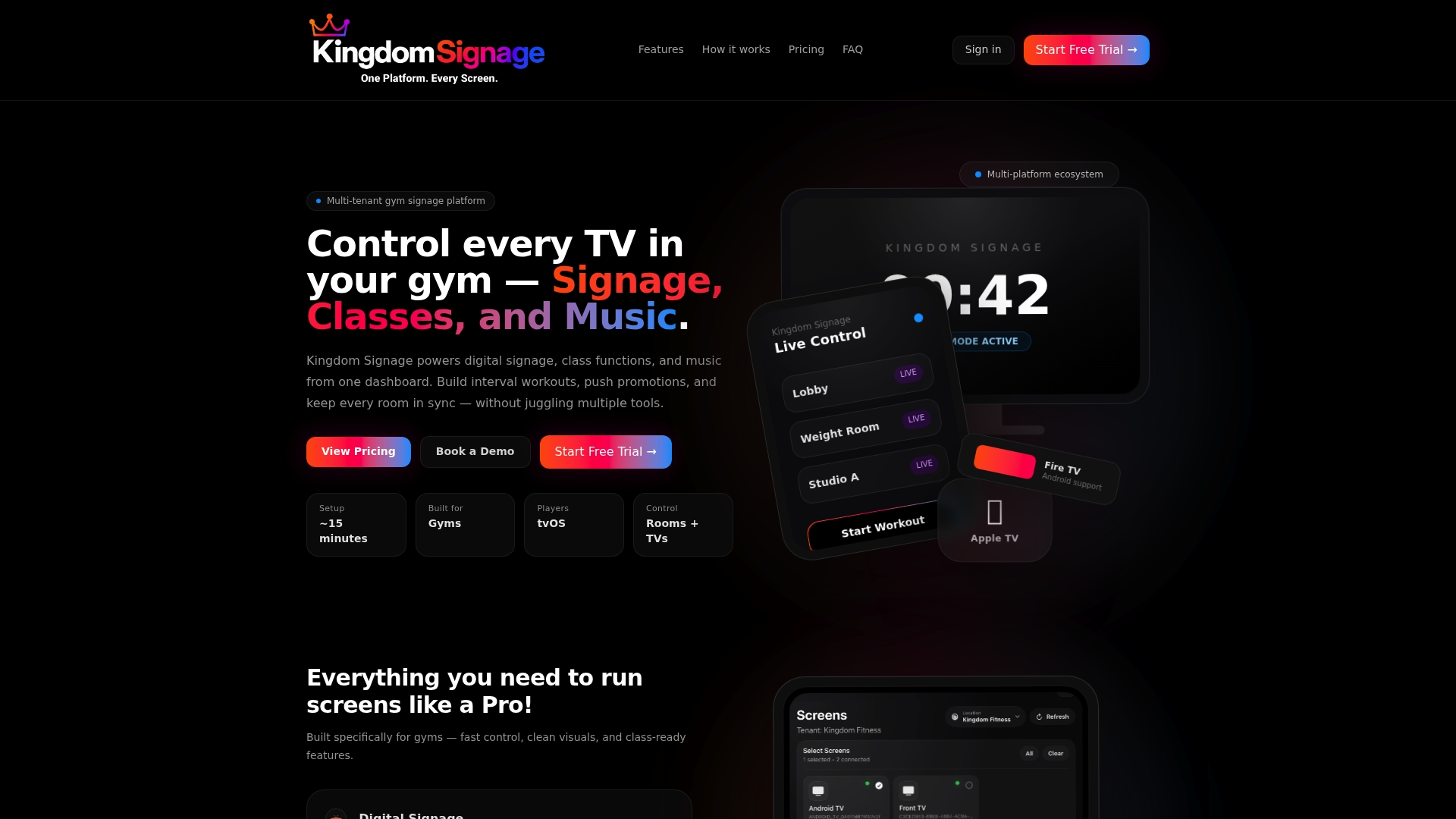
Start with Kingdom Signage and set up your first room. If you are also weighing smart TV options, our smart TV gym management systems guide compares the approaches, and our digital posters playbook shows how multi-location gyms replace printed signs.
FAQ
What is the main difference between IPTV and digital signage?
IPTV distributes video over an IP network, including live channels and recorded video. Digital signage manages the content you create, such as schedules, timers and promotions, and controls when each screen shows it. Some platforms blend the two, but the first is about delivery of video and the second is about messaging and scheduling.
Is cable TV or digital signage better for a gym?
They do different things. Cable gives members live channels on the cardio floor, and it should be a business account with public performance rights. Signage handles class flow, offers and announcements. Many gyms run both, with signage covering every room and cable on the screens where members want to watch a channel.
Can I use my TV for digital signage?
Often yes. A consumer TV uses the same panel type as many signage displays, according to ENERGY STAR, and a player or app can handle content. Displays that run all day are the case for a commercial-grade model, rated for 24/7 use. Kingdom Signage is designed to integrate with the screens you already have.
Can a gym show live TV and digital signage on the same screens?
Yes. You can assign some screens to a channel feed, others to scheduled content, and switch or overlay messages as needed. Decide per room which job each screen has, then manage the schedule from one dashboard so changes do not depend on individual remotes.
Sources
- Signage Displays | ENERGY STAR
- Why IPTV Is the Scalable Video Solution IT Teams Need | PSNI
- Matrix Fitness technology facility preparation guidelines
- Netpulse Gateway installation guide
- IPTV for Business: Benefits, Applications, Costs and Setup
- Business TV packages overview