
Digital signage in a gym's pool area works when the screen is built for water and sun, the content is limited to what swimmers and spectators need, and the pool screens are managed from the same dashboard as every other screen in the building. Kingdom Signage is a multi-platform system for gyms and studios that controls TVs, class timers, announcements and room-based music from one dashboard, so the pool deck does not become a separate project with its own tools.
This guide covers what to put on pool-area screens, what the hardware has to withstand, where digital signage stops and required safety signs begin, and how to keep the whole thing manageable for a small team.
TL;DR
- Use pool screens for lap and class schedules, lane and time-block notices, promotions, live announcements and, where the venue allows, spectator video.
- Wet, humid and sunny areas need displays with a suitable ingress-protection (IP) rating, enough brightness and corrosion-resistant hardware. Ordinary indoor TVs are not designed for this.
- A screen never replaces the posted safety signs your state or local health department requires. Check your state's pool code before you plan placement.
- The cheapest way to run pool screens is to manage them with the rest of your gym screens, with one content library, one schedule and one set of announcements.
- Budget for the display, mounting, cabling and electrical work first. Software is the smaller line, but it decides how much staff time the screens cost you every week.
Table of Contents
- What pool-area screens are good for
- Safety signs come first, and screens do not replace them
- Hardware: what a pool environment demands
- Cost: what to budget
- Manage pool screens with the rest of your gym
- Content examples that work at a pool
- Common mistakes
- Put your pool screens on the same dashboard
- FAQ
- Sources
What pool-area screens are good for
A pool is one of the few places in a gym where members cannot check a phone. Hands are wet, lockers are far away, and people are looking up at the water or the clock. That makes a wall display useful for information that changes during the day.
Schedules and lane use. Lap swim blocks, aqua class start times, swim lessons and open-swim windows are the content members ask staff about most. Put the next three or four time blocks on screen and update them from the dashboard, not by swapping laminated sheets. Our guide to studio class schedule displays shows layouts that translate well to a pool deck.
Class timers and demo video. Aqua fitness instructors can run interval timers and short movement demos on a screen that faces the water, so participants can follow the next round without the instructor stopping to explain it.
Real-time announcements. Pool closures for cleaning, a lane change, a class moving rooms or a schedule shift can be pushed to every relevant screen at once. That is the main reason to manage pool screens centrally.
Promotions. Members at a pool are a captive and relaxed audience. Short messages about a new class series, a membership add-on or an enrollment drive fit well. See how gym screens support class enrollment drives and how class promotions display on gym TVs.
Spectator and event content. At competitive and family-heavy facilities, screens can do more. An aquatics center in Arlington, Virginia, installed an LED video wall above its competitive swimming area. Its assistant manager told Digital Signage Today that showing live diving footage on the board would improve the view for spectators, and that the center hoped to hold movie nights watched from the pool, deck or spectator seating. Most gyms will not install a video wall, but the idea scales down: a single screen at the spectator bench for meet results or a lesson schedule.
What to leave off
Keep text large and short. A member in the water or on a wet deck reads from several feet away, so a screen with a dense timetable fails. Aim for one idea per slide, high contrast, and a rotation that repeats often enough that someone doing a lap sees the whole loop. Do not use pool screens as a substitute for the posted rules and warnings covered below.
Safety signs come first, and screens do not replace them
Pool safety signage is regulated by states and local health departments, and the requirements differ. Two examples show how specific they get.
Texas requires safety signs at pools built on or after January 1, 2021, and at older pools when signs are replaced. The Texas Department of State Health Services sign guidance calls for "WARNING—NO LIFEGUARD ON DUTY" and "NO DIVING" where no lifeguard is required or provided, plus an emergency 911 notice, in 4-inch letters. Further rules, such as no glass and no swimming after diarrhea in the past two weeks, must be in letters at least 2 inches high. The guidance also says signs must be readily visible, securely mounted and made of weather-durable panels with clean, smooth surfaces.
Oregon's Health Authority sets its own details. Its aquatic facility design standards guide requires depth markers in durable, weather-resistant material with characters at least 4 inches high in a contrasting color. It also requires "NO DIVING" warning signs with the international symbol, spaced no more than 25 feet apart around pools 5 feet deep or shallower.
The practical takeaway for a gym owner: treat required signs as fixed physical infrastructure, and treat screens as the layer for everything that changes. Confirm your own requirements with your state or county health department before you finalize any layout, and make sure a screen never blocks a required sign or sits where it could be mistaken for one. For the digital side of safety messaging inside the rest of your facility, see gym safety messages on screens.

Hardware: what a pool environment demands
The screen is where pool projects most often go wrong, because water, chemicals, humidity and sun are all hard on electronics.
Water and corrosion
At the Arlington aquatics center, the installer said the biggest challenge was water: electrical equipment had to be waterproof against corrosive materials. The facility chose a Planar CarbonLight LED video wall with an IP65 rating and carbon-fiber construction, installed with integrated audio and three built-in cameras, according to the Digital Signage Today case study from October 26, 2022.
IP ratings describe how well an enclosure keeps out dust and water. The first digit covers solids, the second covers water. For wet decks and anywhere splashing is likely, ask for a rated display rather than a standard TV in a box.
Humidity
Indoor natatoriums are humid year-round. In humid climates, Express Mounting notes that internal condensation, connector corrosion and mold can build up inside enclosures, and it recommends ventilated enclosures, silicone-sealed connections and placement with airflow in mind. Position screens away from direct spray and away from the surface of the water where chlorinated vapor is thickest.
Sun and brightness
Outdoor pool decks add glare. The same guide says outdoor installs need high-brightness displays, 700 nits or more in shade and 2,000 nits or more in direct sun, with IP55 or IP65 enclosures and 304 stainless-steel hardware. Power and HDMI should run through conduit, and the National Electrical Code requires GFCI protection on outdoor circuits. Have a licensed electrician handle that work and confirm it meets local code.

If your pool is indoors with no direct sun, you can skip the high-nit requirement and focus on moisture protection and viewing angle.
Mounting and viewing position
- Mount screens where the deck and spectators can see them, not over the water in a spot that is hard to service.
- Keep screens out of reach of splash zones unless the display is rated for them.
- Place one screen for swimmers and instructors and, if you have seating, a second for spectators. They need different content.
- Think about cable runs now. Pulling power and network to a pool wall later costs far more than planning it during construction or renovation.
Cost: what to budget
We do not publish a single universal number here because a pool screen's cost depends mostly on where it goes. A rated display, mounting hardware, electrical work and network cabling vary widely from one building to the next, and outdoor or video-wall installations sit at the top of the range. If you are considering a large LED installation, a breakdown of LED video wall costs shows how pricing moves with size and setup.
A useful way to plan:
| Line item | What drives it |
|---|---|
| Display | IP rating, brightness, size, indoor or outdoor |
| Mount and enclosure | Corrosion resistance, ventilation, wall type |
| Power and network | Conduit, GFCI, cable length, existing pool-deck infrastructure |
| Media player | Built-in display player or separate device |
| Software | Number of screens and locations, plus optional features such as music |
| Staff time | How often content changes and how many tools staff must update |
The last row is the one that quietly decides whether pool screens pay off. A screen that needs a separate login, a separate USB stick or a separate person to update gets stale within weeks. A stale schedule on a pool wall is worse than no screen.
Manage pool screens with the rest of your gym
A pool should not be a separate signage project. Your front desk, cardio floor, studios and pool all show related information: the class schedule, a promotion, an announcement. Managing them in one place means a schedule change is made once.
Here is how that works in practice.
1. Start from the content, not the screen
List what each location needs to show: pool schedule, aqua classes, front-desk offers, safety reminders. Our guide to setting up gym digital signage walks through that planning. With Kingdom Signage, class scheduling, workout timers with demo video and announcements all live in the same dashboard, so the pool content is one more set of screens, not a second system.
2. Group screens by room
Assign each screen to a room: pool deck, spectator area, group-fitness studio, lobby. Rooms let you send the right content to the right place. An announcement that a studio class has moved should reach the lobby and the studio, while a pool closure notice goes to the pool and the front desk. Kingdom Signage manages multiple rooms and multiple locations from the same dashboard.
3. Coordinate audio with visuals
Pool areas often have their own audio, whether it is background music or a speaker for aqua classes. Kingdom Signage includes room-based music integration, so audio and visuals can be synced across rooms. That helps when a class begins at the pool and the music and the on-screen timer should start together.
4. Use the screens you already have where it makes sense
For lobby, corridor and locker-room-adjacent screens, you do not need new hardware. Kingdom Signage integrates with existing screens across unlimited locations, which keeps the budget for the pool itself, where specialized hardware is justified.
5. Make the network reliable
Hardwired Ethernet is the safest connection for fixed screens, and signage traffic is best kept separate from member Wi-Fi so a guest network problem does not take your screens down. Our digital signage security checklist for gym managers covers the access and account side.
6. Set a review rhythm
Once a month, walk the pool deck and read each screen as a member would. Check legibility, glare, condensation and whether the schedule matches the one at the front desk. Pool environments age electronics faster than a cardio floor, so catching a fogging enclosure early is cheaper than replacing a display.
Content examples that work at a pool
Here are slide ideas that fit a pool-area loop, each short enough to read from the deck:
- Now and next. The current activity and the next two blocks, such as "Lap swim until 9:00 AM" followed by "Aqua fitness 9:15 AM".
- Class timer. A large countdown for interval rounds, with a short movement demo video.
- Instructor spotlight. A name, a photo and the class they lead, which helps new members connect with the program.
- Membership offer. One offer per slide, with a clear next step. See how membership offers display digitally.
- Operational notice. Pool maintenance, lane changes or a reminder to shower before entering.
- Event promotion. A family swim day, a lesson session sign-up or a community event.
Rotate promotions with practical information. If every slide is an advertisement, members stop looking at the screen, and then they miss the closure notice that mattered.
Common mistakes
- Using a standard TV in a humid room. It may work for a while, then fail with condensation or corrosion.
- Letting the screen compete with required signs. Keep mandated warnings fixed, visible and unobstructed.
- Updating pool screens separately. The schedule drifts out of sync with the front desk.
- Too much text. If it cannot be read from the deck in two seconds, cut it.
- No plan for outages. Decide what the screen shows if the network drops and who is responsible for noticing.
Our view on pool screens
We build Kingdom Signage around a simple idea: a gym's screens, music and announcements should be one system, not a stack of separate tools. The pool is where that idea matters most, because it is the room staff can least afford to walk to for a manual update.
When a class moves or a lane closes, one change in the dashboard should reach the pool, the studio and the lobby. When an aqua class starts, the music and the timer should start together. And because the platform works with the screens a gym already owns, owners can put their budget into the one place that needs specialized hardware, the pool deck itself, instead of replacing every display in the building.
That is the case for managing pool signage as part of the whole facility, with unified control across rooms and locations, tailored fitness workflows and less staff time spent keeping screens current.
Kingdom
Put your pool screens on the same dashboard
Kingdom Signage is a subscription platform for gyms and fitness studios that unifies digital signage, TV screens, class scheduling, workout timers with demo video, room-based music and real-time announcements. It supports multi-room and multi-location management and works with existing screens, so the pool becomes one more room in a system you already run. You can start with a free trial or demo at kingdomsignage.com.
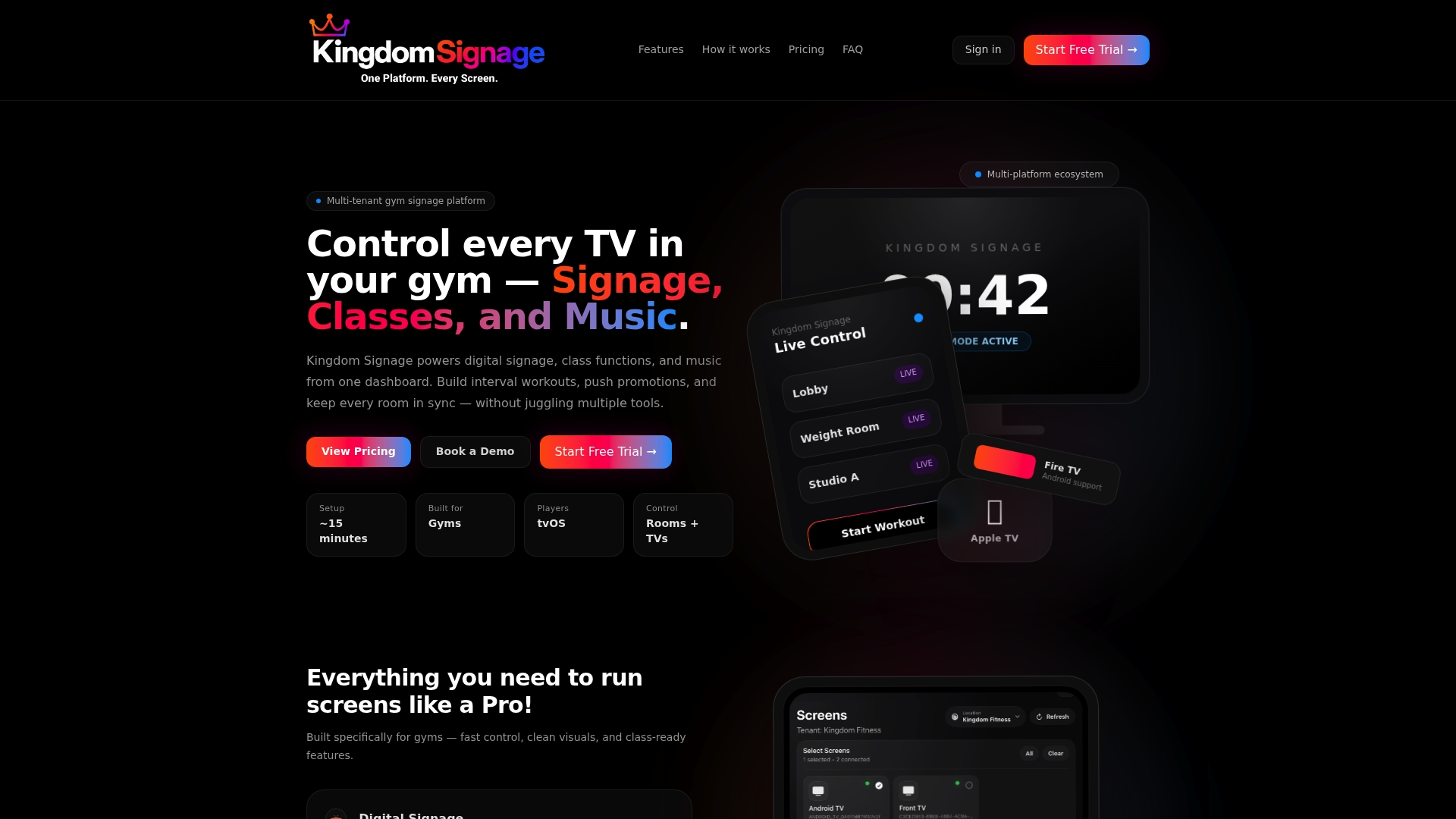
Small boutique studios and multi-location operators use the same dashboard, so you can begin with one room and add the pool when the hardware is ready.
FAQ
Can digital signage replace the required safety signs at a pool?
No. State and local rules specify the wording, letter size and placement of safety signs, and they are typically fixed, weather-durable panels. Use screens for schedules, announcements and promotions, and check your state or county health department for the signs your pool must post.
Do pool-area screens need to be waterproof?
Screens near water, splash or heavy humidity should have a suitable ingress-protection rating. The aquatics center described above used an IP65-rated display, and outdoor guidance commonly calls for IP55 or IP65 enclosures. A screen in a dry spectator area further from the water has lighter requirements.
What should a pool screen show?
Show the current and upcoming schedule, aqua class timers, short promotions and real-time notices such as closures or lane changes. Keep each slide to one idea in large, high-contrast text so it can be read from the deck.
Can I run pool screens and gym TVs from the same system?
Yes. With Kingdom Signage you assign screens to rooms and manage the pool, studios and lobby from a single dashboard, including class schedules, announcements and room-based music. That means one update reaches every relevant screen.
Sources
- Aquatics center unveils LED video wall, Digital Signage Today
- Signs for Pools and Spas, Texas Department of State Health Services
- Aquatic Facility OAR 333-060 user guide, Oregon Health Authority
- How to Mount an Outdoor TV, Express Mounting
- LED Video Wall Rental Cost