
Centralized signage control means every screen in your gym, and every gym you run, is managed from one place. Class schedules, timers, promotions, announcements and room music are all updated there, not on each TV or in separate apps. For a gym with more than a couple of screens, that is the difference between a front desk that keeps the schedule current and a screen that still shows last month's promotion. Kingdom Signage is built for this job: a multi-platform SaaS that unifies TVs, workout classes and music in a single dashboard.
TL;DR
- Centralized signage control puts screens, class timers, room music and announcements for one or many locations under a single login.
- The biggest gains are fewer manual updates, consistent branding and class transitions that run on schedule in every room.
- Before you commit, check four layers: the displays you already own, the media players, the content software and your network.
- Judge features by daily value: timers, multi-screen sync and remote management matter more than long feature lists.
- Kingdom Signage works with your existing screens, so you do not have to replace hardware to get one dashboard.
Table of Contents
- What centralized signage control means in a gym
- What you can run from one dashboard
- How to set up centralized control step by step
- Choosing a system: features that earn their place
- What this looks like at different sizes
- Common mistakes to avoid
- Our perspective
- See it in your own gym
- FAQ
- Sources
What centralized signage control means in a gym
A gym is a harder signage environment than a lobby with one TV. You have a front desk, a weight floor, a cardio area, a studio or two, maybe a kids' area, and each room has a different job. The group fitness room needs a countdown timer and a demo video. The lobby needs the day's schedule and a membership offer. The weight floor needs something motivating that does not fight with the music.
Without central control, each of those screens has its own source: a USB stick, a streaming stick on a personal account, a laptop cable, a remote someone has misplaced. Updating them means walking the building. Updating them across locations means someone visiting each site or relying on a manager to do it right.
Centralized control replaces that with one dashboard that holds three things:
- Content: schedules, posters, promotions, workout timers, demo videos and announcements.
- Assignment: which screen, room or location shows what, and when.
- Audio: which music plays in which room, so sound and visuals match.
Kingdom Signage covers those three in one platform: digital signage and TV screens, class scheduling, workout timers with demo video support, room-based music integration, real-time announcements, and multi-room or multi-location management.
What you can run from one dashboard
The useful way to think about the dashboard is by the people who touch it. Each reader of this article has a different reason to want it.
Class schedules and workout timers
Instructors need the room to run itself during transitions. A timer on the wall with work and rest intervals, a demo video for the next movement and a schedule that shows what class comes next remove the constant "what's next?" from the instructor's plate. When the schedule lives in the dashboard, changing a class time or swapping an instructor updates the screens that show it, not a printed sheet by the door.

Promotions and membership offers
Marketing managers need control without needing a trip to the gym. A seasonal promotion, a personal training launch or a referral push can be scheduled for the lobby and the floor screens, and taken down when it ends. Our guides on digital posters for gyms across multiple locations and what to show on lobby screens go deeper on content ideas.
Front desk and wayfinding messages
When members ask the same questions at check-in, a screen can answer them: today's classes, which studio is which, what is closed for cleaning. The practical checklist is in front desk signage essentials for gyms.
Real-time announcements
A class is moved, the sauna is down, a storm closes the gym early. Real-time announcements let a manager push the message to the right screens at once, rather than hoping staff notice and tell people.
Music by room
Room-based music integration lets a high-energy playlist run in the studio while the lobby stays calm. Because audio and visuals sit in the same system, a class transition changes both together. For the mechanics of running separate rooms, read how multi-room gym displays work.
How to set up centralized control step by step
The sequence below works for a single boutique studio and for a multi-location operator. Only the scale changes.
Step 1: Map your screens and rooms
List every display, where it hangs, what it connects to and what it should show. Group them by purpose: lobby, floor, studio, outdoor or retail area. Most problems later come from skipping this list and discovering a screen nobody remembers.
Where it goes wrong: treating all screens as the same. A studio timer and a lobby poster need different content and different schedules, so they need to be separate groups from the start.
With Kingdom Signage you keep the screens you already own, which means this step is an inventory, not a shopping list.
Step 2: Check the four layers
The setup guide we reviewed for this article breaks a gym display system into commercial-grade displays, media players, content management software and network infrastructure. Walk through each layer for every room:
| Layer | What to confirm | Why it matters |
|---|---|---|
| Displays | Size and mounting suit the room, and the screen stays on for long hours | A studio screen needs to be readable from the back row |
| Media players | Each screen has a device or built-in app that can run the content | This is what actually plays the schedule |
| Content software | One dashboard controls content, timing and audio | This is the centralized part |
| Network | Stable connection to every screen | Updates and remote checks depend on it |
The same guide recommends wired Ethernet for fixed, high-traffic displays and a dedicated Wi-Fi network name for audio and video devices, so member traffic does not compete with your screens. Ask whoever manages your network to set that up before launch day.
Step 3: Build content once, then assign it
Create your core assets: the weekly class schedule, your brand template, standing promotions, timers and demo videos. Then assign them to screen groups. Keep one template for headers, colors and logo so every room looks like the same gym. Our 2026 guide to brand consistency on gym screens covers how to do this without a designer on staff.
Where it goes wrong: building each screen's content separately. That is how a lobby ends up with a different phone number than the studio.
Step 4: Schedule by time of day and class
Set content to follow the day. Morning commuters see the early classes and the day's schedule. Midday shows a member offer. Evening peak shows the class lineup and timers. Class timers and demo videos start with the class, not when somebody finds the remote.
Step 5: Pair audio with the visuals
Assign music to each room and tie it to the same schedule. When a boot camp ends and a yoga class begins, the room changes in one move. A gym that plays music publicly needs the proper public performance licensing for it, so confirm that with your music provider or licensing body before you go live.
Step 6: Roll out one room, then the rest
Start with the highest-traffic room, run it for a week, and watch for what instructors actually use. Then roll out the remaining rooms. For multi-location operators, do the same with one pilot site before you copy the setup to the others.
The full walk-through is in how to set up gym digital signage that works.
Choosing a system: features that earn their place
Vendor feature lists run long. The setup guide above makes a useful point: not every advertised feature turns into daily value, so put your attention on what improves class flow, cuts trainer interruptions or supports the member experience. For gyms, three capabilities consistently matter:
- Workout timers. Interval timers with work and rest cycles and audible cues keep a class on pace without the instructor watching a clock.
- Multi-screen synchronization. In a large open space, members in different corners should follow the same rhythm.
- Remote management. Updating and checking screens from your phone or laptop reduces trips to the site.
Add to that list the questions that are specific to your operation:
- Does it work with the screens you already own?
- Can one login manage several rooms and several locations?
- Are signage, schedule, timers and music in one place, or do you need multiple tools?
- Can a front desk employee update an announcement in under a minute?
- Does pricing follow how you grow, per location, with optional add-ons?
Kingdom Signage answers yes to the first three by design: it integrates with existing screens, supports unlimited locations from one platform and unifies signage and audio. Its subscription is billed monthly or annually per gym location, and premium features such as music integration and additional TV licenses can be added when you need them.
What this looks like at different sizes
Boutique studio, one or two rooms
You probably have one or two TVs and an instructor who also handles the front desk. The win is time: schedule, timer and music are set once and run. Affordability matters here, and a per-location subscription with optional add-ons means you pay for what the studio actually uses.
Single full-size gym
This is where screens multiply and updates get missed. One dashboard keeps the lobby, floor and studios consistent, and lets a marketing manager schedule promotions without asking the floor staff. How gym owners control multiple screens effectively covers the day-to-day routine.
Multi-location operators and franchises
Here, centralized control is about brand and accountability. Every location shows the same offers and look, local managers add local announcements, and a technology coordinator manages all locations without a site visit. This is the case that benefits most from a single platform across unlimited locations.
Common mistakes to avoid
- Buying hardware before the plan. Map rooms and content first. A system that works with your current screens avoids replacing equipment.
- Overloading screens. Members glance at a screen for seconds. One message, large type, high contrast.
- Leaving content to one person. Give the front desk a way to post announcements and keep promotions with marketing.
- Setting and forgetting. Review content monthly. Expired promotions on a screen cost credibility.
- Ignoring the network. A screen that drops offline is a blank rectangle. Wired connections for fixed displays and a separate network for AV devices prevent most of this.
Our perspective
We built Kingdom Signage around a simple observation: a gym does not need five tools to run one room. It needs the TV, the class timer, the schedule and the music to behave like one system.
When those pieces live in separate apps, every class transition depends on a person remembering to switch something. When they live in one dashboard, the transition is already scheduled. That is what smoother classes mean in practice, and it is what members notice as a more polished gym.
We also think centralized control should not force a hardware swap. Gyms already own screens. Our platform integrates with them, so the money goes into better content and better class experiences, not new equipment.
Finally, we design for growth. A boutique studio starts with one room, then adds a second location. The same dashboard handles both, with multi-room and multi-location management built in, so you never have to rebuild your setup as you grow.
Kingdom
See it in your own gym
Kingdom Signage gives gym owners, studio operators and franchise technology managers one dashboard for signage, TV screens, class scheduling, workout timers with demo video support, room-based music and real-time announcements, across rooms and locations. Subscriptions start after a free trial or demo and are billed monthly or annually per location. You can start at kingdomsignage.com.
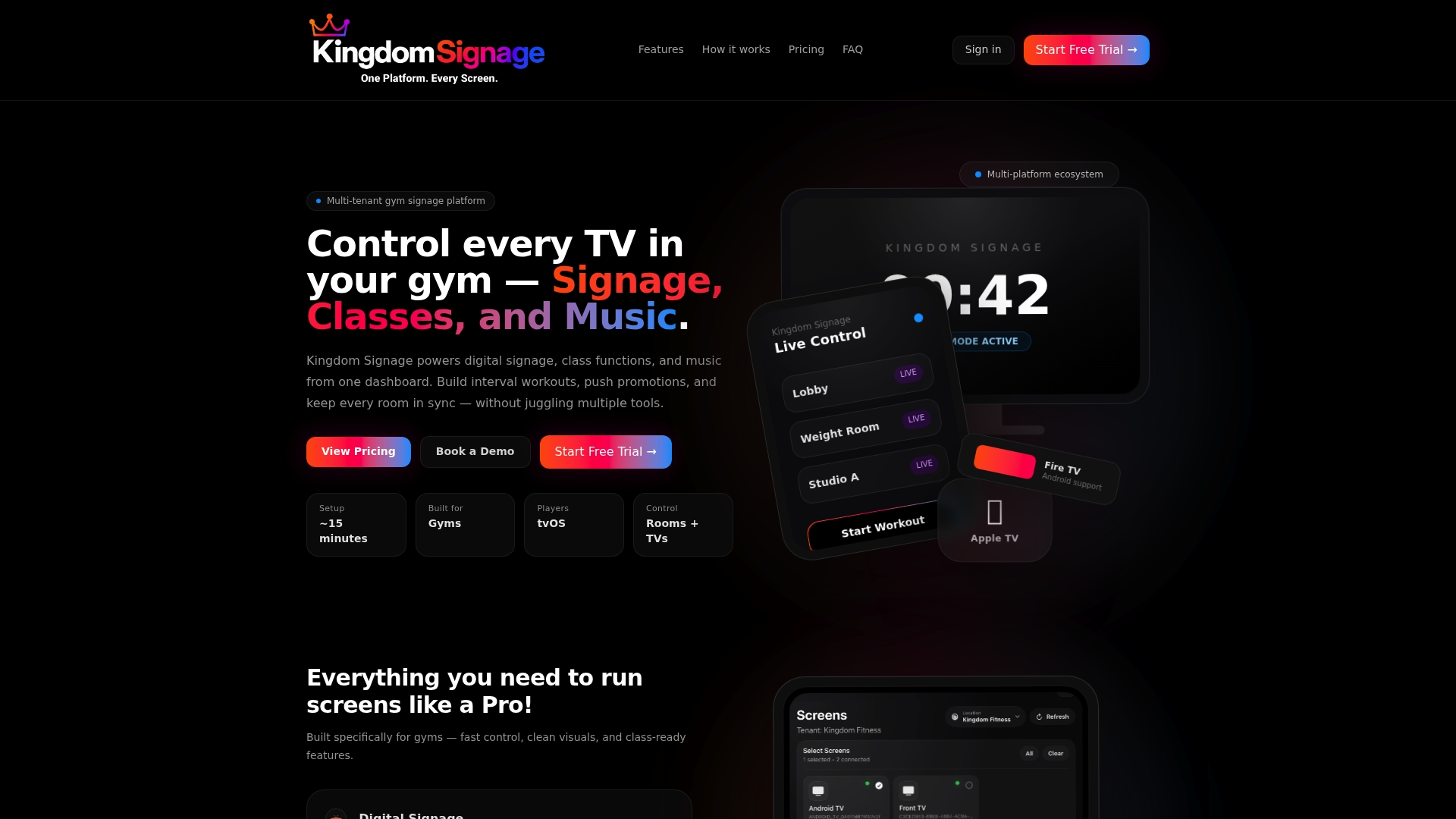
If you manage more than one room, begin with the room where class transitions cause the most friction, and expand from there.
FAQ
What is centralized signage control in a gym?
It is managing all of your gym's screens, schedules, timers, announcements and room music from one dashboard instead of device by device. Updates made once appear on the screens you choose, in one room or across several locations.
Do I need to replace my TVs to use it?
Not with Kingdom Signage. The platform integrates with your existing screens, so you can start with the displays you already own. Your network and media players still need to be in working order, so map them before launch.
Can it control music as well as screens?
Yes. Kingdom Signage includes room-based music integration, so audio can follow the same schedule as the visuals in each room. Music integration is an optional premium feature. Playing music in a gym is a public performance, so make sure your music source is licensed for business use.
How do multiple locations work?
Each gym location is managed from the same dashboard, with unlimited locations supported. You can share brand templates and promotions across sites and still give each location its own schedule and announcements.
How is it priced?
Kingdom Signage is a subscription with tiered monthly pricing per location, billed monthly or annually, and it starts after a free trial or demo. Premium features such as music integration and additional TV licenses can be added on top.