
Yes. Gyms that put screens at the right points in the member journey see measurable lifts in upgrade revenue, not just vague "engagement." Cast-Hub's 2026 playbook puts a realistic total revenue lift at 1 to 5%, with targeted categories like personal training and retail seeing 15 to 25% when the content is aimed correctly. One multi-location rollout of 162 displays across 18 locations reported a 30% jump in member retention alongside higher PT revenue after a phased deployment.
The mechanism is simple. Screens catch members at the exact moment they're deciding what to do next, and a platform like Kingdom Signage lets you sync that message across every room instead of guessing at one static board by the front door.
Three things make it work:
- Visibility at the decision point — a PT offer on the check-in screen lands while the member is still thinking about their workout, not after they've left.
- Timed prompts — countdowns and class-start alerts nudge action before the window closes.
- Social proof — member spotlights and class-full indicators tell newcomers what everyone else is already doing.
Key Takeaways
Member-facing screens drive upgrades when placed at decision points and timed to member behavior, and a synchronized dashboard multiplies that effect across every room.
| Point | Details |
|---|---|
| Placement beats volume | Put screens where members pause and decide, not just anywhere with wall space. |
| Rotate creative every 1 to 2 weeks | Stale content gets ignored; fresh promos every 7 to 14 days keep attention. |
| Track with QR or booking codes | Attribute upgrades to specific screens using trackable codes, not guesswork. |
| Expect results in 4 to 12 weeks | Run A/B tests across alternating weeks or matched locations before judging ROI. |
| Kingdom Signage centralizes execution | Its single dashboard syncs schedules, timers, and music across rooms, making multi-location rollout consistent. |
Table of Contents
- How Member-Facing Screens Change Member Behavior
- What Content Actually Drives Upgrades on Screens?
- Where Should Screens Go and When Should They Show Promos?
- How Do You Measure Screen-Driven Upgrades?
- What Do You Need to Deploy Screens That Convert?
- What Mistakes Kill Screen Conversions?
- What a Multi-Location Operator Actually Notices
- How Kingdom Signage Fits Into Your Upgrade Strategy
- Useful Sources for Going Deeper
How Member-Facing Screens Change Member Behavior
Screens work because they hijack attention at the exact second a member is open to suggestion. Here's why member-facing screens drive upgrades so reliably: they exploit the same behavioral triggers retailers have used at checkout counters for decades, just aimed at a gym floor instead of a cash register.
- Attention capture at point-of-decision. A member glancing at the check-in kiosk is primed to notice a personal-training prompt right then, before distraction sets in. Show it there, not on a poster they'll never look at twice.
- Salience through repetition. Seeing the same recovery-service ad three times a week builds familiarity that a single flyer never can. Rotate creative, but repeat the offer across a two-week window.
- Social proof and recognition. Featuring a member's transformation story on the studio screen tells other members: "this works, and we notice you." That's harder to fake than a discount code.
- Scarcity and urgency. "Only 4 spots left in tonight's 6pm class" pushes hesitant members to act now instead of "maybe next week."
- Contextual education. A locker-room display explaining how a 20-minute recovery session reduces soreness turns an abstract add-on into something a tired member can picture using right now, right there, near the spa entrance.
What Content Actually Drives Upgrades on Screens?
Not every slide earns its spot. DisplayDetails recommends a rotating mix: next-three-classes schedule, trainer spotlight, current promotion, member feature, safety reminder, and ambient brand video between slides. That variety keeps eyes on the screen instead of scrolling past it.
For upgrades specifically, five formats consistently convert:
- Time-limited offers with a visible expiration ("PT package, 20% off through Sunday").
- Trainer spotlights that end in a specific next step, not just a bio.
- QR-code "Book Now" CTAs tied to a trackable code, covered in more detail in Kingdom Signage's real-time offer guide.
- Class waitlist plus upsell prompts — "Full class? Try a private session this week."
- Member-spotlight social proof, rotated monthly to avoid staleness.
Short microcopy beats long copy every time. Try headlines under 20 characters: "3 Spots Left Tonight" or "Recovery in 20 Min" paired with a one-line CTA like "Scan to book." Personal training promotions that follow this format outperform generic banner ads by a wide margin, according to Kingdom Signage's own creative guidance.
Pro Tip: Refresh core promotional creative every 7 to 14 days. The message doesn't need to change completely, but the visual does. Members tune out anything that looks identical to what they saw last Tuesday.
Where Should Screens Go and When Should They Show Promos?
Placement matters as much as content. Front desk and entrance screens should carry onboarding and trial-conversion messaging, especially in a new member's first 7 to 14 days. Cardio-floor screens work best for PT prompts during peak hours, when members are mid-workout and receptive to "what's next." Studio screens should run real-time class schedules and remaining capacity, since displays showing open spots and instructor bios drive enrollment more effectively than a printed sheet ever could.
- Locker rooms and retail/juice bar zones: recovery services, supplements, and off-peak promotions.
- Off-peak hours: rotate general brand and retention content instead of hard sells.
- Sight lines matter: mount screens where members naturally pause, not where they glance mid-stride.
A single-location gym might start with three screens: front desk, cardio floor, and one studio display, then expand once the content cadence is proven.
How Do You Measure Screen-Driven Upgrades?
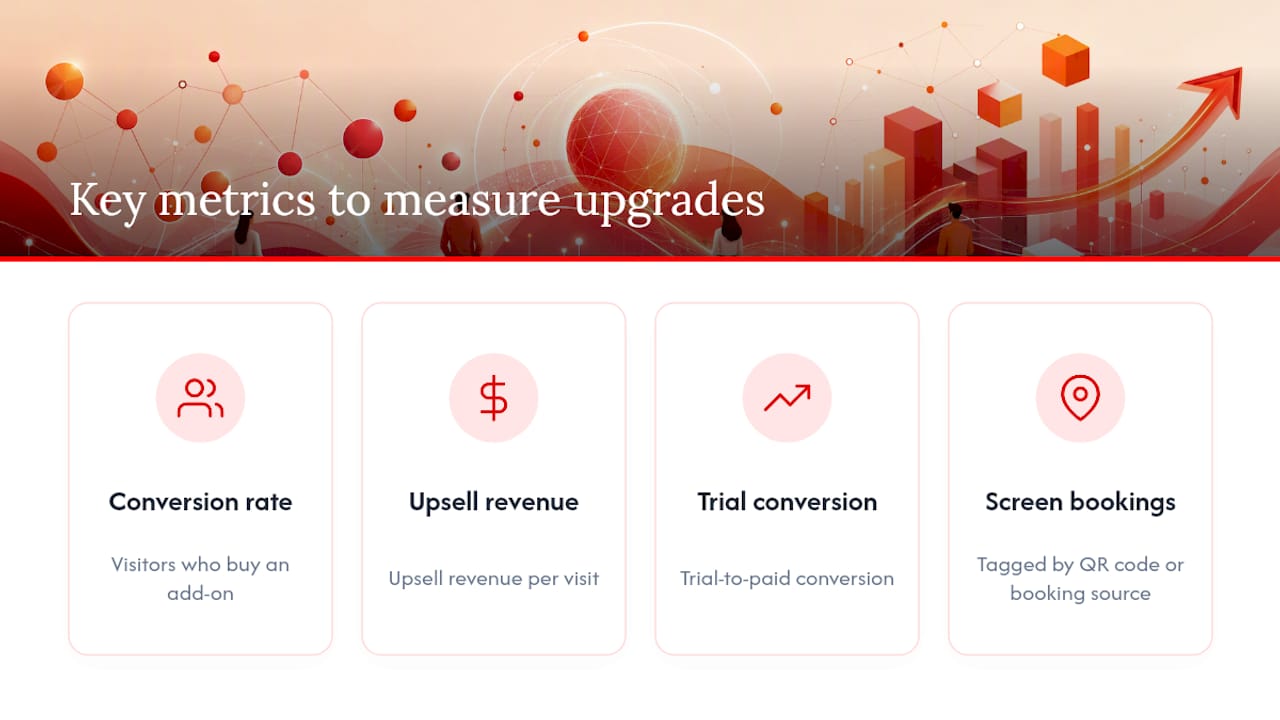
Track four numbers: upgrade conversion rate (visitors who buy an add-on), upsell revenue per visit, trial-to-paid conversion, and screen-driven bookings tagged by QR code or booking source. Without that last one, you're guessing whether the screen or the front-desk staff closed the sale.
Run a simple A/B test: rotate one promotional creative in alternating weeks, or compare matched locations running different offers, then measure conversion lift over 4 to 12 weeks. Real-time offer displays paired with a trackable booking code give you attribution without needing a full analytics stack, which matters for a single-location operator without a data team.
Here's a sample ROI model for a 500-member gym:
That $6,750 figure assumes the 15% lift Cast-Hub cites for targeted upsell categories holds for your gym's baseline traffic. Real-time engagement tactics like countdowns and QR CTAs have shown promotional engagement lifts of up to 30% in operator-reported figures, which is worth testing before you assume the conservative end of any range.
What Do You Need to Deploy Screens That Convert?
Start with hardware that fits the zone, not the biggest screen you can afford.
- Pick screen sizes by zone. Front desk and studio entries work well at 32 to 43 inches; cardio floors often need larger displays visible from a distance.
- Confirm VESA mounting and plan cable runs before installation day, especially in older buildings with limited conduit.
- Integrate your booking system and class schedule feed so screens update automatically instead of requiring manual entry every morning.
- Sync point-of-sale or retail inventory if you're promoting time-sensitive retail offers.
- Assign content ops roles. Someone owns the weekly refresh; someone else owns the 30/60/90 rollout timeline.
For budget: a single-location gym can start with a lean starter pack covering three to four screens, while franchises need multi-room sync across locations from one dashboard.
- Franchises benefit most from centralized scheduling that pushes updates to every location at once.
- Kingdom Signage's single-dashboard approach removes the need for separate tools for TVs, class schedules, and music.
What Mistakes Kill Screen Conversions?
Most failures aren't about the hardware. They're about neglect.
- Running the same creative for months. Fix: rotate every 7 to 14 days, as covered above.
- Poor placement (glare, low sight lines, behind a pillar). Fix: walk the floor at peak hours and check what members actually see.
- Mismatched message-to-moment, like showing a PT ad during a crowded class transition. Fix: map content to zone and time, not just a generic loop.
- No measurement. Fix: tag every CTA with a QR code or booking source from day one.
- Long, unusable promo links. Fix: always shorten to a scannable QR.
One more thing: if you're using member photos or personalized offers, get explicit consent first. It's a trust issue as much as a legal one.
What a Multi-Location Operator Actually Notices
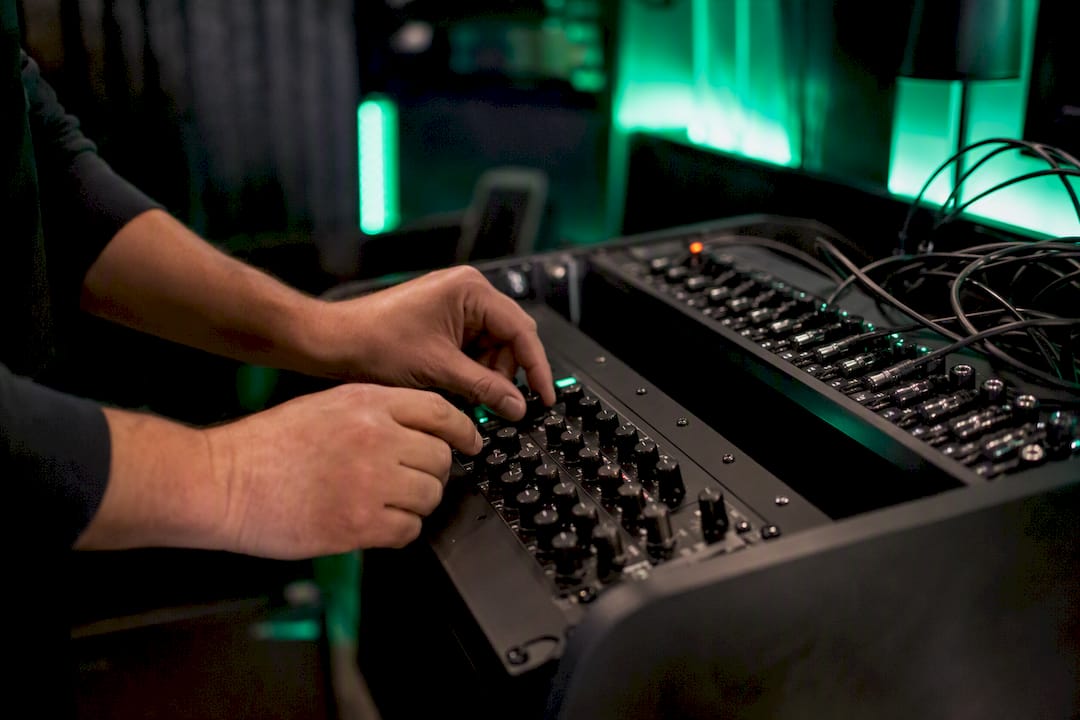
Running screens across several rooms used to mean juggling separate remotes, separate music apps, and a front-desk staffer manually swapping slides between classes. A unified dashboard changes that dynamic entirely: one person schedules a promotion once, and it appears correctly timed in the studio, on the cardio floor, and at the front desk without anyone re-entering it three times.
For a franchise with multiple locations, that consistency is what actually protects the brand. A single owner-operator gets their evenings back; a franchise technology manager gets the same campaign running identically at every site.
How Kingdom Signage Fits Into Your Upgrade Strategy
Everything in this playbook, from zone-based placement to real-time promo swaps, depends on one thing: a platform that can actually sync content across rooms without you re-uploading the same file five times. That's the specific gap Kingdom Signage closes. It centralizes TV control, class scheduling, workout timers, and room-based music into a single dashboard, so a promotion set at the front desk shows up correctly timed in the studio without a staffer touching a second remote.

Deployment doesn't require a franchise-sized budget either. A single-location gym can start with an affordable starter setup and expand into multi-room sync as locations grow, using the same dashboard the whole way. If you're ready to see how it handles your specific zones and schedule, book a demo with Kingdom Signage and walk through your floor plan with the team before you commit to hardware.
Useful Sources for Going Deeper
- Why Gyms Use Screens for Upselling: A 2026 Guide (internal) — tactical breakdown of upsell content.
- How Multi-Room Gym Displays Work: A Manager's Guide (internal) — for franchise-level rollout planning.
- Digital Signage for Gyms: The Complete 2026 Guide (external) — vendor-neutral content mix guidance.
- 2026 Playbook for Gyms, Studios, PT Clinics, and Wellness Operators (external) — ROI benchmarks referenced above.