
For gym operators, the right "retail store app" isn't a point-of-sale tool. It's a cloud-based, multi-location digital-signage and AV SaaS that syncs live class schedules, workout timers, zone music, and multi-room displays from one dashboard. The platforms worth your time offer native integrations with Mindbody, ABC Fitness, and Mariana Tek, and they push schedule changes to every screen in under 60 seconds.
Your immediate next steps:
- Book a demo with a platform that supports all three schedule integrations natively
- Run a one-location pilot before committing to a multi-site rollout
- Hardwire your pilot screens over Cat6 before the first class goes live
Kingdomsignage is built exactly for this use case. The sections below give you everything you need to evaluate, deploy, and justify the investment.
Table of Contents
- What does a gym-focused retail store app actually do?
- Which features should you require from any platform?
- How do Mindbody, ABC Fitness, and Mariana Tek integrations actually work?
- Deployment checklist: screens, network, and sound zones
- What should you budget for licensing and hardware?
- Common mistakes gyms make during deployment
- How unified signage and audio deliver real business value
- Key Takeaways
- What operators actually learn on day one of a rollout
- Kingdomsignage: one dashboard for signage, timers, and music
- Useful sources for deeper reading
What does a gym-focused retail store app actually do?
The product category has a precise definition: a cloud CMS paired with device agents on each screen and an audio control layer that manages music zones independently. Cloud CMS is now the industry standard for multi-location operators; local-only solutions can't serve a front desk in Austin while a manager edits content in Dallas.
Day to day, the software handles more than most operators expect. A front-desk team member updates a class cancellation in Mindbody, and every lobby screen reflects it within seconds. An instructor swap at 6 AM propagates before the first member walks in. The weight room runs a hip-hop playlist at 80 dB while the yoga studio plays ambient tracks at 55 dB, both controlled from the same dashboard without touching a physical amplifier.
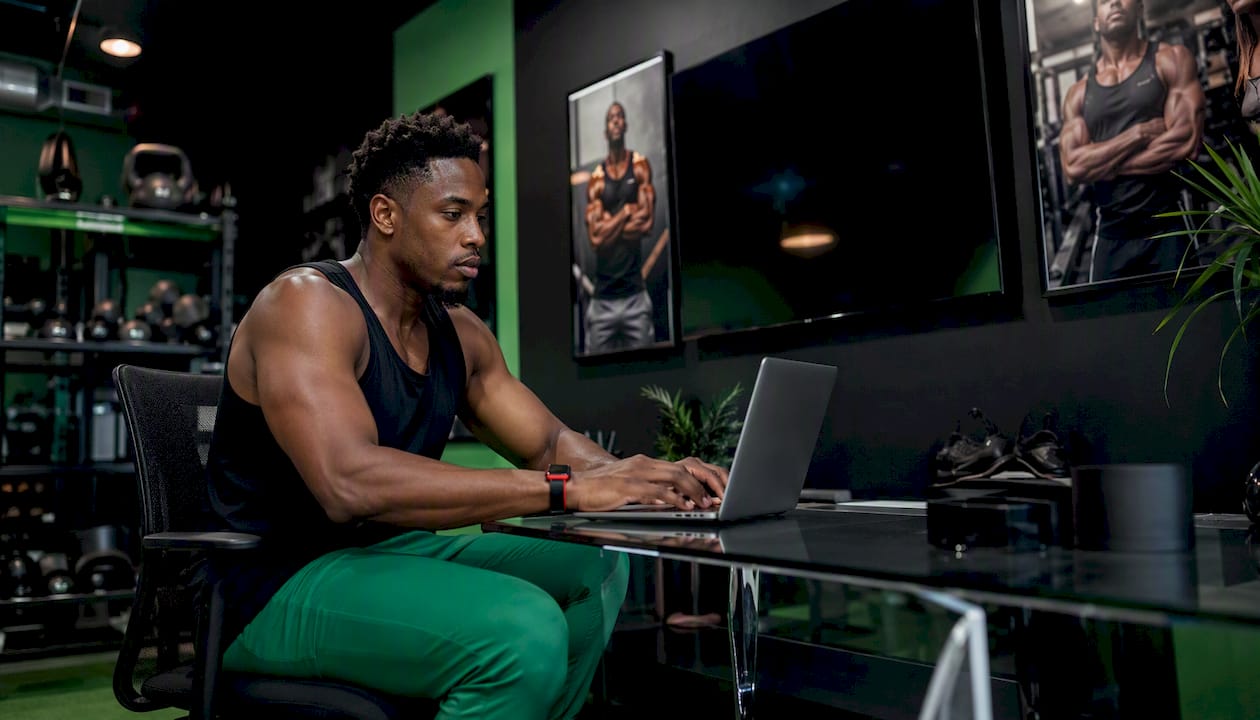
Other concrete uses: countdown timers displayed on studio screens during HIIT classes, PT promotion slides rotating between class schedules in the lobby, and member recognition walls that surface milestone achievements automatically. These aren't premium extras. They're the operational baseline a modern gym expects.
Which features should you require from any platform?
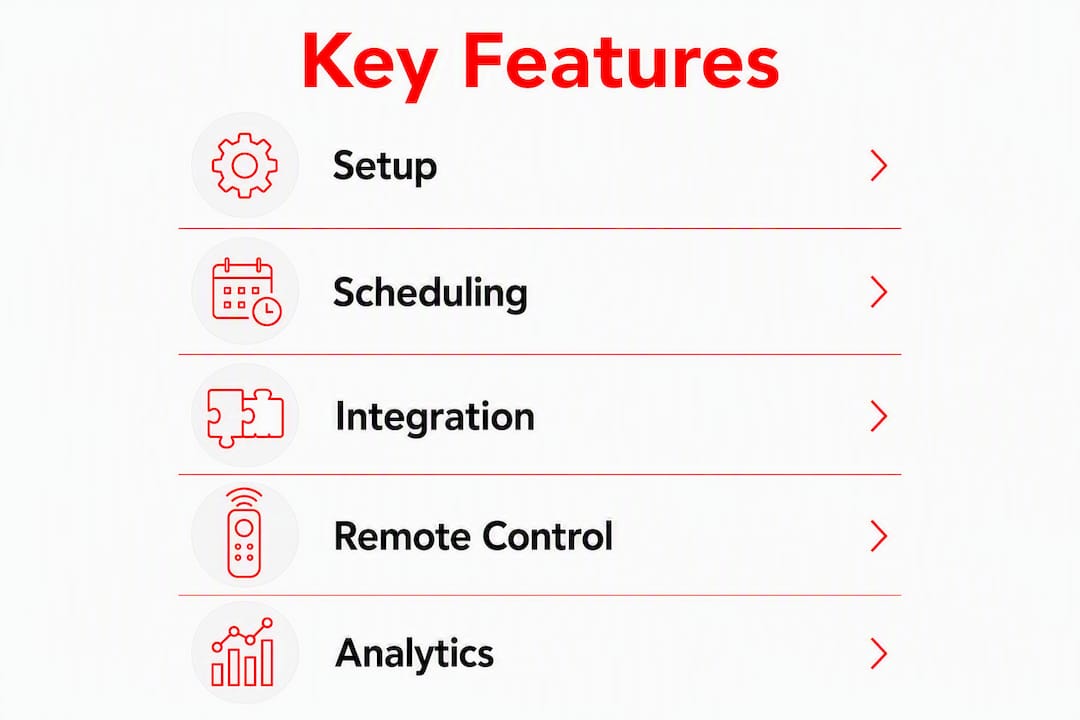
Every platform you evaluate must clear this checklist before you consider pricing:
- Cloud CMS with branded templates: drag-and-drop editing, multi-location template inheritance, and no local server dependency
- Native integrations with Mindbody, ABC Fitness, and Mariana Tek: API-level connectors, not CSV imports
- Real-time schedule widget: propagation within 30–60 seconds for swaps, cancellations, and additions
- Multi-zone audio control: independent volume, playlist, and announcement settings per room
- Remote device management: reboot, health monitoring, and content push without a site visit
- Proof-of-play (PoP) reporting: timestamped logs showing what played, when, and on which screen
- User role controls: limit front-desk staff to schedule edits; reserve template changes for managers
- Music licensing coverage: confirm whether the platform bundles licensed music or requires a separate PRO license
High-value optional features worth asking about: dayparting (different content by time of day), analytics dashboards showing dwell time or content engagement, and API/webhook access for custom integrations.
Pro Tip: Rank features by staff time saved, not by how impressive they look in a demo. A remote reboot that eliminates one site visit per month saves more than a custom animation template most staff will never edit.
How do Mindbody, ABC Fitness, and Mariana Tek integrations actually work?
Expect native connectors that pull class name, instructor, room assignment, start and end times, and cancellation status directly from your scheduling system. Native integrations typically propagate updates within 30–60 seconds, which is the threshold that matters operationally. A 10-minute lag means members read a cancelled class as live.
The technical path matters. API/webhook connectors update in near real time. Spreadsheet or CSV imports require a manual trigger and should disqualify a vendor for any gym running more than two locations.
| Integration behavior | Updates automatically | Needs manual refresh | Typical propagation |
|---|---|---|---|
| Class schedule (add/edit) | Yes | No | 30–60 seconds |
| Instructor swap | Yes | No | 30–60 seconds |
| Class cancellation | Yes | No | 30–60 seconds |
| Room reassignment | Yes | No | 30–60 seconds |
| New class template design | No | Yes (manager) | Immediate on save |
During your demo, test three things: paste a live cancellation into your scheduling system and time the screen update; trigger an instructor swap and confirm the display reflects the new name; check whether a template change at one location can inherit to all others without rebuilding from scratch.
Deployment checklist: screens, network, and sound zones
Three technical pillars determine whether your rollout works on day one or spends its first month in troubleshooting.
Screens and players: Use commercial-grade displays, not consumer TVs. Commercial panels run 16–18 hours daily without thermal throttling. Pair each screen with a dedicated player agent (a small compute stick or box running the CMS client). Mount lobby screens at eye level; studio countdown timers go above the instructor's sightline.
Network infrastructure: Hardwired Cat6 connections are the standard for every screen. Member Wi-Fi saturates during peak hours and causes black screens and playback errors. Segment AV devices on a dedicated VLAN with reserved IPs and QoS rules that prioritize streaming traffic. PoE switches simplify installation for smaller displays in locker rooms and studios by delivering power and data over a single cable.
Sound zones: Treat each area as an independent audio zone: weight room, cardio floor, group studios, lobby, and locker rooms each get separate amplifiers and playlist assignments. A single volume control for the whole facility is the fastest way to make your yoga class sound like a nightclub.
Rollout sequence:
- Pilot one location: install screens, hardwire Cat6, configure the CMS, connect your scheduling integration, and run for two weeks
- Validate PoP reporting and confirm schedule sync latency meets the 30–60 second threshold
- Train front-desk staff and at least one instructor on the dashboard
- Replicate the configuration as a template for each additional location
- Stage multi-location rollouts in batches of three to five sites to keep support load manageable
Pro Tip: Schedule your final pre-launch test during an actual peak class, not an empty gym. Member Wi-Fi load, Bluetooth speaker interference, and HVAC noise all behave differently when 40 people are on the floor.
For a deeper look at gym AV infrastructure design, the Kingdomsignage blog covers zone-control architecture in detail.
What should you budget for licensing and hardware?
Software pricing typically ranges from $35 to $300 per month, with one-time hardware costs between $400 and $4,000 depending on screen count and platform. Common deployments use 5 to 12 screens.
Ask every vendor these licensing questions before signing:
- Is music licensing included, or do you need a separate ASCAP/BMI/SESAC license?
- Are admin seats capped, and what does adding a location cost mid-contract?
- What is the support SLA, and is phone support included or a premium add-on?
- Is there a multi-location discount at five or ten sites?
- What are the contract exit terms if you need to pause a location?
Hidden costs catch operators off guard most often in three areas: third-party music licensing (often $500–$1,500 per year per location if not bundled), custom integration development for non-standard scheduling systems, and on-site installation labor when IT staff aren't available.
Common mistakes gyms make during deployment
- Running on local-only CMS: Any platform that requires an on-site server to push content is obsolete for multi-location operators. A single dashboard update should reach every screen simultaneously.
- Using shared guest Wi-Fi for screens: Member streaming kills playback reliability during peak hours. Cat6 is not optional.
- Treating AV and signage as separate systems: Integrated dashboards that combine scheduling, timers, and music cut administrative overhead and eliminate the inconsistency that comes from two teams managing two tools.
- One-size-fits-all volume: A single volume level across the facility frustrates members in quiet zones and under-delivers in high-energy areas. Zone control solves this at the software layer.
- Skipping PoP reporting: Without proof-of-play logs, you can't verify content ran, sell local ad slots with confidence, or diagnose which screen went dark and when.
Pro Tip: Train your front-desk staff on one task only in week one: how to push a class update. Add music and template editing in week three. Operators who try to train everything at once end up with staff who use none of it.
How unified signage and audio deliver real business value
Better member experience drives retention, and a well-designed AV and signage setup directly shapes how members perceive the quality of your facility. Accurate class displays reduce front-desk questions about schedule changes. PT promotion slides running between class listings generate upsell opportunities without adding staff effort. Local businesses will pay for verified ad placements when you can show PoP logs as proof.
Practical ROI levers to track over your first 6–12 months:
- Front-desk queries about class schedules (target: down 30% by month three)
- Class attendance rates tied to accurate, real-time display accuracy
- PT session bookings attributed to on-screen promotions
- Local ad revenue from verified PoP slots
- Staff hours saved on manual schedule board updates
Real-time offer displays and screens that support class enrollment drives are two areas where the ROI shows up fastest, often within the first 90 days.
Key Takeaways
A cloud-based, multi-location digital-signage and AV SaaS with native Mindbody, ABC Fitness, and Mariana Tek integrations is the only approach that gives gym operators real-time schedule control, zone audio management, and PoP accountability from a single dashboard.
| Point | Details |
|---|---|
| Cloud CMS is mandatory | Local-only solutions can't serve multi-location operators; cloud control is the baseline. |
| Integration depth decides vendors | Require native API connectors for Mindbody, ABC Fitness, and Mariana Tek with 30–60 second propagation. |
| Hardwire every screen | Cat6 over shared Wi-Fi prevents black screens during peak-hour member traffic. |
| Budget realistically | Software pricing for gym digital signage usually falls between $35 and $300 per month, and hardware costs range from $400 to $4,000 per deployment, depending on the number of screens and platform. |
| Kingdomsignage covers the full stack | Kingdomsignage unifies signage, timers, and multi-room music in one dashboard with native schedule sync. |
What operators actually learn on day one of a rollout
The conventional wisdom says the hardest part of a gym signage rollout is the technology. It isn't. The technology, when the platform is right, configures in hours. The schedule connector typically completes in under an hour for a single location. What takes longer is the human side: getting front-desk staff to trust the screen over the whiteboard, and getting instructors to stop texting the manager when they swap a class.
A realistic timeline: pilot day is about hardware and network. Week one is CMS configuration and integration validation. Month one is measurement: are schedule updates propagating? Are front-desk queries dropping? Quarter one is scale: replicate the pilot template to the next batch of locations.
The operators who get the most from these systems treat the software as an operational layer, not a marketing tool. The screens that drive retention aren't the ones with the flashiest animations. They're the ones that show the right class, the right instructor, and the right time, every single time.
Kingdomsignage: one dashboard for signage, timers, and music
Gym operators managing multiple locations don't need another tool to add to the stack. Kingdomsignage gives you signage, workout timers, and multi-room music control from a single dashboard, with native sync to Mindbody, ABC Fitness, and Mariana Tek built in.

Two things separate it from generic CMS platforms: remote device management that lets you reboot any screen from anywhere without a site visit, and PoP reporting that gives you timestamped proof of every content play. When you're ready to sell local ad slots or justify the investment to a franchise board, those logs are what you show.
Book a demo at Kingdomsignage and ask specifically about multi-location template inheritance, integration depth with your scheduling system, and support SLA terms. The demo takes under 30 minutes and covers a live schedule sync test.
Useful sources for deeper reading
- Digital Signage for Gyms: Software, Pricing, Setup | CastHub — pricing ranges, integration latency benchmarks, and setup timelines for gym CMS deployments
- A Master Guide to Digital Signage for Gyms & Wellness Centers — cloud CMS architecture, Cat6 and PoE network guidance, and PoP reporting explained
- Top Features Every Gym AV System Should Include | CGS — AV integration checklist and the case for unified scheduling and music dashboards
- Fitness Center & Gym AV: Sound Systems, Cardio Theater | The Penn Group — zone audio design, hardware cost ranges, and professional AV setup standards
- The Smart Gym Technology Guide | Safe n Sound — member experience and retention impact of integrated AV and signage systems
- How to Set Up Gym Digital Signage That Works | Kingdomsignage — practical deployment checklist and troubleshooting guidance specific to gym environments