
The fix for inconsistent TV volume control at a gym is a centralized SaaS dashboard, like KingdomSignage, that manages screens and audio zones from one login. It replaces walking room to room with a remote in hand. You get consistent per-zone volume, automated dayparting, and instructor override, all from one place. The next move: audit your zones and book a platform demo or short pilot before your next equipment refresh.
TL;DR:
- Implementing per-zone volume profiles with master and temporary overrides ensures quick adjustments during live classes without disrupting other areas.
- Properly mapping acoustic zones and creating clear policies for dayparting prevents system drift and inconsistent sound levels across different gym times.
- Using certified media players with auto-recovery and deploying signage on isolated networks minimizes downtime and network-related failures.
- Training staff to follow standardized content workflows and giving instructors mobile control simplifies daily operations and reduces technical hiccups.
- Running a 90-day pilot across two to three locations with specific KPIs helps verify operational, engagement, and financial improvements before full deployment.
Table of Contents
- What Does a Centralized TV Volume Control System Do for a Gym?
- What Should You Require From a Gym TV and Audio Platform?
- How Do You Map Your Gym Into Audio Zones?
- Hardware and Network Choices That Prevent Downtime
- How Do Managers and Instructors Actually Use This Day to Day?
- Which Metrics Actually Prove the System Is Working?
- How Kingdom Signage Approaches Multi-Room Audio and TV Control
- Ready to Pilot KingdomSignage at Your Gym?
- Sources
What Does a Centralized TV Volume Control System Do for a Gym?
A centralized system puts every screen, speaker zone, and playlist behind one dashboard instead of scattering control across remotes, apps, and whoever happens to be near the wall-mounted TV. A manager sets audio, displays, playlists, and schedules from a single interface, instead of bouncing between the cardio floor, the group fitness studio, and the front desk with three different devices.
The practical use cases pile up fast. Class timers trigger audio cues automatically when a HIIT interval ends. Promotional content rotates on lobby screens without anyone touching a remote. Member spotlight videos play during slow afternoon hours. Emergency messages push to every screen at once if you need to clear a room or announce a closure.
Underneath all of it sits automated dayparting: volume and content shift on a schedule that matches how the gym actually behaves at 6 AM versus 6 PM. Role-based control means a front desk staffer can nudge lobby volume without touching the studio's class audio three rooms away.
What Should You Require From a Gym TV and Audio Platform?
Not every signage vendor built their product with gyms in mind. Before you sign anything, confirm the platform handles the specific mechanics of a fitness floor, not just generic screen scheduling. Here's the checklist worth running against any vendor demo:
- Per-zone volume profiles with a master override and a temporary override for one-off situations, like a loud spin class that needs a boost for ten minutes.
- Synchronized playback and scheduling so content and audio shift together, not on separate clocks that drift out of sync by week two.
- Instructor remote controls, ideally through a mobile app, so a trainer running a class can adjust volume without leaving the front of the room.
- SoC displays or validated media players with auto-recovery and offline playback, so a network blip does not mean a black screen mid class.
- Role-based permissions and multi-location rollout tools, including monitoring that flags an offline screen before a member does.
- Music licensing integration or a compliant streaming service built in, so you are not exposed on the legal side while chasing a better playlist.
Pro Tip: Ask any vendor to show you the override flow live, on a phone, during the demo. If it takes more than two taps to drop studio volume for a live class, that's a friction point your instructors will feel every single day.
How Do You Map Your Gym Into Audio Zones?
Volume complaints almost always trace back to one root cause: nobody ever defined the zones in writing. Fix that first, before touching a single setting.
- Walk the floor and mark acoustic zones. Cardio, free weights, group studios, lobby, locker rooms, each behaves differently and needs its own volume identity.
- Assign an energy profile and target range per zone. A spin studio during a 6 PM class runs hotter than a lobby at 10 AM, and the system should reflect that difference by default.
- Build time-of-day profiles. Morning quiet hours, midday moderate energy, evening peak class energy, all set once and left to run automatically through dayparting.
- Default to silent visuals where audio isn't essential. Most gym screens work better as silent viewing with captions or motion graphics, reserving audio for studios and zones where it earns its place.
- Write the policy down as a template for morning, midday, and evening, so a new manager can run the floor correctly on day one without guessing.
A simple written policy for each daypart keeps the whole system from drifting back into inconsistency after the first month.
Hardware and Network Choices That Prevent Downtime
The dashboard is only half the equation. Hardware and network decisions determine whether the system stays up during a busy Monday evening class block or drops screens right when the front desk gets slammed with questions.
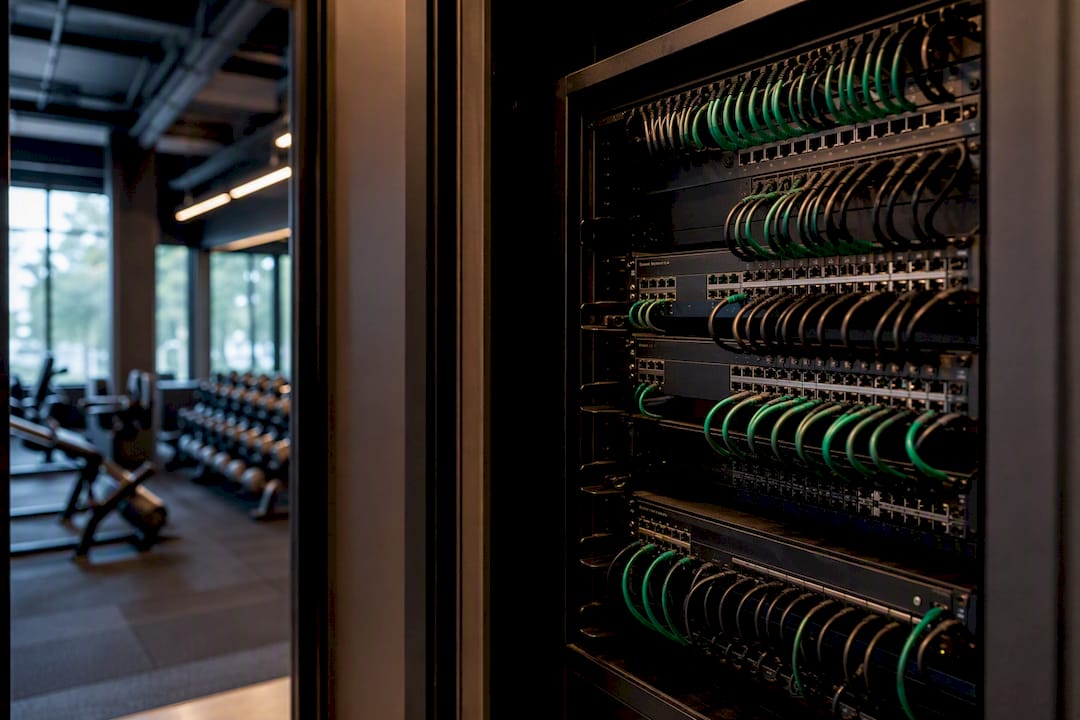
Commercial-grade displays with a validated smart display processor, often called SoC, cut down on external media player clutter and reduce what can fail. Large rollouts increasingly standardize on SoC displays specifically to lower maintenance overhead and simplify remote updates across dozens of screens.
On the network side, put signage traffic on its own VLAN or a separate network entirely, away from member WiFi and point-of-sale traffic. Wired backhaul beats WiFi for anything mounted permanently. Build in auto-recovery so a screen reboots itself after a power blip, pair critical devices with basic UPS protection, and set up device monitoring that alerts you before a member notices a dead screen.
For rollout staging, run a pilot at one or two locations first, standardize the exact kit list once you know it works, then document the build so location three doesn't become a science experiment — see AV Production Hire Services for Events | Connections for professional large-event AV planning and deployment guidance. A gym AV infrastructure guide can walk through the specifics of network segmentation and display selection in more depth.
How Do Managers and Instructors Actually Use This Day to Day?
The system only earns its keep if the daily habits around it are simple enough that a new hire can follow them without a training session.
- Structure content folders by permission level, separating corporate brand assets from location-specific promos so a local manager can't accidentally overwrite a national campaign.
- Standardize the class start sequence: playlist loads, volume profile activates, class timer starts, all as one triggered action instead of three separate taps.
- Give instructors mobile control for in-class volume adjustments, with a clear fallback step (a front desk call, a backup remote) if the app or network hiccups.
- Use templates for recurring campaigns, like new member promotions or trainer spotlights, so a manager fills in a few fields instead of building a screen from scratch each time.
An instructor remote control setup removes the awkward moment of a trainer mid-class trying to flag down the front desk because the music is too loud for the cooldown segment.
Which Metrics Actually Prove the System Is Working?
Three categories matter, and mixing them up is how pilots stall without a clear verdict.
Operational KPIs come first: manager minutes saved per week on AV adjustments, screen uptime percentage, and incident counts (dead screens, audio complaints, missed schedule triggers). Engagement KPIs follow: conversion from screen promotions to sign-ups or class bookings, and rough dwell or attention signals at high-traffic screens. Financial KPIs close the loop: reduced print costs for promotional materials, licensing compliance status, and any incremental revenue tied directly to a screen promotion.
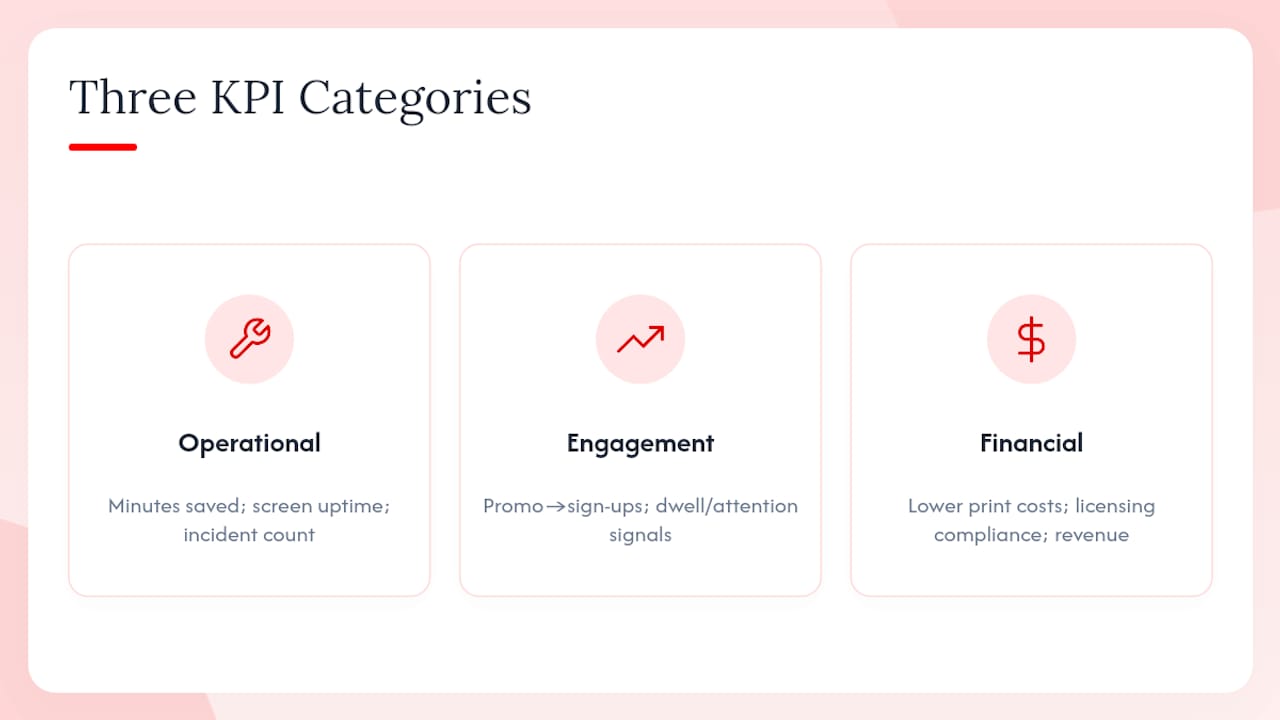
For a pilot, run it for 90 days across two or three locations, track those three KPI categories weekly, and compare against your baseline before rollout. Fitness Cartel's 20-location rollout shows the pattern: fragmented, vendor-specific systems get replaced with one scalable platform, which cuts logins and simplifies monitoring at scale.
How Kingdom Signage Approaches Multi-Room Audio and TV Control
We built KingdomSignage around the exact checklist above: per-zone volume, instructor overrides, and dayparting in one dashboard. Our setup guide walks through deploying gym signage step by step, and our multi-TV dashboard guide covers the specifics operators ask about most.
— Kingdom
Ready to Pilot KingdomSignage at Your Gym?
KingdomSignage is built specifically for gyms, not retrofitted from generic signage software. That distinction shows up the moment you need a studio volume override mid class or a lobby promo that syncs with a new membership push. A demo typically covers a quick zone audit of your floor, sizing recommendations for a pilot (usually one or two locations), a sample playlist and volume profile setup, and a realistic rollout timeline.
For measurable results, run the pilot for 90 days, matching the same window used to track KPIs across operational, engagement, and financial metrics. That's long enough to see real patterns across morning, midday, and evening dayparts without dragging the decision out. If your gym is juggling remotes across three rooms right now, visit KingdomSignage and request a pilot scoped to your exact zone count and location list.
Sources
For a deeper look at AV feature priorities, see CGS's AV feature breakdown and truDigital's multi-location scaling playbook. KingdomSignage's own guides on signage setup and instructor control cover deployment specifics referenced throughout this guide.
- Top Features Every Gym AV System Should Include | CGS
- Digital Signage for Fitness Centers and Gyms: Building Member Engagement and Secondary Revenue
- Fitness Cartel rolls out Fusion Signage across 20 locations | invidis