
A gym-focused AV SaaS like Kingdomsignage lets operators send and manage simultaneous, separate audio streams — per-room music, class audio, and prioritized announcements — from one cloud dashboard using local players, audio zones, and network-aware buffering. The architecture is straightforward: a cloud control plane authors and pushes zone profiles to local player devices, which handle playback independently. If the WAN drops, cached playlists keep every room running without interruption and a warehouse or industrial breakroom setup benefits from reliable amenity integrations that support a seamless environment.
The three components that make it work in a multi-room gym:
- Audio zones assign each room or space its own playlist, volume ceiling, and schedule.
- Announcement priority and ducking let a front-desk alert interrupt or lower music across selected zones instantly.
- Offline caching and QoS settings protect playback quality when network conditions fluctuate.
Kingdomsignage unifies all of these into a single dashboard built specifically for gym and fitness-studio environments.
Key Takeaways
A gym AV SaaS delivers concurrent audio streams through a cloud control plane, local player caching, and defined audio zones — with announcement ducking and QoS-aware networking keeping every room consistent.
| Point | Details |
|---|---|
| Cloud plus local players | Zone schedules author in the cloud; local players cache and play independently, surviving WAN outages. |
| Audio zones prevent bleed | Map zone boundaries so speaker coverage areas do not overlap at doorways or shared corridors. |
| Network QoS is non-optional | Tag player traffic with higher DSCP priority and use wired LAN for sync-critical zones like group fitness rooms. |
| Standardize before you scale | Use identical player models, firmware, and zone templates across all locations to cut troubleshooting time. |
| Kingdomsignage unifies the stack | One platform covers per-room audio zones, announcements, signage, scheduling, and device health monitoring. |
Table of Contents
- How do AV systems support concurrent audio streams in gyms?
- What features do gym operators actually need for multi-room audio?
- What hardware and network setup do concurrent streams require?
- Deployment checklist for multi-room and multi-location gyms
- Common audio stream problems in gyms and how to fix them
- Kingdomsignage gives gyms a single platform for every audio zone
- A practical note on running multi-site AV at scale
- Sources
How do AV systems support concurrent audio streams in gyms?
The architecture has two layers. In the cloud, operators author playlists, zone schedules, and announcement policies through a browser-based dashboard. Those configurations push down to local player devices installed at each venue. Each player holds a cached copy of its assigned content, so playback is local, not streamed live from the server on every track change.
Zone profiles define what each room hears and when. A spin studio might run high-tempo playlists from 6 AM to 8 PM, then switch to a cool-down mix for the evening stretch class. The weight floor gets a different playlist entirely. Both run simultaneously, independently, and without any manual intervention once the schedule is set. Platforms built for unified AV dashboard management handle this routing automatically.
Announcements work differently. When a staff member triggers a push-to-talk or a pre-recorded alert, the system either ducks the background music (lowers it by a set dB margin) or preempts it entirely across the targeted zones. Multi-location platforms with live broadcast capability support fleet-wide push-to-talk alongside unlimited music and announcement channels, which is the baseline operators should expect.
Local playback with cloud scheduling is what separates a gym AV SaaS from a simple Bluetooth speaker setup. The player does the work; the cloud just tells it what to do and when.
Pro Tip: Use wired LAN connections for player devices wherever possible. Wi-Fi works, but a wired connection eliminates the packet-loss variability that causes audio stutters in sync-critical zones like group fitness rooms. Keep all players on identical firmware to avoid version-mismatch playback bugs.
What features do gym operators actually need for multi-room audio?
The feature list sounds long until you map it to real gym problems. Here is what matters and why.
Core capabilities to verify:
- Audio zones with per-zone playlists — each room gets its own content library and schedule, not a copy of the main floor feed.
- Dayparting and schedule authoring — playlists shift automatically by time of day without staff touching anything.
- Announcement priority and ducking — alerts override or lower music on demand, with configurable dB thresholds.
- Master and local volume limits — prevents staff from cranking a zone past the ceiling you set, protecting both member experience and speaker hardware.
- Mute schedules — automatically silences zones during off-hours or cleaning periods.
- Device grouping — manage a cluster of players as one unit for bulk schedule or content updates.
- Role-based access control — front-desk staff can trigger announcements; only managers can edit zone schedules or volume ceilings.
Audio zone design follows a consistent pattern: map the physical layout, group devices in the dashboard, set volume guardrails, and apply mute schedules per zone. Designing zones so their coverage areas do not overlap at doorways or corridors is the single most effective way to prevent audio bleed between rooms.
During vendor evaluation, confirm these monitoring tools exist:
- Device online/offline status visible in real time.
- Stream health indicators (buffer state, last-sync timestamp).
- Automated alerts when a player goes offline or misses a scheduled update.
- Audit logs showing who changed what and when.
Platforms that combine music, signage, and schedule management in one place — including standby scheduling and device health snapshots — reduce the number of tools your team has to monitor. Security follows the same logic: role-based access, per-location permissions, and password-protected content staging limit who can push live changes to any zone.
Pro Tip: Build one master zone profile template per room type (group fitness, weight floor, reception, locker room) and clone it for every new location. Rollouts that start from a template instead of a blank config take a fraction of the time and produce consistent results across sites.
What hardware and network setup do concurrent streams require?
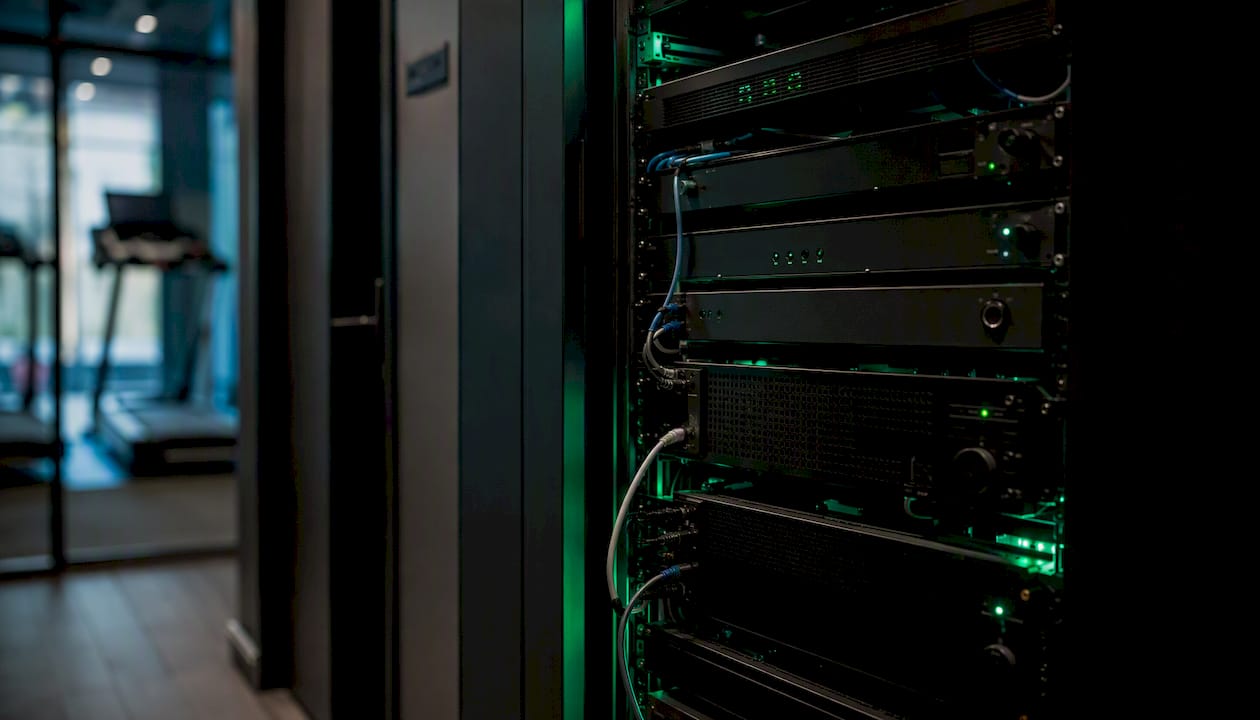
Start with the player. For gym environments, fitness AV hardware designed for 24/7 continuous operation with local programmability and integration options (API, network, GPI/O) is the right baseline. Consumer-grade media players are not built for always-on duty cycles and tend to fail within months in a gym environment.
Bandwidth and network guidance for a small-to-medium gym:
For a small multi-zone gym, total audio bandwidth is generally low enough that the bottleneck is almost never raw throughput. The real risk is packet loss and jitter on a shared Wi-Fi network. Tag audio player traffic with a higher QoS DSCP value to keep it prioritized over general guest Wi-Fi.
Endpoint checklist:
- Use HDMI or line-out routing to amplifiers, not Bluetooth, for fixed installations.
- PoE-powered players simplify cable runs in drop ceilings; verify your switch supports the required wattage per port.
- Match amplifier output to speaker impedance per zone — mismatches cause distortion at volume, not silence, which is harder to diagnose.
- Test offline behavior before go-live: disconnect the WAN and confirm each player continues its cached playlist without manual intervention.
For deeper guidance on gym AV topology and speaker placement, the design decisions around amplification and routing are worth reviewing before you finalize hardware specs.
Deployment checklist for multi-room and multi-location gyms
The sequence below applies to a single-site pilot. For a franchise rollout, complete steps 1–5 at one location, validate, then replicate using templated zone profiles.
- Site survey — measure room dimensions, identify noise sources, and mark speaker and player mounting positions.
- Zone mapping — define zone boundaries so coverage areas do not overlap at doorways; document each zone name, room type, and assigned player.
- Hardware selection — specify industrial-grade players, amplifiers, and speakers rated for continuous operation.
- Network QoS provisioning — configure a dedicated VLAN or SSID for AV players, apply DSCP tagging, and verify wired drops at each player location.
- Player imaging — install identical firmware across all devices; register each player to its zone in the dashboard before physical installation.
- Integration configuration — connect class schedule feeds, POS or booking system APIs, and any emergency announcement hooks.
- Pilot testing — run all zones simultaneously for 48 hours; verify offline caching by simulating a WAN outage.
- Staff training — show front-desk staff how to trigger announcements and adjust local volume within their permitted ceiling; document zone maps for on-site reference.
- Staged rollout — bring additional locations online one at a time, using the validated template from the pilot site.
Timeline: a single-site pilot typically takes a short period from survey to go-live. A multi-location franchise rollout using templated configs takes several weeks depending on network readiness at each site.
Pro Tip: Connect your class schedule system during step 6, not after go-live. Syncing class schedule displays with audio zone schedules from day one prevents the common problem of music running through a silent stretching session.
Common audio stream problems in gyms and how to fix them
Most multi-room audio failures fall into five categories. Here is the short version of each fix.
- Player offline: Check power, then LAN/Wi-Fi connectivity, then dashboard registration. A player that shows offline but has power is almost always a network or firewall issue blocking the management port.
- Audio bleed between zones: Overlap in speaker coverage, not a software bug. Reposition speakers or lower the volume ceiling on the louder zone. Zone boundaries that avoid physical overlap eliminate most bleed complaints.
- Unsynchronized playback across a zone group: Usually a firmware version mismatch or a player that missed a schedule push during a network outage. Force a manual sync from the dashboard and verify all players in the group are on the same firmware build.
- Announcement override not triggering: Check the priority routing config in the dashboard. The most common cause is a zone that was excluded from the announcement group during setup. Verify codec compatibility between the announcement source and the player.
- Poor audio quality (distortion or dropouts): Distortion points to amplifier/speaker impedance mismatch or a volume ceiling set above the amplifier's clean output range. Dropouts on Wi-Fi players point to packet loss — move to wired or raise QoS priority.
Pro Tip: Enable health-check logging on every player and set automated alerts for offline events. Remote troubleshooting is dramatically faster when you have a timestamped log showing exactly when a player lost connectivity versus when a staff member reported the problem.
Kingdomsignage gives gyms a single platform for every audio zone
Gym operators who have pieced together separate music apps, announcement systems, and signage players know the real cost: three logins, three support contacts, and no single view of what is actually playing in each room right now.

Kingdomsignage replaces that stack with one platform. Per-room audio zones, schedule authoring, announcement priority and ducking, a live device health dashboard, offline caching, and API connections to class scheduling and booking systems are all included. Role-based access and per-location controls mean your franchise managers can adjust their own site without touching another location's settings.
Request a demo or start a free trial at Kingdomsignage to see how the platform handles concurrent streams across a multi-room gym in a live walkthrough.
A practical note on running multi-site AV at scale
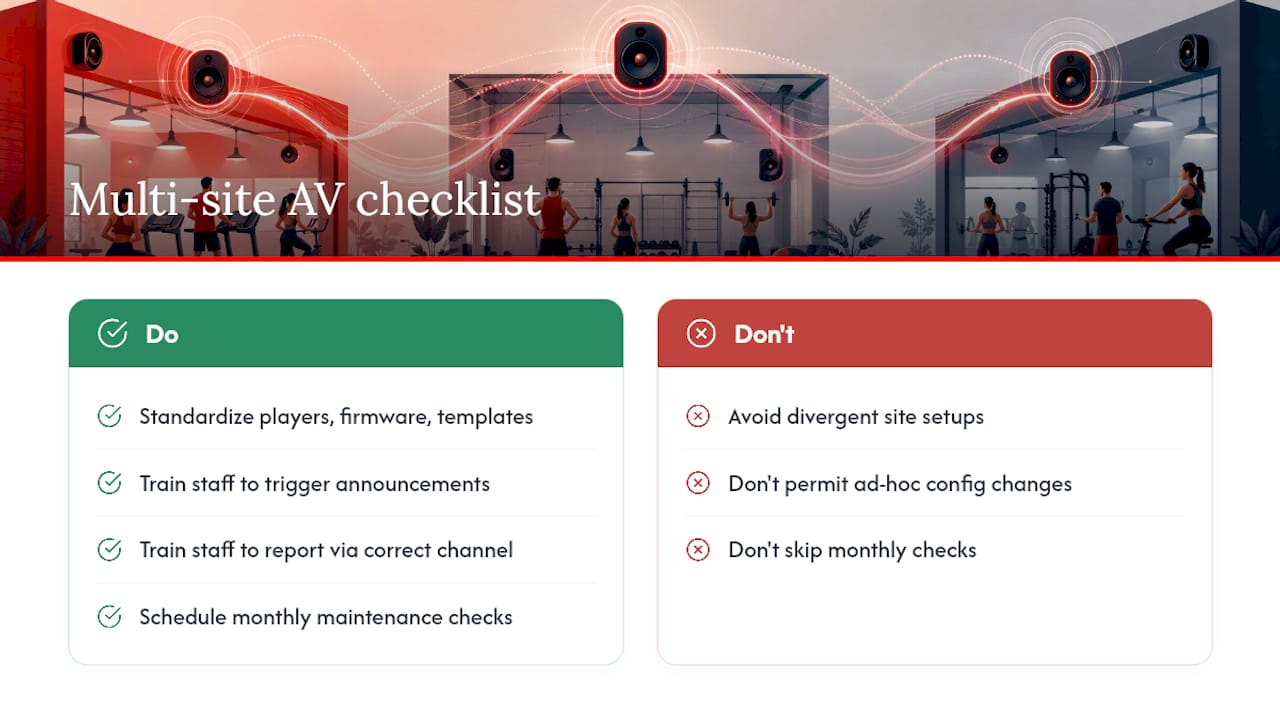
Standardization is the only thing that keeps multi-site AV manageable. When every location runs the same player model, the same firmware version, and the same zone template structure, a problem at one site is diagnosable in minutes from a central dashboard. When each site has been set up differently, every support call starts from scratch.
Train local staff on two things only: how to trigger an announcement and how to report a problem through the right channel. Everything else should be locked behind role-based access so that well-intentioned adjustments do not create zone conflicts or volume ceiling violations. Document the zone map for each site and store it somewhere the operations team can find it without calling anyone.
Routine maintenance matters more than most operators expect. Schedule a monthly check of player firmware versions, cached content integrity, and speaker output levels using a sound level meter. Perceived loudness drifts over time as speaker components age, and catching it early is far easier than explaining to members why the weight floor suddenly sounds different from the spin studio.
Sources
Internal Kingdomsignage guides:
External resources: