
Multi-room audio control means running one dashboard that governs music, class timers, and signage across every room and every location, instead of juggling separate speakers, remotes, and TV apps per room. The fastest path to getting it right is running a short evaluation checklist against real gym workflows, then piloting a unified SaaS platform in one location before scaling. Look for booking-system integration, audio ducking for announcements, and centralized multi-location control before you sign anything.
TL;DR:
- Real-time API integration with booking systems is essential to automatically update audio and signage when schedule changes occur.
- Limiting zones to activity-based groupings prevents over-segmentation, reducing management complexity and avoiding unnecessary zones.
- Flat-rate pricing models scale more efficiently than per-screen licenses, especially when expanding beyond a few locations.
- Network infrastructure must allocate dedicated bandwidth per room with low-latency support and offline fallback content to ensure seamless playback.
- Conduct a staged 90-day rollout, focusing on testing class synchronization, boundary performance, and staff training to ensure reliable multi-room control.
Table of Contents
- What Should You Look for in Multi-Room Music Control Software?
- How Do You Map Zones Without Overbuilding Your Setup?
- How Should Class Audio and Announcements Sync Automatically?
- What Network and Hardware Setup Supports Concurrent Streams?
- What Does a 90-Day Multi-Room Audio Rollout Look Like?
- What We've Learned Rolling Out Multi-Room Audio in Gyms
- How Kingdom Fits the Checklist and What to Do Next
- Sources
What Should You Look for in Multi-Room Music Control Software?
Most gym operators buy the wrong system because they shop for speakers instead of software. The hardware rarely fails. The dashboard does, usually because it can't talk to the systems already running your business.
Start with core capabilities. You need room zoning that lets reception, the open floor, studios, and recovery areas run different audio simultaneously, along with per-room playlists, synchronized class timers, and audio ducking so announcements cut over music without someone manually pausing five zones. Multi-location orchestration matters too if you run more than one site, since managing each gym separately defeats the point of buying software at all.
Integration depth separates usable platforms from ones you'll abandon within a quarter. A real-time API connection to your booking system, whether that's Mindbody, ClubReady, or Glofox, lets a class reschedule and automatically update the audio and screen in that room. A CSV import or an embedded widget can't do that. It just displays whatever was true when someone last uploaded a file, and CastHub's 2026 operator playbook treats that API gap as the single biggest predictor of whether a rollout actually sticks.
Pricing shape matters more than the sticker price. Per-screen licensing punishes growth. Flat-rate models scale better once you're past two or three locations, and CastHub's own pricing comparison shows that flat monthly rates for unlimited screens generally scale better than per-screen fees as you add rooms.
Before you buy anything, run a live demo against this list:
- Reschedule a class in your booking system and confirm the room audio and screen update without manual input
- Trigger an announcement and verify it ducks music in the correct rooms only, not the whole building
- Add a temporary user with limited permissions and confirm access logs capture the change
- Check whether music licensing is bundled or a separate line item
How Do You Map Zones Without Overbuilding Your Setup?
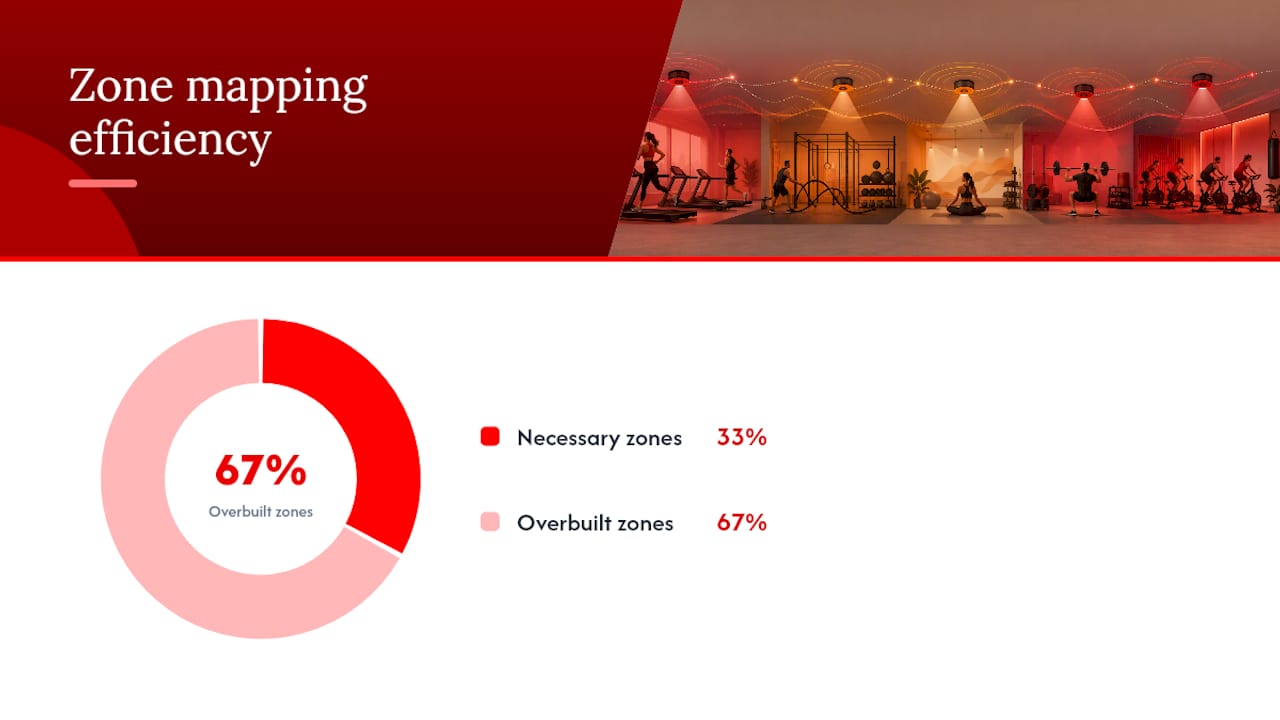
Zone creep is the most common design mistake gym operators make. They start segmenting by room count instead of by activity, and end up managing fifteen zones for what really needs five.
Sonosfera's zoning framework recommends mapping zones to activity type, not square footage: reception, the open training floor, class studios, recovery or stretch areas, and locker rooms. The rule that keeps this simple is this: split a zone only when two spaces need genuinely different sound at the same time. If your open floor and free weight area never run conflicting programming, they don't need separate zones just because they're physically apart.
Here's a practical build sequence:
- List every space where members spend time, then group spaces that share the same activity pattern
- Identify where a class or timed announcement could collide with background music in an adjacent zone
- Split only those colliding pairs into separate zones
- Walk the boundary between zones at operating volume to check for audio bleed
- Adjust speaker placement or directional speakers before adding another zone
Room-specific playlists work best when they match training intent. A high-tempo playlist for HIIT studios, a slower one for recovery rooms, and neutral background music at reception all run through the same dashboard without needing separate hardware controllers. Directional speakers earn their cost in tight layouts, like a studio next to a stretch zone, where standard ceiling speakers would otherwise bleed sound across the wall.
Pro Tip: Test zone boundaries at your loudest scheduled class, not during a quiet morning shift. Collisions almost always show up at peak volume, not average volume.
How Should Class Audio and Announcements Sync Automatically?
The gap between a decent platform and a genuinely useful one shows up the moment a class schedule changes at the last minute. Integration depth determines whether that change is invisible to staff or a fire drill.
Real-time API connections to your booking platform are the strongest option. When a 6 p.m. spin class moves to 6:15, the API tells the audio system to shift the room's timer and playlist automatically, and the studio screen updates its message without anyone touching a remote. Zapier-style connectors handle simpler triggers but introduce lag, usually a few minutes, which matters when a class is starting now. CSV uploads and embedded widgets are the weakest tier. They work for static signage but can't react to a live schedule change at all.
Audio ducking is where most systems either earn their keep or embarrass you in front of members. A well-built ducking system uses a priority hierarchy: an emergency or front-desk announcement overrides everything, a class timer cue overrides background music, and background playlists sit at the bottom. That structure lets one preset apply across five rooms at once instead of requiring five separate manual mutes, an approach Kingdomsignage's own ducking guide walks through in detail.
Signage adds another layer worth planning for. Studios often repurpose screens for class timers, form cues, and instructor names during a session, and DigitalSignageHub's research recommends keeping signage silent by default, enabling audio only where a specific announcement truly needs it. That default avoids the cacophony you get when every screen and speaker tries to talk at once.
Before you trust any of this in production, test the failure paths:
- Force a booking-system outage and confirm the last-known schedule still plays correctly
- Trigger overlapping announcements in two rooms and verify neither drowns out the other's class timer
- Manually override one room's playlist and confirm the rest of the building is unaffected
Multi-room platforms with real-time API integration to booking systems can push a schedule change to the room's audio and signage within seconds, according to CastHub's operator playbook, compared to a multi-minute delay through CSV-based updates.
What Network and Hardware Setup Supports Concurrent Streams?
Concurrent audio across multiple rooms is a bandwidth and latency problem before it's a software problem. Skip the network planning and you'll get drift between rooms, buffering during peak hours, or screens that freeze mid-class.
Plan bandwidth per stream, not per building. Each room running its own synchronized audio and signage feed needs dedicated throughput, and running six rooms on the same shared connection your front-desk Wi-Fi uses is asking for dropouts the moment members start streaming their own content on the gym floor.
A few hardware and network rules hold up across most gym layouts:
- Use networked media players or streaming sticks built for synchronized playback, not consumer streaming devices designed for single-room use
- Put signage and audio traffic on its own VLAN, separate from guest Wi-Fi and administrative systems
- Apply quality-of-service rules so audio and class-timer data get priority over general internet traffic
- Confirm every device supports low-latency buffering matched to your platform's sync protocol, a detail Kingdomsignage's technical guide on concurrent streams covers in more depth
- Build in offline fallback content so a network hiccup doesn't leave a screen blank or a room silent mid-class
Some vendors, including Mood Media's fitness-focused service, bundle licensed music libraries with multi-zone distribution and integration support for existing IT setups, which can shortcut some of this planning if licensing risk is a bigger concern for you than platform flexibility.
What Does a 90-Day Multi-Room Audio Rollout Look Like?
A staged rollout beats a big-bang launch every time, largely because zone collisions and integration gaps only show up once real classes are running through the system.
- Days 1 to 30: Procure hardware, build your initial content and playlist library, and connect the platform to your booking system's API.
- Days 31 to 60: Run a pilot in one location. Test class-sync accuracy, walk zone boundaries at peak volume, and log baseline metrics like announcement delivery time and playlist collision incidents.
- Days 61 to 90: Turn on full automation, extend campaigns across additional locations if you're a franchise operator, and train staff on override procedures and daily runbooks.
Set acceptance criteria before you scale past the pilot: zero unhandled audio collisions during peak hours, class-sync updates landing within seconds of a booking change, and staff confident enough to run the system without calling support daily. CastHub's rollout framework follows this same three-phase structure, and it holds up because each phase produces a decision point rather than just a deadline.
What We've Learned Rolling Out Multi-Room Audio in Gyms
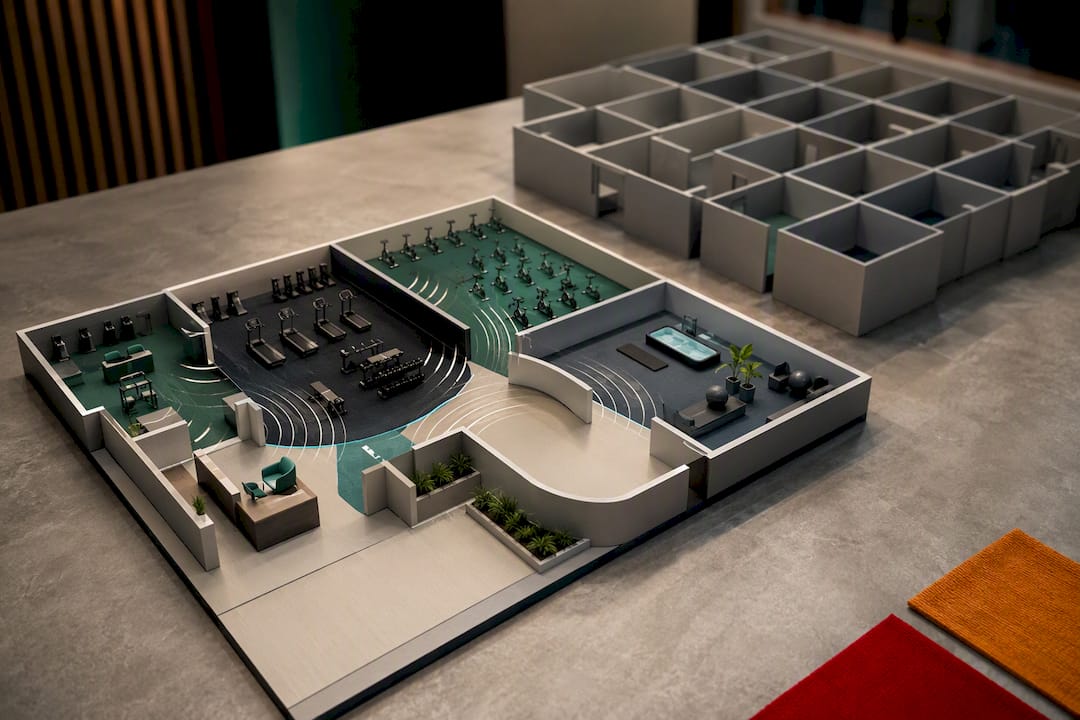
The biggest mistake operators make isn't picking the wrong software. It's over-zoning before they've tested anything. Every gym we've watched go through a rollout wanted more zones on day one than they needed by day thirty, once boundary testing showed which rooms actually collided.
The second mistake is under-testing integrations. A platform that looks great in a sales demo can still choke the first time a real class reschedules at 5:45 for a 6:00 start. Test that scenario before your members do.
The wins come fast once the basics hold. Class transitions stop needing a staff member standing at a laptop, and announcements reach the right room without drowning out a class two doors down. Our room-specific playlist guide walks through exactly how that setup looks once it's running.
— Kingdom
How Kingdom Fits the Checklist and What to Do Next
This platform offers a unified dashboard running room-based music zones, class timers, digital signage, and real-time announcements across multiple locations, aiming to avoid integration gaps that break CSV-based or widget-based platforms.

The platform is built around criteria such as real-time connections to booking workflows for class-sync accuracy, audio ducking presets that prioritize announcements without a manual mute across multiple rooms, and centralized multi-location control with permission and audit features designed to govern access across sites. Flat-rate scaling helps avoid the per-screen cost trap that can punish growth as more rooms or locations are added.
Run your own pilot before committing to a full rollout. Walk through the Kingdomsignage platform and request a demo, then test it against the same checklist you'd use for any vendor: booking-system sync, zone boundary behavior, and announcement handling under load. If it holds up in your gym the way it's built to, scaling to additional rooms and locations is mostly a configuration change, not a new project.
Sources
For deeper technical detail on the pieces covered here, Kingdomsignage's guide to audio ducking walks through preset design room by room, and the concurrent audio streams article covers network and device requirements in more depth than fits here.
For a broader look at how digital signage and audio work together across fitness, PT clinics, and wellness operators, CastHub's 2026 operator playbook remains one of the more thorough breakdowns available. On the hardware side, Jaks Party Power's cube sound systems offer a useful reference point for operators comparing playback equipment options, and Wild Foodz's guide to guest experience is worth reading if you're thinking about how controllable audio shapes member experience beyond just the technical setup.
- 2026 Playbook for Gyms, Studios, PT Clinics, and Wellness Operators
- Fitness Media Solutions | Mood Media
- Gym Music Zoning: Reception, Floor, Classes, Recovery | Sonosfera