
Managing gym screen content, schedules, and music across locations with minimal manual intervention is complex and often fragmented. Many providers charge per screen or force you to purchase proprietary hardware and limit platform flexibility, raising costs and complexity for gyms scaling up. This comparison highlights features, hardware support, and pricing across five gym digital signage platforms so you can select one that matches your rollout strategy.
Table of Contents
- Kingdom Signage
- NowSignage
- Repeat Signage Software
- CloudFit
- PosterBooking Digital Signage Software
- Comparison of alternatives
Kingdom Signage
At a Glance
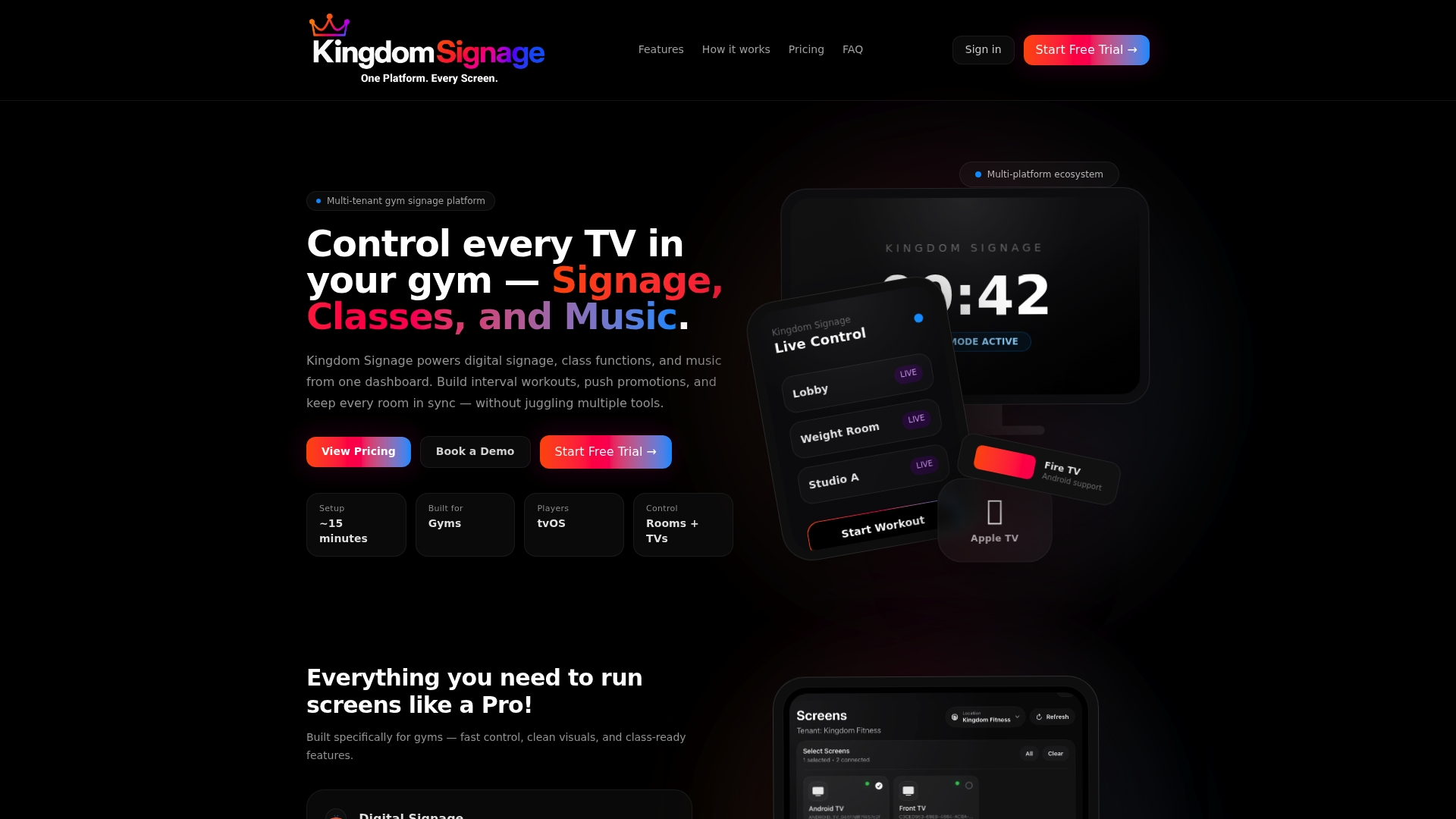
Kingdom Signage can sync music and screen content across rooms using Apple TV and Android devices, with live control and automated class schedules. The platform unifies class schedules, signage playlists, and room based music into one dashboard. Setup is reported as fast, letting teams get screens online in about 15 minutes.
Core Features
-
Digital signage for promotions, announcements, and brand messaging across multiple screens. This supports scheduled playlists and live overrides for urgent updates.
-
Class schedule mode that updates displays automatically when you change class times. That keeps lobby and studio screens consistent with your booking system.
-
Workout builder with interval timing and demo videos for instructor screens and member-facing displays. Timers move with the class schedule.
-
Room based music control that can sync audio to class schedules and trigger announcement ducking. Music and spoken alerts do not compete for volume.
-
Live control and automation tools for managing many locations and rooms from a single dashboard. The system runs on tvOS and Android without special signage hardware.
Key Differentiator
The product is built specifically for gyms, combining class management, signage, and shared music control in one interface. That reduces the need for separate signage and audio apps in each studio. Multi platform support for Apple TV and Android devices makes rollouts easier for gym chains with diverse hardware.
Pros
-
Simple setup process. The vendor reports that initial installation takes about 15 minutes for a single screen.
-
Centralized multi room control. You can change schedules, playlists, or music across all rooms from the dashboard.
-
Flexible content scheduling. Playlists, announcements, and class related visuals follow the same calendar you use for bookings.
-
Uses common playback hardware. Support for Apple TV and Android devices avoids buying proprietary displays.
-
Dedicated audio controls. Features like announcement ducking and room syncing keep classes and music coordinated.
Cons
- Pricing can be costly for larger setups because fees apply per screen. Larger gyms should model monthly screen costs before committing.
Who It's For
Gym owners and facility managers who run multiple rooms or locations and want one product to handle signage, class displays, and music. Boutique studios that need synchronized timers and demo videos will find the feature set relevant. Larger chains that require custom integrations can use higher tiers or enterprise options.
Unique Value Proposition
Starting at $149/month for up to five screens, Kingdomsignage lets you replace separate signage, scheduling, and audio tools with a single billing arrangement. That reduces vendor overhead and cuts the time staff spend switching between apps. For gyms, the cost trade off is between per screen fees and fewer systems to administer.
Real World Use Case
A regional fitness chain uses Kingdomsignage to push promotional content to lobby screens, show class timers inside studios, and sync music across three class rooms. When an instructor updates a class time the screens and music playlist adjust automatically. Managers report easier roll calls and fewer missed announcements.
Pricing
The vendor lists a starting plan at $149/month for up to five screens. Higher tiers are available for larger gyms, and enterprise options are custom priced for multi location deployments.
Website: https://kingdomsignage.com
NowSignage
At a Glance
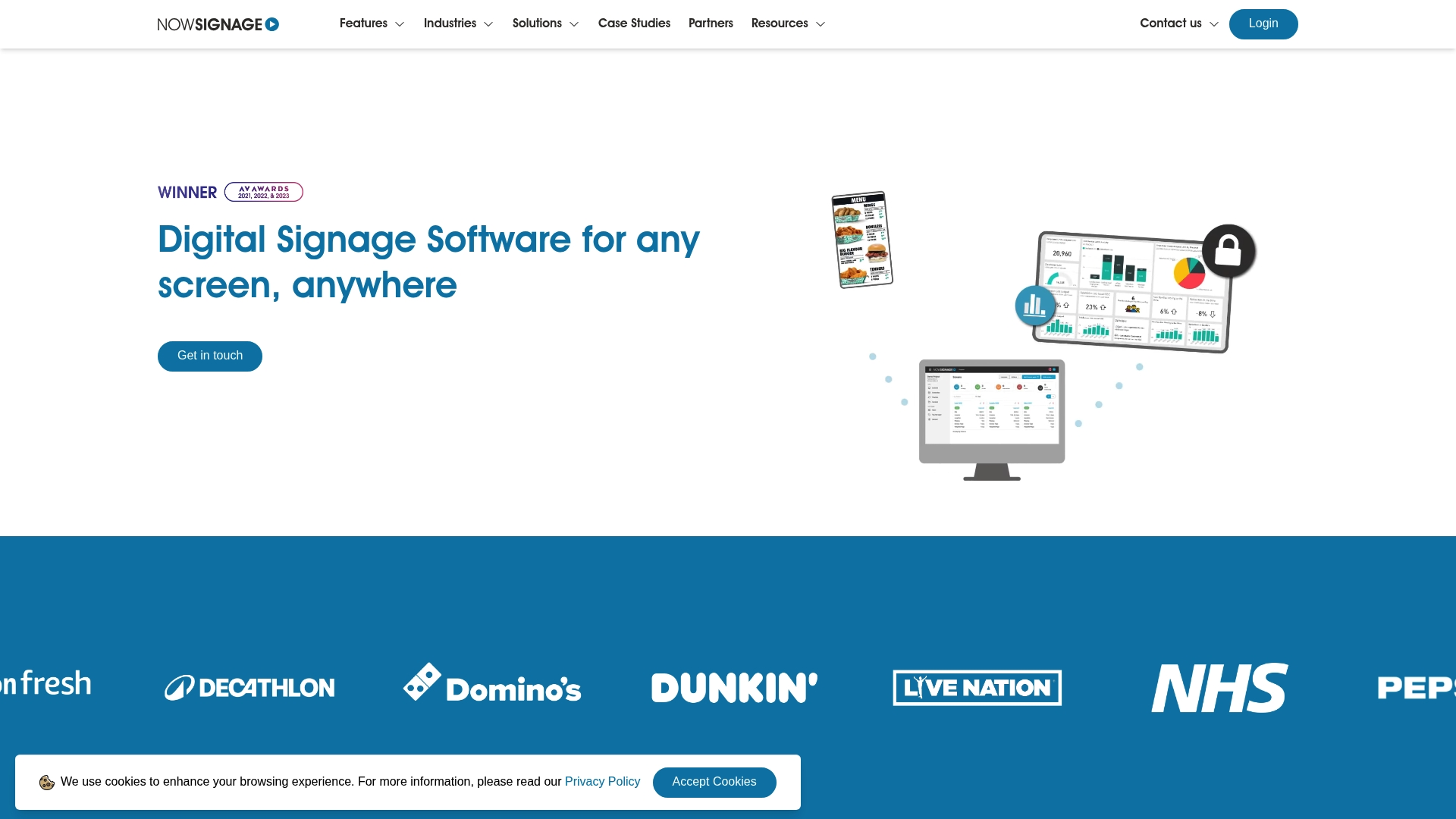
All premium features are included as standard with no extra charges. That package approach covers content scheduling, real time updates, social feeds, multi zone layouts, proof of play, and live data feeds. The system targets enterprise scale and broad hardware compatibility, making it suitable for retail chains, corporate campuses, and healthcare networks.
Core Features
- Content management and scheduling for timed playlists and targeted messaging across locations.
- Real time content updates so screens reflect changes instantly from a central console.
- Proof of Play reporting and playback verification included as a standard feature.
- Power BI dashboards and live web content display for operational dashboards and campaign metrics.
- APIs for custom integrations plus social media connectors for Facebook, Instagram, and YouTube.
Key Differentiator
NowSignage bundles premium capabilities without add on fees. That approach reduces vendor surprise charges and simplifies budgeting for large deployments. The platform supports a wide set of hardware and operating systems, which helps when you run mixed device fleets. Compared with Kingdomsignage this product is broader industry focused rather than gym specific.
Pros
- Includes full feature set at no extra cost. That lowers per screen expenses on large rollouts.
- Supports many hardware types and operating systems. Mixed device estates work without forced replacements.
- The vendor advertises a typical training time of 30 minutes, which suggests a short ramp for staff new to the CMS.
- Security and user role management are built in, which suits regulated environments such as healthcare.
- Flexible content sources like Power BI, web pages, and sensor triggers let you show live operational data alongside marketing.
Cons
- Advanced customization may require technical expertise. Agencies or a developer resource may be necessary for complex templates.
- The user interface detail in vendor materials is limited, which can leave small operators uncertain about day to day workflows.
- Pricing is not disclosed directly, implying a consultative or tiered model that can complicate simple single screen purchases.
When It May Not Fit
If you run a single gym or a handful of screens and want low cost plug and play, NowSignage may feel like overkill. Organizations that need an audio first solution tied to class schedules will prefer a vendor focused on synchronized AV in fitness spaces. Buyers who require transparent per screen pricing upfront may prefer vendors with published tiers.
Notable Integrations
- Microsoft Power BI for dashboards and KPI display.
- Google Suite for calendar and document embedding.
- Social media platforms for live feeds, including Facebook, Instagram, and YouTube.
- Sensor and weather triggers and open APIs for custom data feeds and automations.
Who It's For
NowSignage fits medium to large organizations that need centralized screen management across many locations. Retail chains, higher education campuses, hospital networks, and event venues benefit from the included reporting and wide device support. If you plan hundreds of screens and need predictable feature coverage, this product matches that procurement profile.
Real World Use Case
A retail chain deployed NowSignage to run schedules for hundreds of in store screens. They used real time updates to push price changes and social media highlight reels. The chain combined targeted messaging with proof of play to verify campaign delivery across regions.
Pricing
The vendor does not publish a standard price. Pricing appears to be consultative and tailored to deployment size and feature needs. Expect custom quotes for enterprise scale rollouts and a sales process for smaller deals.
Website: https://nowsignage.com
Repeat Signage Software
At a Glance
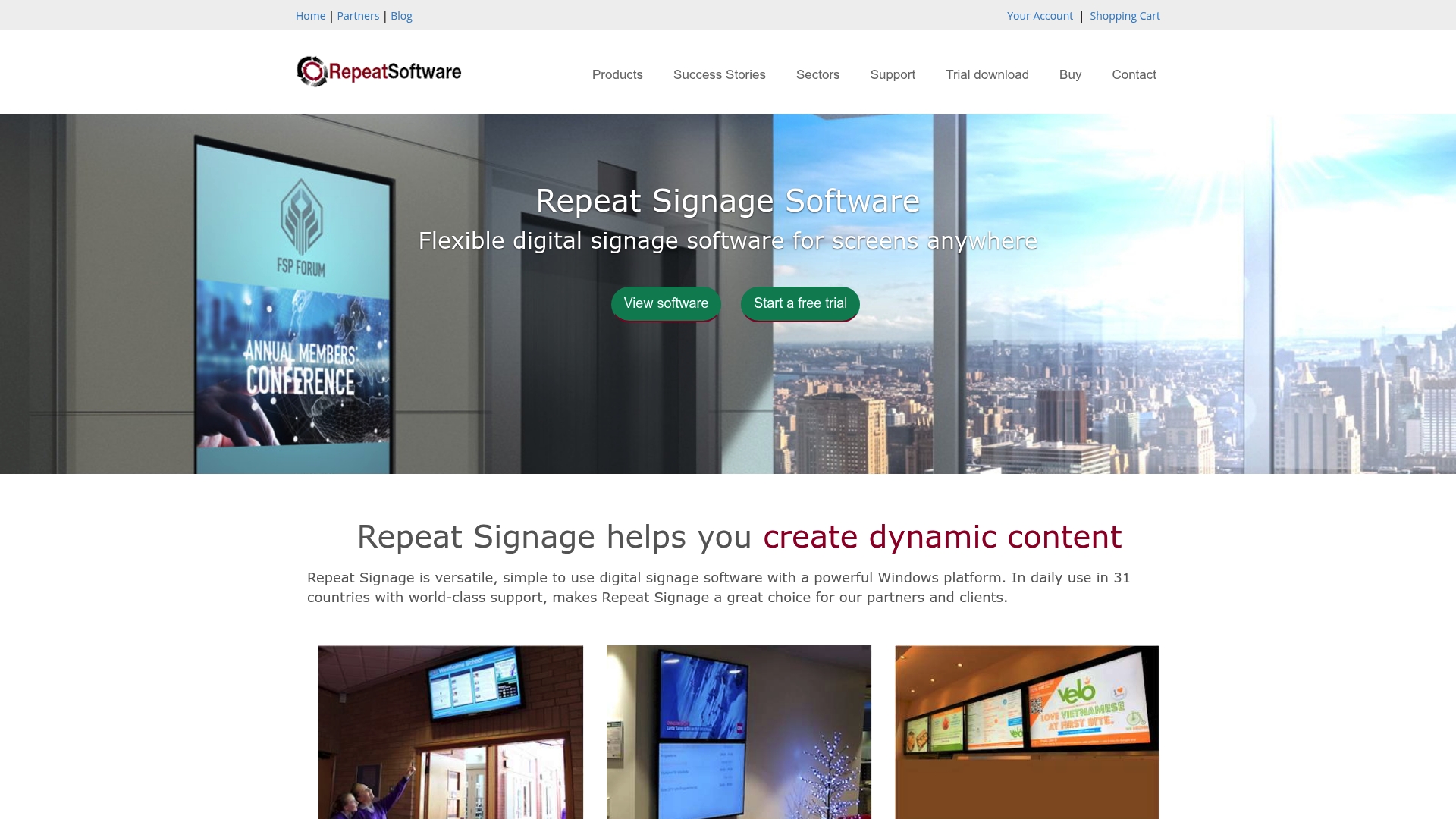
Repeat Signage reports use in over 31 countries. The Windows-based app offers editions for standalone players, standard networks, corporate installs, and media walls. Its selling points are simple content creation and remote updates from a central machine. That combination makes it quick to deploy in small to mid-size locations.
Core Features
-
Drag-and-drop editor: Create slides and pages with videos, images, PDFs, and web content. Layouts publish to screens with minimal configuration.
-
Scheduling engine: Build playlists and schedule them for specific times and dates. You can run different playlists by daypart or event.
-
Remote content management: Update displays over the internet or a local network from a single console. Changes push to players without onsite intervention.
-
Multi-screen and video wall support: Assign content across multiple monitors and configure video wall layouts.
-
Database display (Enterprise): Run SQL queries to show live data on screens. This feature is limited to higher editions.
Key Differentiator
Repeat Signage focuses on a Windows-first workflow that keeps content tools familiar to staff who already use desktop software. It supports a broad set of media formats and central remote publishing. For teams that want simple authoring on Windows and the ability to update screens from anywhere, this product prioritizes ease of use over complex integrations.
Pros
-
Easy for staff with basic computer skills. The drag-and-drop editor reduces training time and cuts setup steps.
-
Wide media support. You can mix video, images, PDFs, and web pages without converting files first.
-
Flexible edition choices. Standalone, Standard, Corporate, and Media Wall options let you match license type to deployment size.
-
Remote updates and free online training. Support resources and a free trial let you test workflows before buying.
-
Central scheduling for multiple screens. Playlists and timed schedules handle routine promotions and information displays.
Cons
-
Limited public information about third-party integrations. The product data does not list specific add-ons or plugin partners.
-
Support and updates require a license purchase and renewal every two years. That creates recurring budget items for long-term deployments.
-
Advanced features such as SQL data display are restricted to higher-tier editions. Smaller buyers may need to upgrade to access dynamic data.
When It May Not Fit
If your setup depends on prebuilt integrations with cloud services or mobile device management, this product may feel limited. Large enterprise environments that require single sign-on, in-depth API connections, or complex automation will likely need a different platform. Also, organizations wanting subscription billing rather than two-year license cycles should plan for that procurement pattern.
Who It's For
Repeat Signage fits operators who prefer Windows tools and want hands-on control of their screens. Retail stores, restaurants, schools, and corporate internal comms teams with moderate technical resources will find it practical. It matches sites that need multi-screen support without an army of IT staff.
Real World Use Case
A retail chain installs Repeat Signage on PCs tied to in-store displays and video walls. Marketing uploads promotional videos and schedules daypart playlists from the central office. Store managers receive updates remotely, so campaigns roll out across locations without couriering USB sticks.
Pricing
Licenses start at $200 for the Standalone edition, $345 for Standard, $475 for Corporate, and $610 for Media Wall. Each license covers support and updates for a two-year period. Free trials and online training are available before purchase.
Website: https://repeatsoftware.com
CloudFit
At a Glance
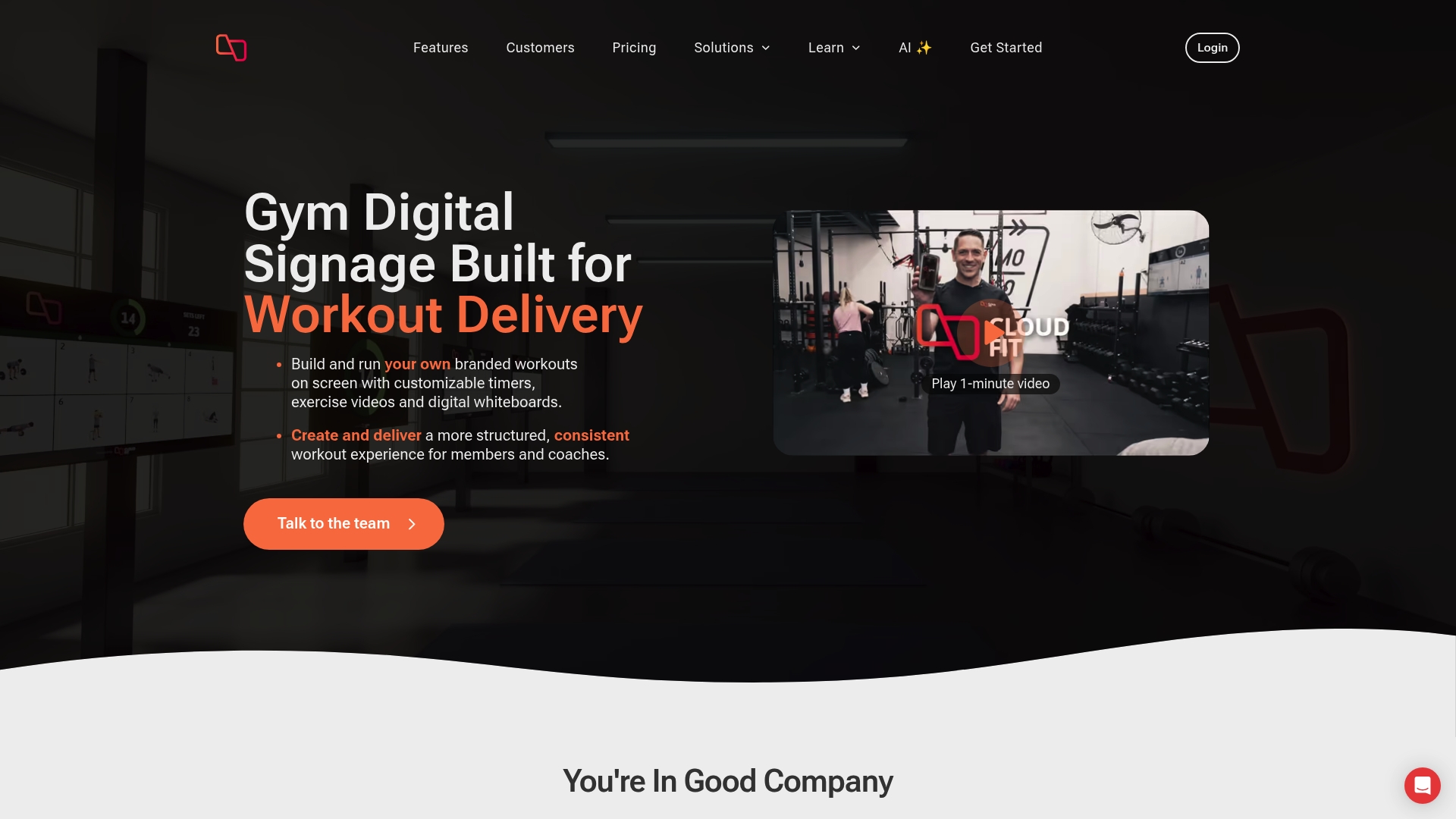
The Business plan costs $149 USD per month per site and supports up to 15 connected displays. CloudFit grew from a Melbourne FitTech start up into a tool focused on consistent, branded workout delivery across multisite gyms. The product mixes on screen timers, whiteboards, scheduled programming, and an AI assistant for quicker session setup.
Core Features
CloudFit combines a display system with content tools and scheduling for fitness facilities.
- Digital workout display system with timers, exercise videos, digital whiteboards, and multi screen support. Easy layouts work across TVs and tablets.
- Easy to use workout builder accessible on smartphones and the web for quick program edits.
- CloudFit AI that proposes and customizes workouts to speed programming.
- Exercise video library that, according to the company, includes thousands of movements and accepts custom video uploads.
- Workout scheduling, publishing for member access, and multi location management for franchises.
Key Differentiator
CloudFit leans into brand control and multi screen presentation. Gyms can apply logos, backgrounds, colors, and select which videos appear on specific screens. The built in AI shortens the time you spend building sessions and helps keep programming consistent across locations. That mix suits operators who want a visual, branded class experience rather than a simple timer app.
Pros
- The interface works on smartphones, tablets, and web browsers, which speeds in gym edits and on the fly fixes.
- Strong branding options let you match your gym look across all displays to reinforce membership perception.
- Multi screen and multisite support makes it practical for franchise chains or clubs with separate studio rooms.
- Large video library plus easy custom uploads gives instructors variety and the chance to keep content fresh.
- AI assistance reduces the manual workload for coaches who program daily or weekly classes.
Cons
- The free plan limits displays and features. It fits only small or starter gyms.
- Pricing can add up for larger multisite gyms that need many displays and heavy customization.
- Setup requires buying off the shelf media devices for each screen, which adds upfront cost.
- Users report limited advanced analytics and less granular reporting than some operators expect.
When It May Not Fit
If you require deep analytics or detailed performance reporting, CloudFit may not match your needs. Larger operators that need centralized IT control over every screen may find the configuration less granular. Gyms with minimal budget for hardware will face upfront costs for the media devices.
Who It's For
CloudFit fits gym owners and managers who want consistent, branded class delivery across multiple sites. It suits functional, HIIT, strength, boxing, and Pilates facilities that rely on visual cues and schedules. Use this if you prioritize member-facing displays and simple tools your coaches can edit from a phone.
Real World Use Case
A franchise chain schedules branded programs a month ahead and publishes them to studio TVs and member phones. Instructors pull the same session on their tablet and follow identical timers and videos. That consistency reduced confusion between branches and improved member feedback about class quality.
Pricing
A free tier exists for basic use. The Business plan is $149 USD/month per site and covers up to 15 connected displays. Custom enterprise pricing is available for 10 or more sites, and the vendor offers educational and nonprofit discounts.
Website: https://cloudfit.tv
PosterBooking Digital Signage Software
At a Glance
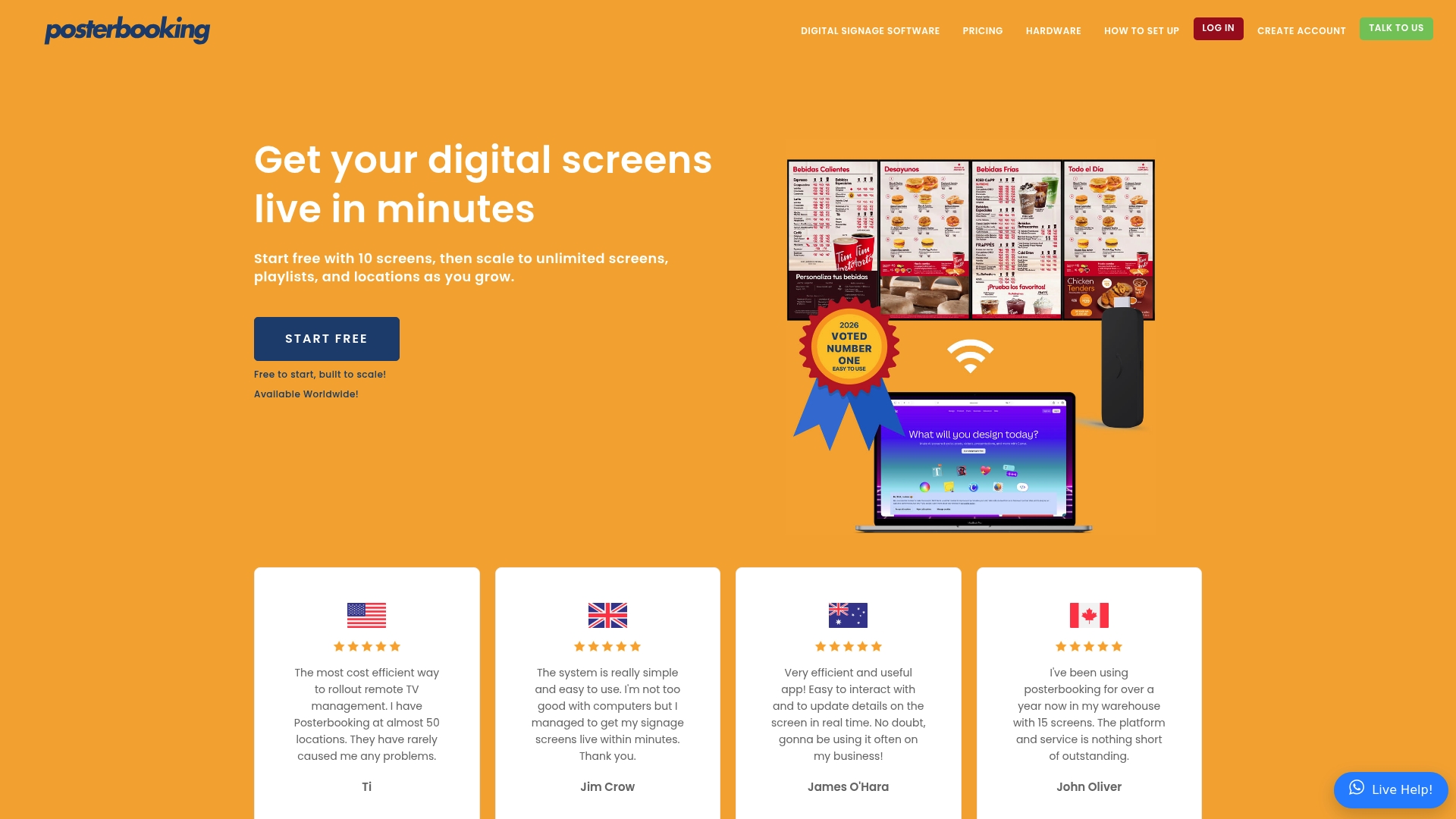
PosterBooking advertises a free trial for up to 10 screens. The vendor's marketing also claims setup and content deployment can take less than 2 minutes.
That combination makes PosterBooking attractive for small chains that need fast rollouts. The product focuses on remote screen control, playlist scheduling, and multiscreen synchronization.
Core Features
PosterBooking supports most mainstream media players, including Amazon Firestick, Raspberry Pi, Android, and Windows devices. The interface offers remote content updates, playlist scheduling, and automatic content start on boot. It also provides multiscreen display synchronization so multiple TVs show the same content or coordinated zones. The product emphasizes quick deployment and scale across multiple locations.
Key Differentiator
PosterBooking stands out for hardware breadth and speed of deployment. Many digital signage tools require proprietary players or complex installs. PosterBooking claims broad device support and fast content push, which suits operators who need to get screens live across sites quickly.
Pros
- Cost effective for remote TV management. Small operations can manage many screens without frequent site visits.
- Easy learning curve and a straightforward interface. Staff with limited tech skills can publish playlists and schedules quickly.
- Supports a wide range of hardware including Firestick and Raspberry Pi. That lowers hardware costs for pilots and rollouts.
- Scalable plans with a free entry point for small fleets. The trial above helps test deployments before paying.
- Remote management reduces travel and hands-on maintenance. Central updates keep messaging consistent across locations.
Cons
- Trustpilot feedback reports occasional glitches and slow support responses. That suggests support experience varies by account.
- Hardware compatibility may falter with less common media players. The product requires compatible media players listed above.
- Analytics and reporting features are limited in the product description. Operators needing deep viewer metrics will find gaps.
When It May Not Fit
If you need advanced audience analytics or campaign attribution, PosterBooking will likely underdeliver. Large enterprises with strict SLA requirements may find the support model insufficient. If your locations use uncommon or legacy media players, the compatibility limitation above makes PosterBooking a risky choice.
Who It's For
PosterBooking fits small to medium-sized businesses and institutions that need low-cost, easy-to-manage digital signage. Retailers, restaurants, clinics, and schools that use standard media players will get the most value. Teams that need fast content updates without a full IT rollout will appreciate the product.
Real World Use Case
A coffee shop chain used PosterBooking to update menus and promos across several sites from a single dashboard. Staff pushed a new promotional playlist and synchronized screens for a weekend campaign. The central control removed the need for onsite USB swaps and made rollbacks immediate.
Pricing
PosterBooking offers the free trial mentioned above for small tests. After the initial screens, pricing scales by network size with enterprise plans available for larger deployments. The vendor frames pricing as pay as you scale rather than a single license fee.
Website: https://posterbooking.com
Comparison of alternatives
When evaluating solutions for effective digital signage, understanding the varied offerings helps align features to specific scenarios. This article compares Kingdom Signage with competitors across key dimensions to aid decision-making.
Industry-specific focus versus general application flexibility
Kingdom Signage offers targeting for gym facilities by combining class schedules, signage, and music coordination into a single interface. This aspect clearly supports gym operations more efficiently than NowSignage's broader focus supporting diverse industries. However, NowSignage excels in hardware support, integrating with mixed device fleets, which large organizations with varied infrastructures might prioritize.
Device compatibility and management requirements
Repeat Signage emphasizes simplicity with a Windows-oriented workflow, proving advantageous for organizations seeking a localized system demanding minimal setup. Conversely, PosterBooking delivers rapid deployment across standard hardware requiring immediate multi-display management. While Kingdom Signage also facilitates multi-device control specific to gym displays, it commands higher costs for multiple screens, which should be considered for larger setups.
Best fit
- Gym operators desiring all-in-one solutions integrating scheduling, signage, and music should consider Kingdom Signage.
- Retail chains and corporate campuses requiring support for diverse hardware and applications will find NowSignage excels in compatibility and feature coverage.
- Smaller businesses or educational settings necessitating local, cost-effective, self-contained screen management will benefit from Repeat Signage and its straightforward workflows.
- Fitness brands focused on member-facing display customization and consistent programs may prefer CloudFit for its branding options.
- Small businesses requiring quick and scalable implementations using commodity hardware should explore PosterBooking.
Our pick
For gym facilities aiming for a atmosphere enhanced by synchronized class schedules, professional signage, and coordinated music from a single platform, Kingdom Signage offers utility. This tool avoids the hassle of juggling separate systems, streamlining management tailored specifically for gyms. It must be noted that if mixed-industry flexibility is required, NowSignage might present a preferable choice because of its broad applicability.
Choosing the right digital signage solution depends on features, target audience, and budget compatibility among providers.
| Product | Core Feature | Key Differentiator | Pricing | Notable Limitation |
|---|---|---|---|---|
| Kingdomsignage | Gym-specific digital signage | Combines audio, visuals, and scheduling | $149/month for 5 screens | Pricing increases with the number of screens |
| NowSignage | Enterprise-grade digital signage solution | Comprehensive features included standard | Not disclosed | Requires technical expertise for advanced deployments |
| Repeat Signage | Windows-operated content management tool | Familiar drag-and-drop interface | Starts at $200/license | Limited third-party integrations |
| CloudFit | Fitness-focused multiscreen workout presentation | AI-assisted workout programming | $149/month per site | Requires media hardware for setup |
| PosterBooking | Simple remote screen control | Fast setup and large hardware support | Pay-as-you-scale | Lacks in-depth analytics and reporting features |
Discover Why Kingdomsignage Stands Out Among DigitalRevolutionSystems.com Alternatives
The challenge many gyms face is juggling multiple platforms to manage digital signage, class schedules, and music across various rooms. Kingdomsignage delivers a tailored solution that unifies these key functions into one intuitive dashboard, eliminating the hassle of switching between apps or devices. Its ability to sync audio and visuals in real time helps gym owners and instructors keep classes on track and promotions engaging.

Explore how Kingdomsignage can simplify your gym’s technology with fast setup, multi-platform support, and centralized control. Don't let complex systems hold back member experiences. Visit Kingdomsignage today and schedule a demo to see how easy it is to synchronize your signage and music effortlessly across your fitness spaces.
FAQ
What features make Kingdomsignage ideal for gyms?
Kingdomsignage offers a digital signage solution specifically tailored for gyms, providing features like class schedule updates and room-based music control. This platform's integration of class management, signage, and music control into a single interface is a significant advantage for gym operators. For gyms looking for efficient and targeted messaging, Kingdomsignage serves as an excellent choice.
How does Kingdomsignage compare to NowSignage in terms of cost for larger setups?
NowSignage offers a comprehensive feature set without additional fees, potentially lowering overall costs in large deployments. In contrast, Kingdomsignage charges a monthly fee for each screen, which can be expensive for larger setups. Therefore, while NowSignage may provide a broader cost-effective solution for extensive installations, Kingdomsignage is designed for a more integrated gym-specific experience.
What is the pricing structure for Kingdomsignage?
Kingdomsignage starts at $149/month for up to five screens, allowing gyms to consolidate their digital signage, scheduling, and audio management under one billing model. This makes it affordable for smaller operations that still require quality features and streamlined functionality. Gym operators should consider the cost trade-off between individual screen fees and the convenience of fewer systems to manage.
Which platform offers better hardware compatibility for mixed devices?
NowSignage supports a wider range of hardware and operating systems, making it better suited for organizations with mixed device fleets. Kingdomsignage, while effective for gyms, specifically runs on tvOS and Android, which may limit options for some users. Thus, those with varied hardware may find NowSignage more accommodating.
How quickly can Kingdomsignage be set up?
Kingdomsignage boasts a fast setup process, reportedly taking about 15 minutes to get screens online. This makes it convenient for gym managers who want to quickly deploy signage without extensive installation processes. For operators needing swift implementation, Kingdomsignage is an attractive option.