
Finding digital signage software for gyms that combines screens, class schedules, and music control with affordable expansion is harder than it should be. Many platforms require dedicated hardware, split key features across paid tiers, or use per-screen pricing that gets expensive for multiroom gyms. This comparison covers device support, pricing, and feature bundles so gym owners can pick a controlplay.com alternative that fits their layout and growth plans.
Table of Contents
Kingdom Signage
At a Glance
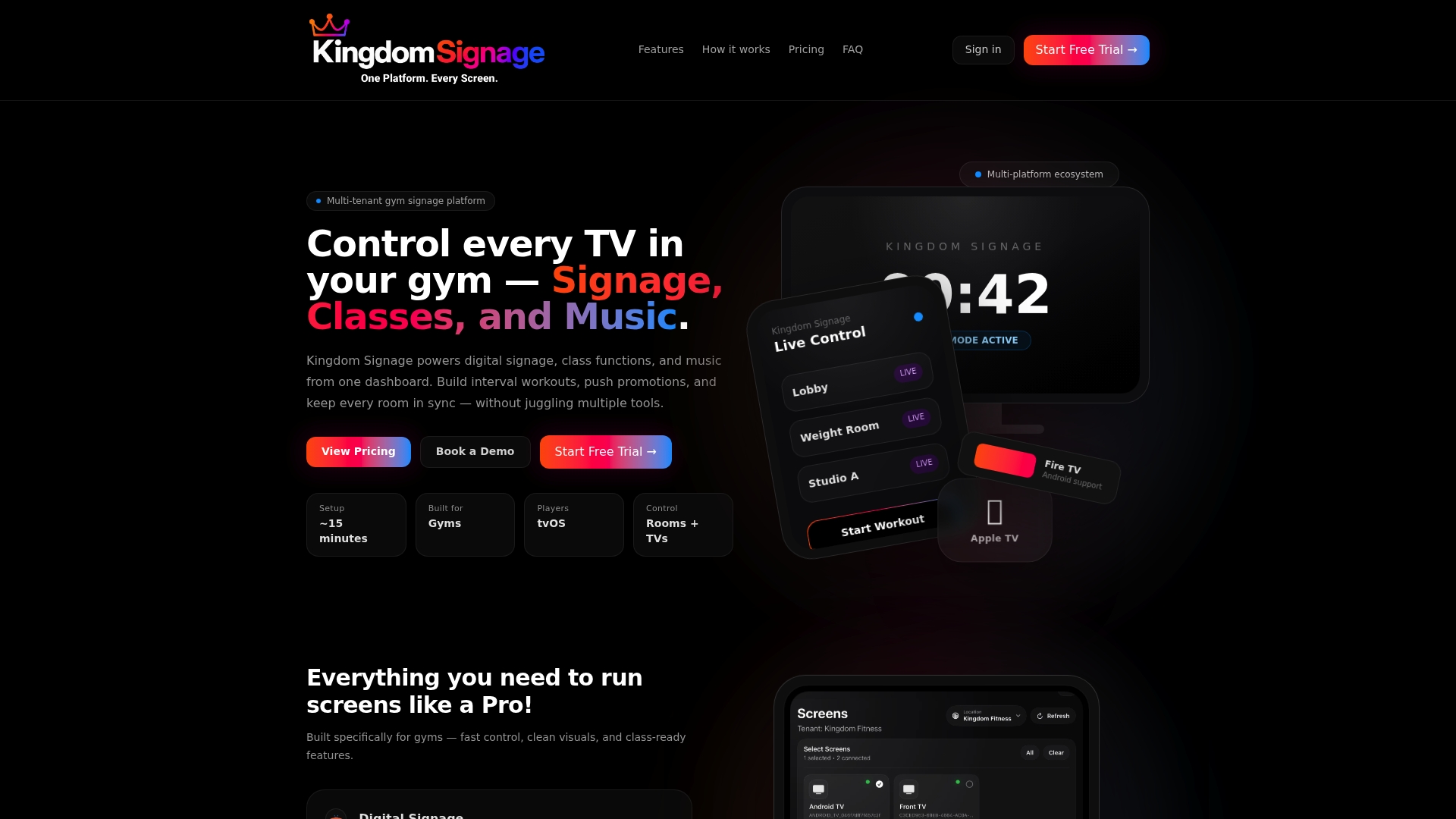
Starts at $149/month per location for up to 5 screens. According to the vendor, the platform provides real-time control and synchronization of signage, classes, and music. It runs on existing displays using Apple TV, Fire TV, or Android devices.
Core Features
Kingdom Signage centralizes digital signage, class schedule mode, and a workout builder with interval video playback. It also offers room-based music control and announcement broadcasting with automatic music ducking and voice clarity. These features let staff update promotions, class info, and audio across rooms from a single dashboard.
Key Differentiator
Built specifically for gyms, Kingdom Signage combines signage, class functions, and music control into one dashboard that works with hardware you already own. That focus on gym workflows makes it easier to sync audio and visuals across multiple rooms and locations. The platform also supports multi-tenant setups for chains and franchise operators.
Pros
Setup is designed for gym environments, so staff can configure screens and schedules without specialist display hardware. Support for common device platforms reduces hardware procurement and lets you reuse existing Apple TV, Fire TV, or Android players. The synchronized audio and visual controls let instructors start a class with matching music and on-screen timers. Multi-location management tools let administrators push schedules and promotions to every site from one account.
Cons
- Pricing can rise quickly as you add more screens or enable enterprise features.
Who It's For
Gym owners and fitness managers who want centralized control over screens, workouts, and music without buying new displays. Boutique studios with several rooms benefit from synchronized class audio and on-screen timers. Multi-location operators who need a single dashboard for schedules and promotions will get the most value.
Unique Value Proposition
Manage screens, class schedules, and room audio from a single dashboard without purchasing specialized signage hardware. That setup reduces the number of platforms your staff must learn and lowers upfront display costs. For operators, this means fewer devices to maintain and a consistent member experience across rooms.
Real World Use Case
A regional gym chain uses Kingdom Signage to publish promotions to lobby displays, push class schedule changes to studio doors, and sync music across three class rooms during peak hours. Staff trigger announcements that duck background music and play clearly in affected rooms. Management updates promotional slides across all locations from one dashboard.
Pricing
Starting at $149/month per location for up to 5 screens, with scalable options up to unlimited screens for enterprise customers. The base model bills per location and covers small to mid sized facilities. Enterprise plans expand screen counts and management features for larger deployments.
Website: https://kingdomsignage.com
CloudFit
At a Glance
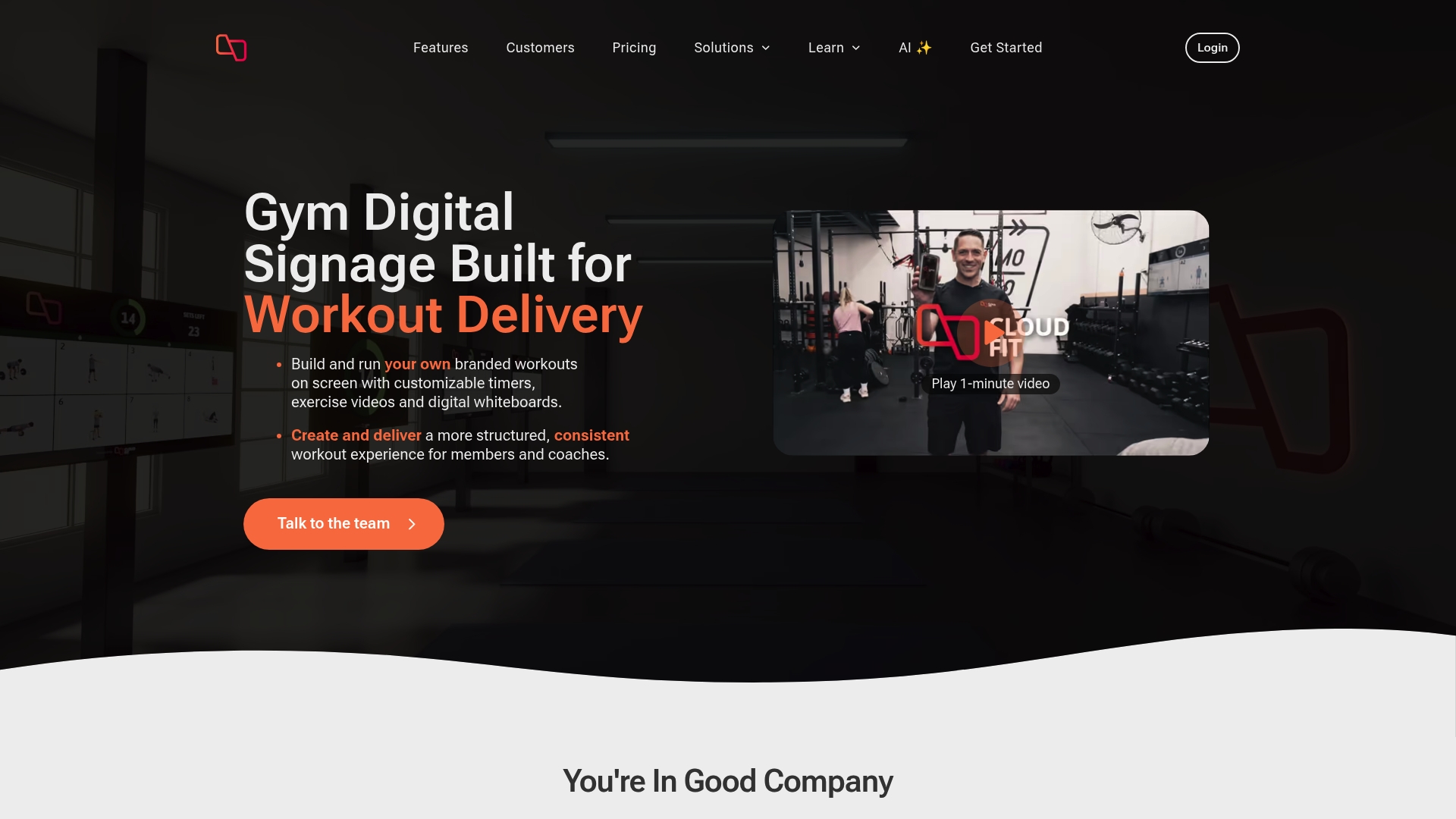
Supports up to 15 displays so you can run synchronized workout screens across multiple rooms. According to the company, CloudFit operates in over 30 countries. The system pairs a flexible on-screen workout builder with AI tools and a large exercise video library to keep classes consistent and branded.
Core Features
CloudFit combines a flexible workout builder with timers, uploadable exercise videos, and a digital whiteboard for cueing and form notes. It includes scheduling, automated publishing via shareable links, and a searchable exercise video library. Hardware choices range from consumer tablets to enterprise Amino media players for fixed display setups.
Key Differentiator
CloudFit’s standout capability is support for up to 15 screens combined with deep visual customization and programming help. The platform highlights branding controls and the ability to upload your own exercise video assets. CloudFit AI assists with workout programming so instructors spend less time planning and more time coaching.
Pros
Highly customizable screens make class branding and on-screen instructions clear for members, which reduces instructor setup time. The workout builder and whiteboard let nontechnical staff edit and publish sessions quickly. The exercise video library plus upload support gives you material for diverse class types without hunting external sources.
Cons
-
Limited hardware compatibility reported by third-party reviewers. Some gyms must use Apple or Android tablets or buy Amino devices for reliable playback.
-
Large rollouts carry additional infrastructure costs. Enterprise players and multiple displays add installation and procurement work.
-
Basic features are free but advanced site-level controls sit behind paid tiers. That pricing structure increases overall deployment cost for multiroom gyms.
When It May Not Fit
If your gym wants a plug-and-play solution that runs on any existing display without extra devices, CloudFit may require extra purchases. Large multisite operators should plan for enterprise hardware expenses and installation time. Teams that rely only on free consumer tablets should test playback across their device mix before buying at scale.
Who It's For
Gym owners and studio managers who need consistent visual class delivery and branded on-screen content will find CloudFit useful. It fits locations that can invest in dedicated displays or Amino players for dependable playback. Smaller boutique studios that want easy content editing and AI-assisted programming also match this product.
Real World Use Case
A regional gym chain uses CloudFit to publish the same HIIT and strength classes across sites while keeping local branding. Instructors load workouts, schedule them, and attach short form notes to the whiteboard for class flow. The central programming team uses the video library and AI suggestions to speed content creation.
Pricing
CloudFit offers a free basic tier for single-site testing. The Business plan lists USD 149/month per site for expanded controls and multi-display features. Enterprise pricing is available on request for larger multisite deployments.
Website: https://cloudfit.tv
Kitcast
At a Glance
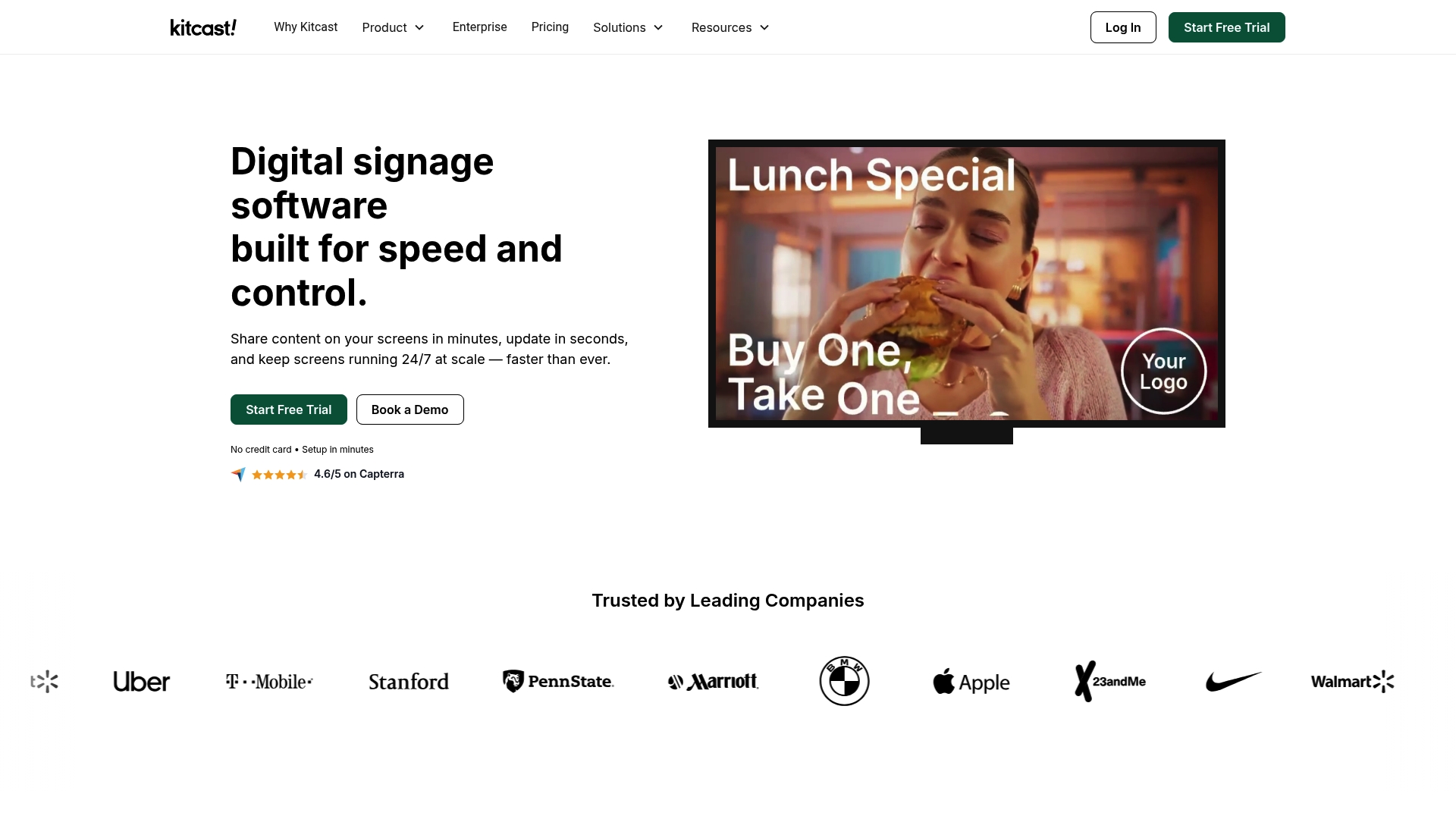
Native Apple TV app support since 2015 provides fully cached offline playback and multiple content zones. Kitcast centralizes screen control and updates content in seconds from one dashboard. It supports Apple TV, Android TV, Fire TV, BrightSign, Samsung, LG, ChromeOS, macOS, and browsers for 24/7 deployments.
Core Features
Plug and play setup and a single dashboard let teams push schedules, templates, and real time updates to many screens. Offline caching keeps content playing when connectivity drops and zoning places different media on one display. Emergency notifications can override schedules and broadcast alerts across all screens instantly for safety communication.
Key Differentiator
The product's long running native Apple TV app is its defining technical edge, and it arrived in 2015. That app provides fully cached playback for continuous operation and supports multiple content zones without relying on constant internet. Enterprise controls such as SSO, SCIM, audit logs, and MDM hooks live alongside content tools in one platform.
Pros
Native Apple TV support gives reliable playback on that hardware and reduces the need for custom player builds. Broad hardware compatibility lets IT teams choose commercial players like BrightSign or lower cost devices like Android TV depending on budget and endurance. Enterprise features, offline caching, and simple pricing starting at $7 per screen per month make large rollouts predictable to buy and manage. Plans include templates and do not charge per user, which simplifies budgeting for multi location rollouts.
Cons
-
Some consumer grade devices show variable durability under 24/7 use, so player choice affects runtime longevity.
-
Large deployments may need coordination with MDM and extra infrastructure during initial setup, increasing project complexity.
-
Certain advanced enterprise controls appear only on higher plans or custom agreements, which can raise costs for very large networks.
Who It's For
Organizations running many screens across locations will get the most from Kitcast's centralized controls and enterprise features. Education, healthcare, retail, and corporate comms teams align with its use cases and deployment patterns. Gym operators with dozens of TVs and an IT lead can use its offline caching and emergency alerts, though hardware choice matters.
Real World Use Case
A retail chain uses Kitcast to centrally manage digital menu boards, promotional screens, and social media walls across hundreds of stores. Central updates allow marketing teams to push promotions in seconds and trigger store wide emergency alerts when necessary. That retail example shows how central control reduces local maintenance and keeps messaging consistent.
Pricing
Pricing starts at $7 per screen per month, billed annually. A Pro plan runs $10 per screen per month and adds extra enterprise features.
Website: https://kitcast.tv
Rockbot
At a Glance
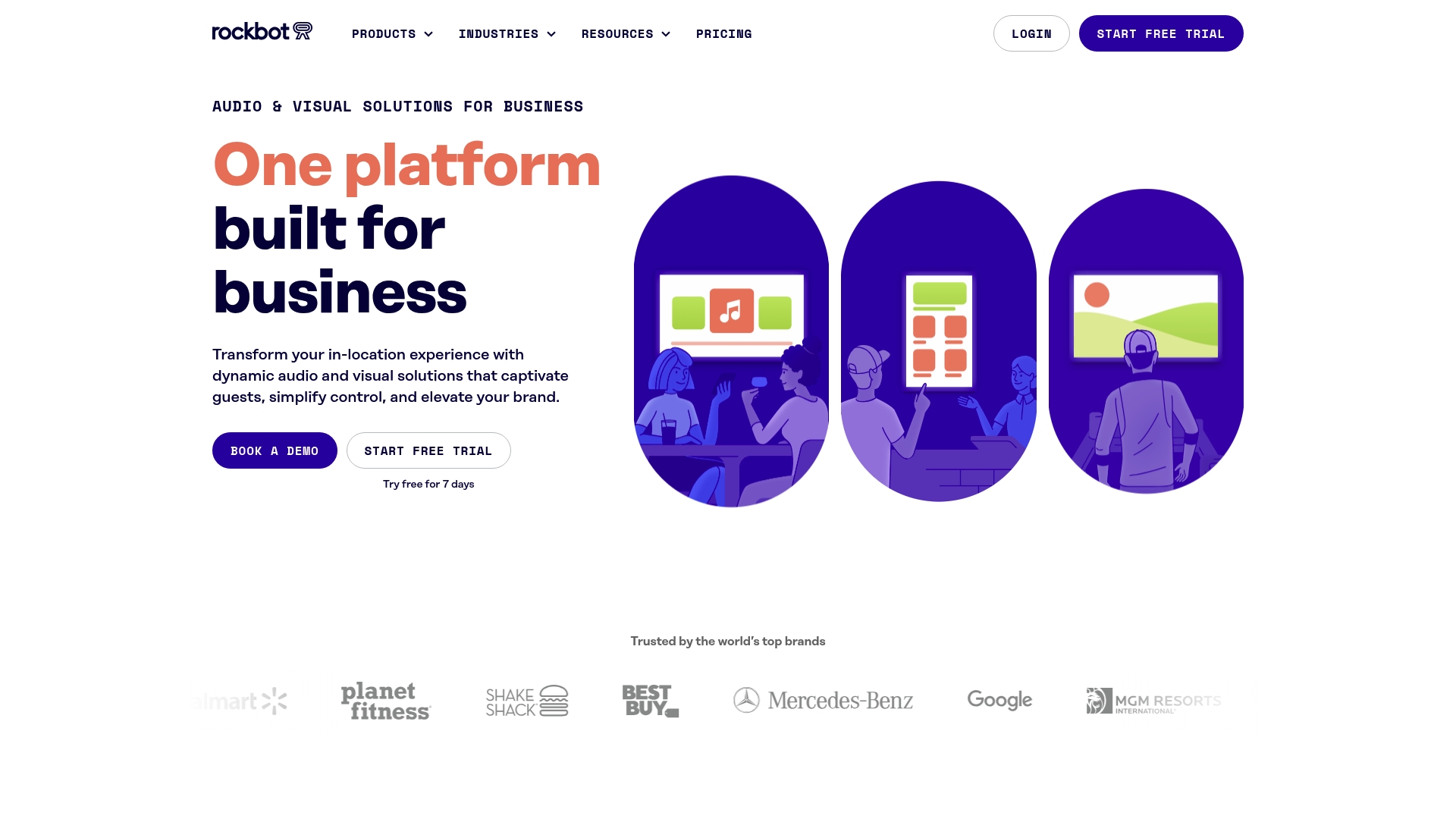
Starts at $25/month per zone. That pricing covers software control per zone and requires a one-time hardware purchase for playback. Rockbot combines music, digital signage, TV, messaging, and analytics in one product suite aimed at multi-location operations.
Core Features
Rockbot gives unified control of in-location media so you can set music, signage, and TV from a single dashboard. The platform includes real-time content management and scheduling, role based permissions for multi-location teams, and offline content caching for playback when internet access drops. Hardware support ties the software to common players and audio systems for in-venue reliability.
Key Differentiator
Rockbot’s main distinction is a single product that integrates music, digital signage, TV, messaging, and analytics for in-location media control. That consolidated approach reduces the number of consoles and vendor accounts a manager must handle. For gym operators this means one place to schedule class screens, playlist zones, and in-club promotions.
Pros
Rockbot simplifies running multiple media types from one dashboard, which saves time for staff who manage daily playlists and signage. The platform supports flexible hardware options and common players, so clubs can pick devices that match their audio and screen budgets. Scheduling, automated playbacks, and analytics help franchise owners keep brand tone and promotions consistent across sites.
Cons
- Pricing may be a barrier for very small or budget constrained businesses.
- Initial setup can be complex for large scale deployments and may require dedicated technical resources.
- Full functionality depends on compatible hardware, and older equipment may need replacement.
When It May Not Fit
If you run a single small gym with minimal budget, the per zone price plus hardware cost can outweigh the benefits. Venues that rely on legacy audio or custom AV setups may face integration work or extra hardware purchases. Teams without installation or IT support should plan for setup time or a third party to assist with deployment.
Notable Integrations
- BrightSign
- Sonos
- Amazon Signage Stick
Who It's For
Gym owners and fitness managers who operate multiple locations and want central control of music, class signage, and TVs will get the most from Rockbot. Franchise operators that need role based permissions and consistent brand presentation across clubs should consider it. Single location operators with tight budgets may find the platform too feature rich.
Real World Use Case
A national retail chain uses Rockbot to manage music playlists, digital signage, and targeted advertising across hundreds of stores to keep brand experience consistent in real time. A comparable gym chain can use the same setup to publish class schedules, pump tailored playlists into zones, and run targeted membership offers on lobby screens.
Pricing
Pricing starts at $25/month per zone plus a one-time hardware purchase. Custom enterprise solutions are available for multi-site deployments and franchise agreements.
Website: https://rockbot.com
Comparison of alternatives
Selecting the most suitable digital signage platform to enhance gym operations requires evaluating the specific features that align with needs such as content synchronization, budget management, flexibility, and scalability.
Cost-effectiveness and scalability
Among the competition, Kitcast stands out for its affordable pricing model. Charging $7 per screen per month, this solution makes deploying signage accessible to smaller gyms that need to limit expenses. However, its setup may require some technical insights for efficient installation. For gyms with numerous displays or constrained budgets, this option is financially advantageous.
Advanced customization and workout programming
CloudFit excels in scenarios necessitating extensive customization for fitness programs and offers AI assistance for streamlined workout planning. This unique approach helps instructors brand and design engaging classes, maintaining professionalism. However, additional hardware investment and potential compatibility limitations could weigh on operational feasibility.
Best fit
- Gyms aiming to centralize screen, music, and schedule management and affordably benefit most from Kingdom Signage's adaptable platform.
- Facilities needing high levels of on-screen customization and AI-assisted class programming find CloudFit suitable for meeting their instructional requirements.
- Budget-conscious gym operators who prefer scalable solutions favor Kitcast for its predictable pricing and reliable deployment models.
- Enterprise-level operations looking for unified control across music, signage, and analytics often choose Rockbot for its multifaceted capabilities.
Our pick
Kingdom Signage offers the premier choice for gym owners who prioritize integrated management across their screens, music, and schedules without overwhelming setup requirements. Its intuitive interface and support for common hardware amplify operational efficiency while minimizing additional expenditures. However, gyms seeking highly sophisticated on-screen customization options or with ultra-tight budgets might explore CloudFit or Kitcast as alternative solutions.
Choosing the right gym signage and scheduling software involves comparing solutions across core features, compatibility, and pricing to meet your specific needs.
| Product | Core Feature Description | Hardware Compatibility | Pricing | Notable Limitation |
|---|---|---|---|---|
| Kingdomsignage | Centralized signage, music control, and class scheduling | Apple TV, Fire TV, Android devices | Starts at $149/month | Pricing scales with added screens |
| CloudFit | AI-enhanced workout builder with customizable screens | Tablets, Amino players | Free basic tier, $149/month per site | Limited hardware compatibility reported by third-party reviewers |
| Kitcast | Offline playback with multi-zone support | Wide range including Apple TV, Android TV | Starts at $7/month per screen | Consumer-grade devices may have limited durability |
| Rockbot | Multi-location media control suite | Common players, BrightSign, Amazon Stick | Starts at $25/month per zone | Startup costs for hardware may be prohibitive for small gyms |
Choosing the Right Digital Signage Solution for Gym Control
Gyms and fitness managers face unique challenges when managing digital signage, class schedules, and synchronized music across multiple rooms. Many controlplay.com alternatives fall short in offering a unified solution that covers all these needs without requiring extra hardware or complex setups. Kingdomsignage stands out by providing centralized control of screens, audio, and workout content through an intuitive dashboard that works on existing Apple TV, Fire TV, or Android devices.
Key benefits of Kingdomsignage include:
- Syncing audio and visuals across rooms with minimal effort
- Managing promotions, class updates, and announcements in real time
- Supporting multi-location gyms with a single account to push updates everywhere
Learn more about Kingdomsignage and see how gym owners can simplify digital signage and audio management. Visit the site to schedule a demo and get your screens, music, and class info perfectly aligned today.
Kingdomsignage homepage
FAQ
What makes Kingdomsignage a top choice for gym digital signage?
Kingdomsignage offers centralized control over digital signage, class schedules, and music from one dashboard. Its focus on gym workflows allows staff to easily sync audio and visuals across multiple rooms and locations. Consider using Kingdomsignage to streamline your gym's visual and audio management effectively.
How does CloudFit compare to Kingdomsignage?
CloudFit excels with its extensive exercise video library and AI-assisted workout programming, helping instructors plan classes efficiently. Kingdomsignage, on the other hand, is more suited for gym environments where synchronized screens and music control are crucial for creating an engaging class atmosphere. This makes Kingdomsignage a strong fit if you prioritize audiovisual synchronization across your gym.
Which pricing tier does Kingdomsignage offer?
Kingdomsignage starts at $149 per month for up to 5 screens per location. This pricing allows small to mid-sized gym facilities to manage their digital signage without incurring high initial costs, making it accessible for many gym operators.
Can I use Kingdomsignage with my existing hardware?
Yes, Kingdomsignage runs on existing displays using Apple TV, Fire TV, or Android devices. This capability allows gym operators to utilize current hardware, reducing upfront costs and making it a practical option for those looking to enhance their signage.
What are the primary benefits of using Kingdomsignage over other alternatives?
Kingdomsignage provides real-time control and synchronization of signage, classes, and music without needing new display hardware. This focus on gym-specific needs simplifies operations and enhances the overall member experience, fitting well for gym owners wanting efficient management tools.